



OpenAI TTS - Chrome Extension


What is OpenAI TTS ai chrome extension?
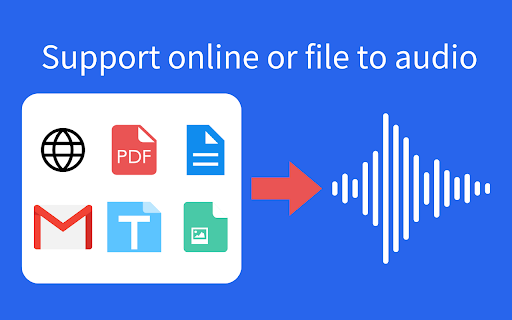
This tool uses OpenAI's TTS (Text-to-Speech) model to read aloud any text, converting it into lifelike speech. It is compatible with webpages, Google Docs, PDFs, Emails, and more.
How to use OpenAI TTS ai chrome extension?
Simply input text from webpages, Google Docs, PDFs, or Emails into the tool, and it will use OpenAI's TTS model to read the text aloud.
OpenAI TTS ai chrome extension's Core Features
Text-to-speech conversion using OpenAI's TTS model
OpenAI TTS ai chrome extension's Use Cases
Reading aloud webpages, Google Docs, PDFs, and Emails.
FAQ from OpenAI TTS
What text formats are supported?
Does this tool use OpenAI's TTS model?
Analytic of OpenAI TTS AI Chrome Extension
OpenAI TTS Active Users
Total Installed User
Alternative of OpenAI TTS AI Chrome Extension
More Content About OpenAI TTS
6 Tips to Master Speech-to-Text in Google Docs
By Nitish Singh on August 05 2024
Boost your productivity with these 6 expert tips on perfecting your speech-to-text skills in Google Docs. Say goodbye to typing and hello to efficient document creation!
12 Effortless Steps to Use Voice Typing in Google Docs
By Sebastian on August 05 2024
Discover how to effortlessly use voice typing in Google Docs with these 12 simple steps. Say goodbye to typing and hello to convenience!
11 Secrets to Boost Productivity with Speech to Text on Google Docs
By Adelaide on August 07 2024
Boost productivity with these 11 secrets using Speech to Text on Google Docs. Save time and increase efficiency with this powerful tool!
12 Benefits of Using Read-to-Text Technology
By Tejal Sushir on August 18 2024
Unlock the power of Read-to-Text technology with these 12 amazing benefits! Find out how this tool can revolutionize the way you consume information.