


Candor




What is Candor?
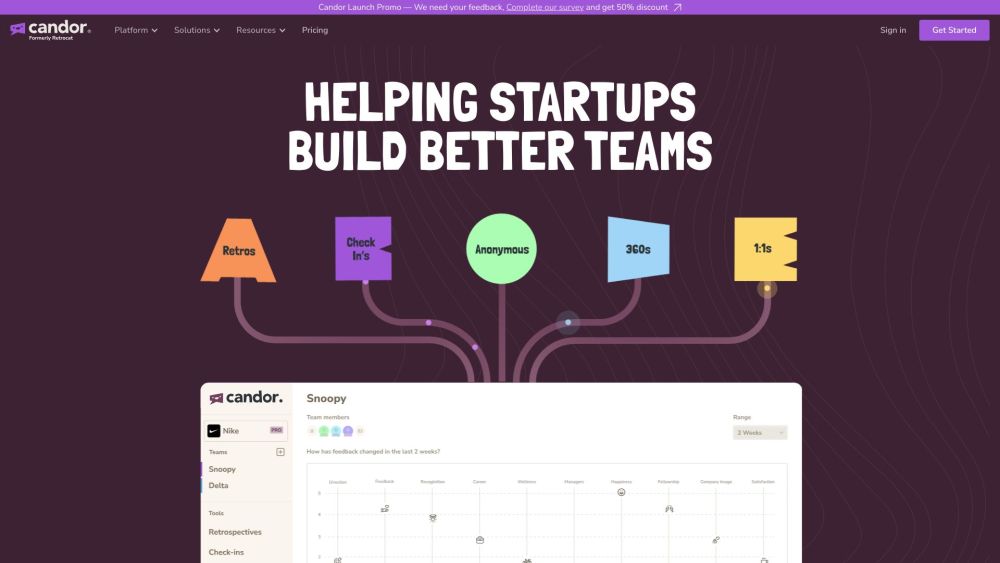
Candor is a tool designed to run various ceremonies such as Retrospectives, 1:1s, Pulse Surveys, 360s, and Anonymous feedback. It uses AI to aggregate all the feedback and provides a view of how your team is feeling across 12 categories and 40 subcategories. Candor aims to help companies build better teams by creating and maintaining a workplace that inspires passion and innovation.
How to use Candor?
Candor can be used to run retrospectives, 1:1 meetings, pulse surveys, and collect anonymous feedback. The AI aggregates the feedback to provide insights into team sentiment.
Candor's Core Features
Retrospectives
1:1s
Pulse Surveys
360s
Anonymous feedback
AI-powered feedback aggregation
Team and individual profiles
Action item tracking
Candor's Use Cases
Understanding team sentiment and emotional undercurrents
Improving team communication and collaboration
Identifying and addressing potential burnout
Facilitating agile retrospectives
Conducting performance reviews and 360-degree feedback
Gathering anonymous feedback to improve company culture
FAQ from Candor
What is Candor?
Is Candor Retro software FREE?
How does Candor fit into my organisation?
Candor Company
Candor Company name: Candor Software Ltd. .
Candor Login
Candor Login Link: https://app.candorsoftware.com
Candor Sign up
Candor Sign up Link: https://app.candorsoftware.com
Candor Pricing
Candor Pricing Link: https://www.candorsoftware.com/pricing
Candor Reviews (0)
Analytic of Candor
Candor Website Traffic Analysis
Candor Launch embeds
Use website badges to drive support from your community for your Toolify Launch. They're easy to embed on your homepage or footer.





Social Listening