


CodeAir


What is CodeAir?
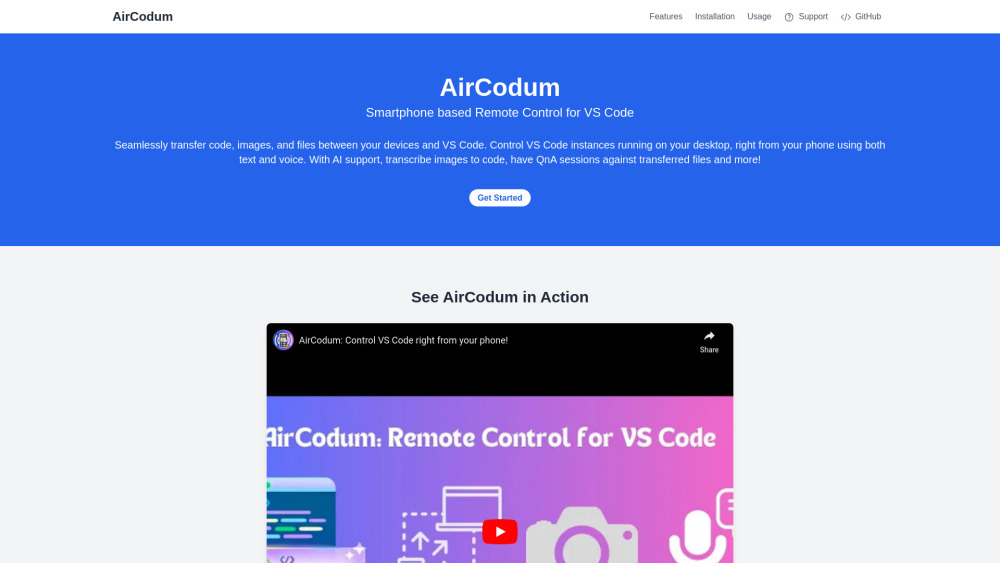
CodeAir is a mobile app companion for VS Code, available as a VSC extension and an Android app. It allows users to send IDE commands, text files, and images wirelessly to their VS Code workspace from their phone. It also includes AI support for QnA and more, enabling smartphone-powered remote control for Visual Studio Code.
How to use CodeAir?
Install the VS Code extension and the mobile app. Start the server in VS Code using the command palette. Enter the IP address and port from VS Code into the mobile app and connect. Then, send files, images, or commands from your mobile device to VS Code.
CodeAir's Core Features
Seamless file transfer between devices and VS Code
Voice commands for VS Code control
AI support for QnA and image transcription
AFK mode for screen monitoring
CodeAir's Use Cases
Remotely controlling VS Code from a smartphone
Transferring code snippets and images from phone to VS Code
Using voice commands to navigate and edit code
Monitoring VS Code screen while away from the computer
FAQ from CodeAir
What is CodeAir?
How do I install CodeAir?
How do I connect the mobile app to VS Code?
What are some supported VS Code commands?
CodeAir Support Email & Customer service contact & Refund contact etc.
Here is the CodeAir support email for customer service: [email protected] .
CodeAir Twitter
CodeAir Twitter Link: https://twitter.com/priyankar97
CodeAir Github
CodeAir Github Link: https://github.com/priyankark/AirCodum
CodeAir Reviews (0)
Analytic of CodeAir
CodeAir Website Traffic Analysis
CodeAir Launch embeds
Use website badges to drive support from your community for your Toolify Launch. They're easy to embed on your homepage or footer.



Alternative of CodeAir

 23.34% 74.07%
Social Listening