


Digesto


What is Digesto?
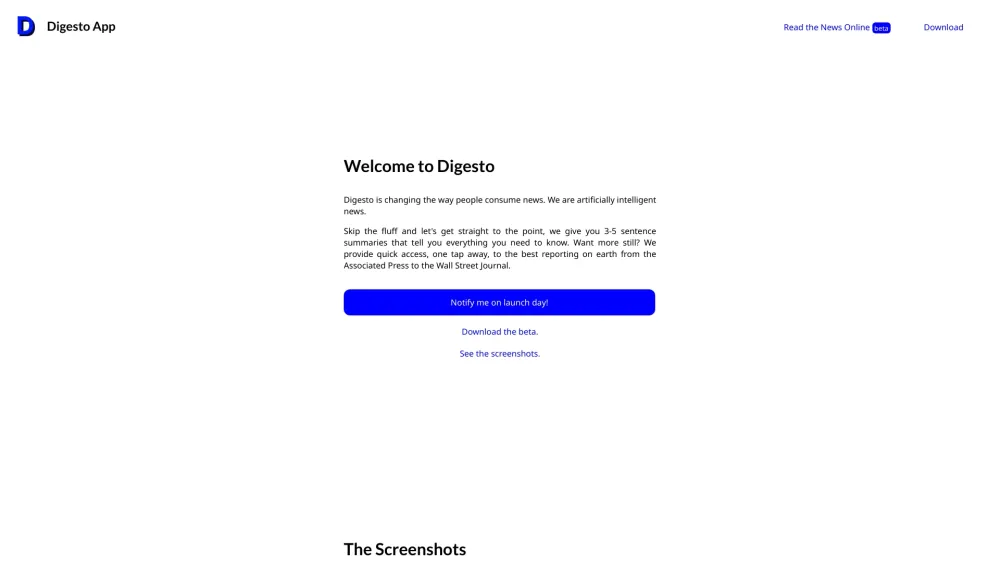
Digesto is an AI news assistant that revolutionizes news consumption. It provides concise, AI-powered news summaries and direct access to top-quality reporting from sources like the AP and the Wall Street Journal with just a tap. Digesto aims to help users know what's important and skip the fluff by offering 3-5 sentence summaries of news articles. It also provides access to open-source AI-generated stories via an API.
How to use Digesto?
Digesto provides 3-5 sentence summaries of news articles. For more in-depth information, users can access the full articles from reputable sources like the Associated Press and the Wall Street Journal with a single tap. The platform also offers an API for accessing open-source AI-generated stories.
Digesto's Core Features
AI-powered news summaries
Direct access to top-quality reporting
Open-source AI-generated stories via API
Digesto's Use Cases
Quickly understanding the key points of news articles
Accessing in-depth reporting from trusted sources
Integrating AI-generated news stories into applications via API
FAQ from Digesto
How does Digesto summarize news articles?
Where does Digesto get its news from?
Is Digesto's AI-generated content open source?
Digesto Reviews (0)
Analytic of Digesto
Digesto Website Traffic Analysis
Digesto Launch embeds
Use website badges to drive support from your community for your Toolify Launch. They're easy to embed on your homepage or footer.




Social Listening