

Doco
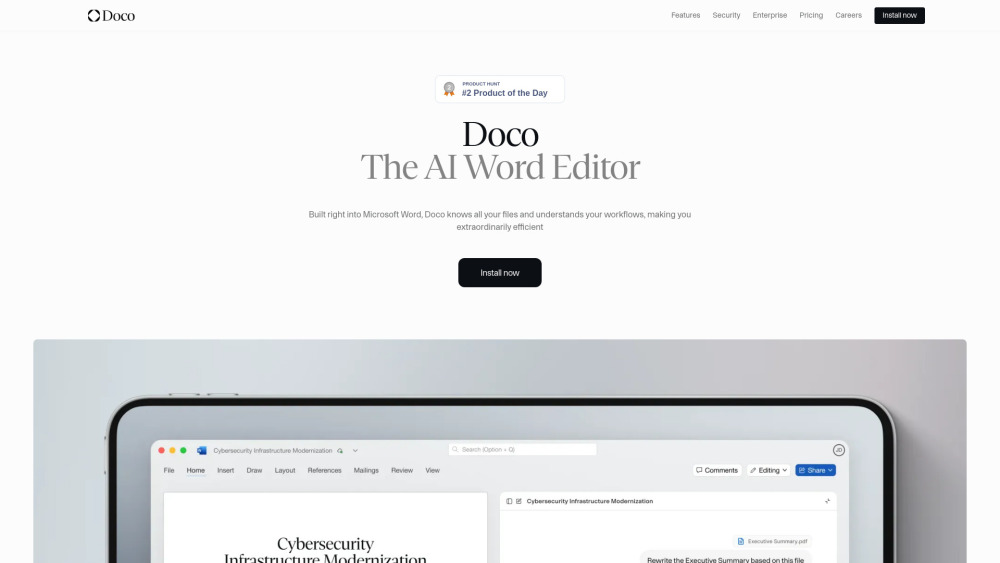





What is Doco?
Doco is an AI writing assistant built natively into Microsoft Word. It combines the power of Grammarly, Cursor, and Co-Pilot, optimized for structured document workflows. It allows users to reference any file, create custom projects and workflows, and perform tasks without leaving Word. Doco aims to make users extraordinarily productive by automating work within Microsoft Word.
How to use Doco?
Doco is built directly into Microsoft Word. Users can write full documents using natural language instructions, edit entire pages with simple prompts, and leverage Doco's ability to understand and personalize workflows. It can also get answers from Sharepoint or local files, format natively in Word, and provide accurate citations.
Doco's Core Features
Native integration with Microsoft Word
Contextual understanding of all files (SharePoint, local files) with cited answers
Natural language editing for writing and modifying documents
Workflow personalization based on user habits
Native Word formatting capabilities (Fonts, Styles, Tables, Bullets, Numbers)
One-click accurate citations with auto-linking to source files
Enterprise-grade security (SOC 2 Type II, encrypted data, no training on proprietary data, FedRAMP compliant infra)
Seamless integrations with trusted tools
Integrated AI Assistant for delegating repetitive tasks, with GovCon expertise
Doco's Use Cases
Enhancing workflows for enterprises by connecting Doco AI to existing tools.
Delegating repetitive tasks to a personal AI assistant across web apps and Word.
Editing documents, updating content, and sharing progress directly within Microsoft Word.
Generating full documents or editing pages using simple natural language prompts.
Referencing specific files and getting cited answers from company data.
FAQ from Doco
What is Doco?
How does Doco ensure data security?
Can Doco integrate with my existing company tools?
Is there a free version of Doco available?
Doco Support Email & Customer service contact & Refund contact etc.
Here is the Doco support email for customer service: [email protected] . More Contact, visit the contact us page(mailto:[email protected])
Doco Company
Doco Company name: Doco .
Doco Login
Doco Login Link: https://app.mccarren.ai/login
Doco Linkedin
Doco Linkedin Link: https://www.linkedin.com/company/trydoco/about
Doco Reviews (0)
Doco Pricing
Free
$0 USD / month
Up to 20 credits / day, Workflows and Projects, AI Model selection
Pro
$12 USD member / month, billed annually ($30 when billed monthly)
Everything in Free, plus: Unlimited credits, Workflows and Projects, SharePoint / OneDrive integration
Enterprise
Custom / month
SSO / SAML, Consolidated billing, Custom integrations, Role based access, Analytics & Reporting, Dedicated Support, SLA
Analytic of Doco
Doco Website Traffic Analysis
Geography
Top 1 Regions

Doco Launch embeds
Use website badges to drive support from your community for your Toolify Launch. They're easy to embed on your homepage or footer.



Alternative of Doco

 31.52%
Social Listening