


FetchFox




What is FetchFox?
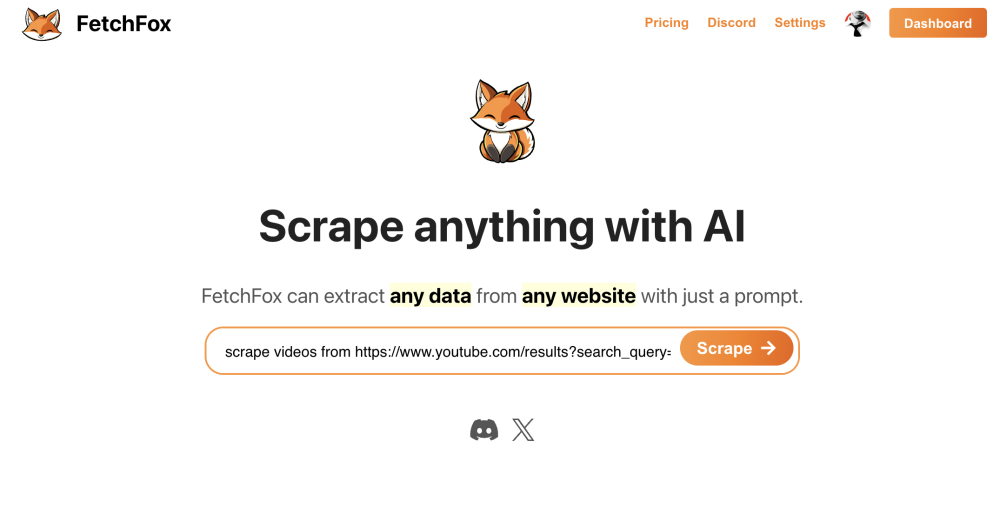
FetchFox is an AI-powered web scraper that operates as a Chrome Extension. It extracts data from websites using AI, based on user-defined prompts in plain English. It allows users to quickly gather data like building a list of leads, assembling research data, or scoping out a market segment.
How to use FetchFox?
Install the Chrome Extension, input your API key, and provide a plain English prompt describing the data you want to extract from the website. FetchFox will then use AI to scrape the data and present the results.
FetchFox's Core Features
AI-powered data extraction
Chrome Extension integration
Plain English prompt interface
Python SDK available
FetchFox's Use Cases
Building a list of leads
Assembling research data
Scoping out a market segment
Scraping product pricing from eBay
Gathering data from LinkedIn Sales Navigator
FAQ from FetchFox
What is FetchFox?
How does FetchFox work?
How much does FetchFox cost?
FetchFox Support Email & Customer service contact & Refund contact etc.
Here is the FetchFox support email for customer service: [email protected] . More Contact, visit the contact us page()
FetchFox Company
FetchFox Company name: FetchFox .
FetchFox Company address: .
More about FetchFox, Please visit the about us page().
FetchFox Login
FetchFox Sign up
FetchFox Pricing
FetchFox Pricing Link: Free for first 1000 items, then $1 per 1000 items
FetchFox Twitter
FetchFox Twitter Link: https://twitter.com/FetchFoxAI
FetchFox Github
FetchFox Github Link: https://github.com/fetchfox/fetchfox
FetchFox Reviews (0)
FetchFox Pricing
Standard
$1 per 1000 items
An item is like a row in the output. Get the first 1000 items free, and get an extra 10,000 items free if you bring your own key.
For the latest pricing, please visit this link: Free for first 1000 items, then $1 per 1000 items
Analytic of FetchFox
FetchFox Website Traffic Analysis
FetchFox Launch embeds
Use website badges to drive support from your community for your Toolify Launch. They're easy to embed on your homepage or footer.





Social Listening