


Halist AI


What is Halist AI?
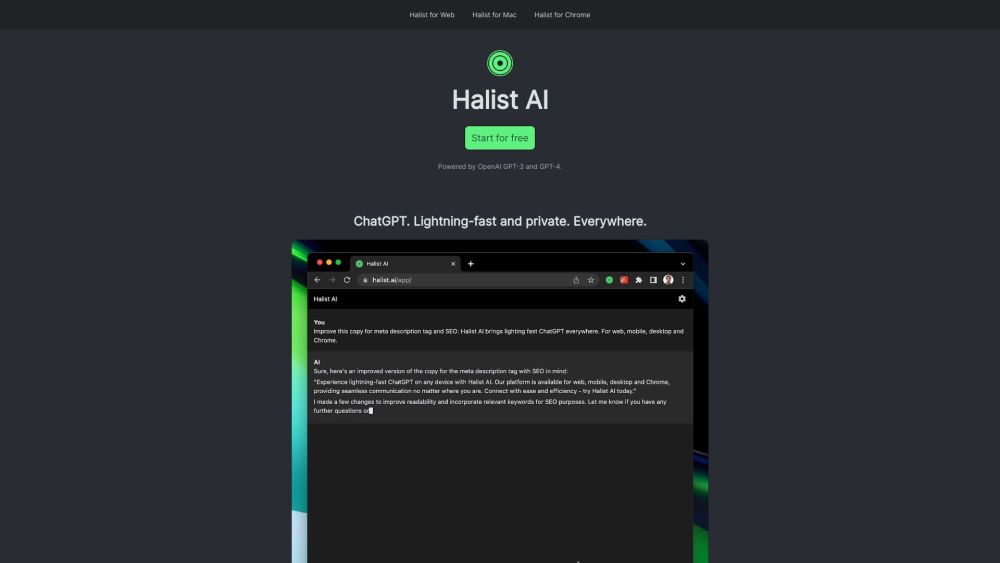
Halist AI is a browser extension that provides fast and private access to ChatGPT everywhere. It allows users to get answers, respond to Gmail emails, write content, and create summaries. It is powered by OpenAI GPT-3, GPT-4o and Anthropic Claude 3.5 Sonnet.
How to use Halist AI?
Install the Halist AI browser extension for Chrome, Mac, or Web. For mobile, open the web app in Safari or Chrome and add it to your home screen.
Halist AI's Core Features
Fast and private ChatGPT access
Gmail email response
Content writing
Summarization
Halist AI's Use Cases
Quickly answering questions while browsing
Responding to emails in Gmail
Generating content for various purposes
Summarizing articles and documents
FAQ from Halist AI
What models power Halist AI?
How do I install Halist AI on my iPhone or Android device?
What happens after I use the initial 600k tokens on the Pro plan?
Halist AI Pricing
Halist AI Pricing Link: https://halist.ai/pricing
Halist AI Twitter
Halist AI Twitter Link: https://twitter.com/amix3k
Halist AI Reviews (0)
Halist AI Pricing
Free
$0
30 usages per month, GPT-3-turbo model
Starter
$4
300 usages per month, GPT-3-turbo model
Pro
$9
Unlimited fair usages per month, GPT-4o and Claude 3.5 Sonnet models *
For the latest pricing, please visit this link: https://halist.ai/pricing
Analytic of Halist AI
Halist AI Website Traffic Analysis
Halist AI Launch embeds
Use website badges to drive support from your community for your Toolify Launch. They're easy to embed on your homepage or footer.



Alternative of Halist AI


Social Listening