


Koko AI
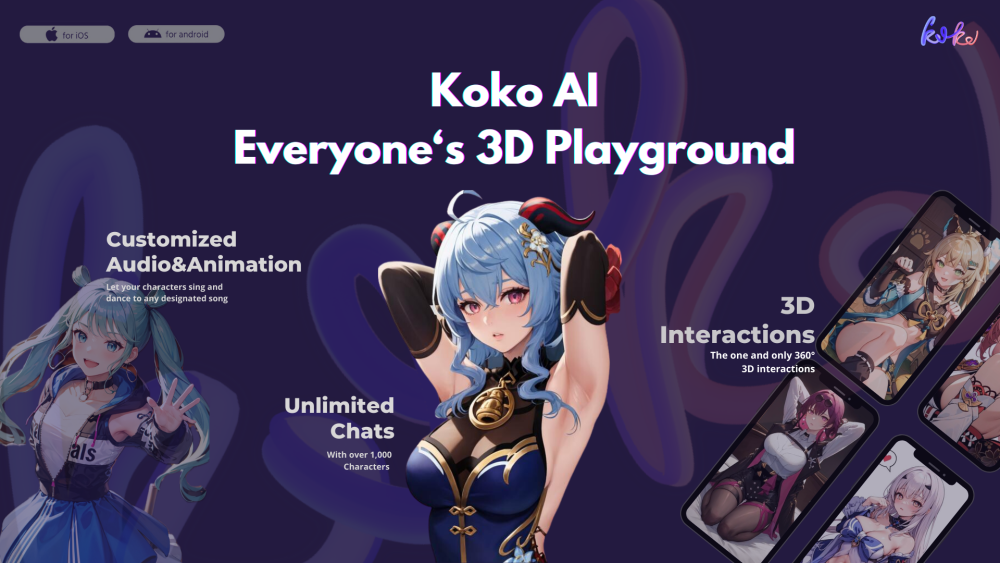




What is Koko AI?
Koko AI is a 3D social entertainment app entirely based on AIGC (AI-Generated Content). It features AI-generated 3D models, AI-driven animated performances, AI-generated voice chats, and AI-powered chat companionship. Users can create unique AI friends, chat face-to-face with anime characters, discuss their lives, and enjoy companionship.
How to use Koko AI?
Download the Koko AI app from the App Store. Create an account, then use text or voice chat to interact with AI anime characters. Generate unique 3D images of AI friends by entering text or images and setting their personality and voice tone.
Koko AI's Core Features
AI-generated 3D models
AI-driven animated performances
AI-generated voice chats
AI-powered chat companionship
Customizable AI friend creation
Koko AI's Use Cases
Chatting with AI anime characters
Creating and interacting with a unique AI friend
Enjoying AI-driven social entertainment
FAQ from Koko AI
What features does Koko AI offer?
How can I create my own AI friend in Koko AI?
What should I do if I have questions or suggestions about Koko AI?
Koko AI Support Email & Customer service contact & Refund contact etc.
Here is the Koko AI support email for customer service: [email protected] .
Koko AI Company
Koko AI Company name: Seele inc. .
Koko AI Reviews (6)
Wenxin
May 24 2024
Wenxin
May 24 2024
yanjun lin
May 24 2024
yeye li
May 24 2024
forever B&A
May 24 2024
- 1
- 2
Koko AI Launch embeds
Use website badges to drive support from your community for your Toolify Launch. They're easy to embed on your homepage or footer.



Alternative of Koko AI

 41.15%