Sponsored by
Vmake Labs Video Enhancer


Notation
5
0 Reviews
0 Saved
Introduction:
Markdown to Notion publishing tool with built-in AI, search, and formatting.
Added on:
Aug 10 2024
Monthly Visitors:
--

APIMart
AI API, 99.9% SLA. Your AI, Always On.Most models offer cost savings of 20–60%; nanobanana pro api costs only 0.03.

APIMaster
GPT up to 95% off + $20 trial. Fingerprint-verified APIs. Low-cost and stable.

PoYo.AI
High concurrency. Stable AI API. Better pricing.

TestDriver
AI-powered end-to-end testing and code review for GitHub pull requests

Apper - App & Website Builder
Build production-ready apps and websites with enterprise-grade security using Claude or ChatGPT. Apper manages the backend, with no extra Apper AI credits.

Notation Product Information
What is Notation?
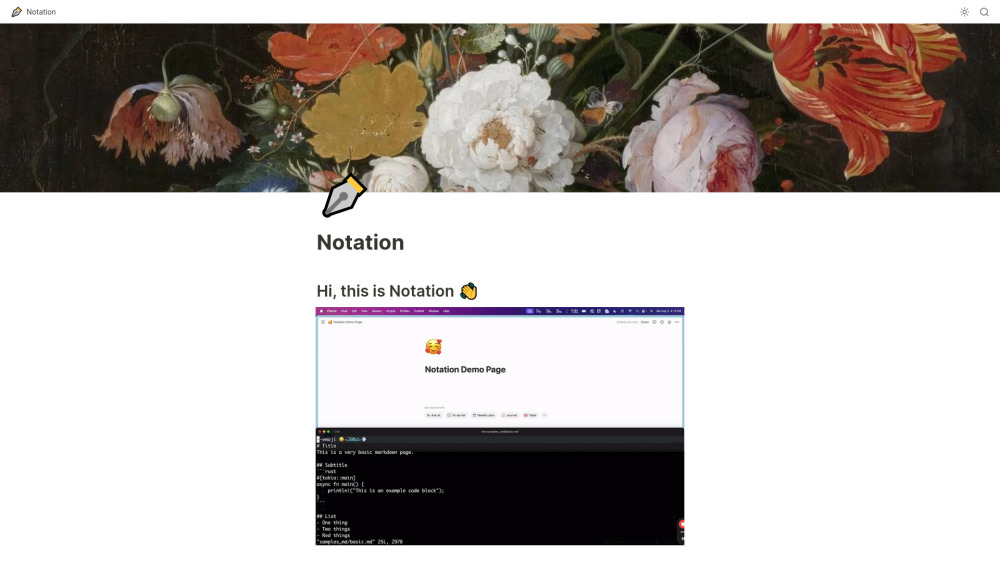
Notation allows you to write markdown and automatically publish it to Notion. Once it's in Notion, it can be internal, password protected, personal, or you can ship it as a public website. You also get all of Notion's AI, search, and formatting for free. It's designed to keep documentation close to the code, avoiding separate service logins and complex frontend frameworks.
How to use Notation?
Write documentation in markdown, create a Notion page, grab an API key from Notion, put the API key in a ~/.notation/Notation.toml file, and run notation ship --src </path/to/you/docs>.
Notation's Core Features
Markdown to Notion publishing
Automatic subpage creation from directory structure
CLI flag support for title and emoji
Integration with Notion's AI, search, and formatting
Notation's Use Cases
#1
Publishing documentation to a Notion workspace
#2
Creating a public website from markdown documentation
#3
Maintaining documentation alongside code in a repository
FAQ from Notation
What markdown features do you support?
How do I configure Notation?
How do I set all this up?
APIDot
Unified AI API platform for low-cost, production-ready image and video model integration.
Try Now
AD
Notation Reviews (0)
5 point out of 5 point
Miro
AI innovation Workspace
Try Now
AD
Analytic of Notation
Notation Website Traffic Analysis
Geography
Top 3 Regions

74.61%

23.02%

2.37%
May 2024 - Sep 2026 Desktop Only
Notation Launch embeds
Use website badges to drive support from your community for your Toolify Launch. They're easy to embed on your homepage or footer.
Light
Neutral
Dark



Copy embed code
How to install?Alternative of Notation

Website
Contact for Pricing
AI Developer ToolsLarge Language Models (LLMs)AI WorkflowNo-Code&Low-Code
Open site
--
Mail (0.00%)
GenAi (0.00%)
Direct (0.00%)

Website
Contact for Pricing
AI Developer ToolsLog ManagementAI Code ReviewNo-Code&Low-CodeAI Content Detector
Open site
--
Mail (0.00%)
GenAi (0.00%)
Direct (0.00%)
Social Listening