


Opilot






What is Opilot?
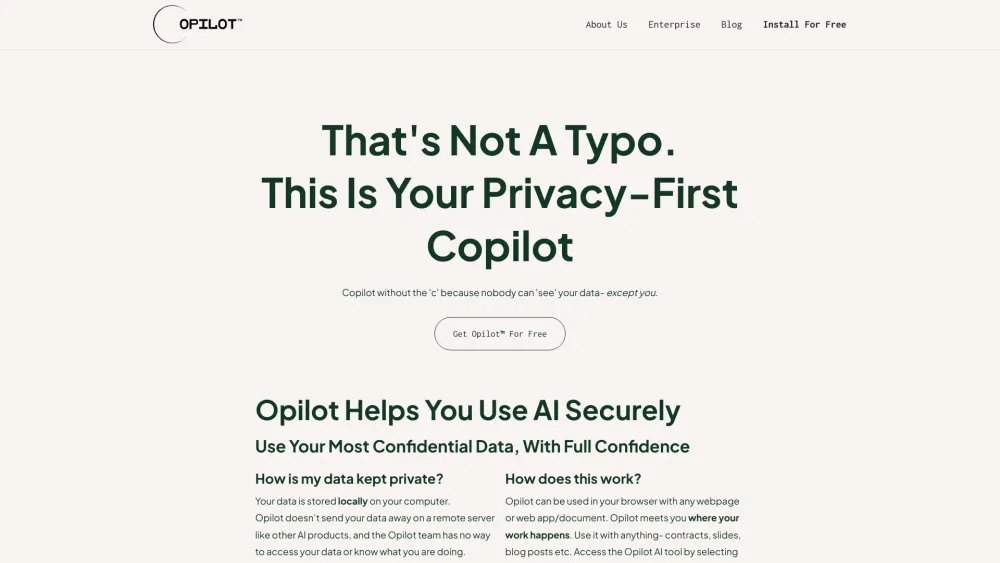
Opilot is a secure copilot alternative designed to help enterprises use AI securely with full compliance and data protection. It allows users to run their copilot locally, ensuring sensitive data is never shared. Opilot offers features like summarizing, explaining, and translating text within any web app, enhancing productivity while maintaining privacy and security.
How to use Opilot?
Opilot can be used by right-clicking on any text within a web app to summarize, explain, or translate it. It also helps draft, rewrite, or enhance text in any web app. The application runs locally, ensuring data never leaves the user's device.
Opilot's Core Features
Local data processing for enhanced security
AI-powered summarization, explanation, and translation
Text drafting and rewriting assistance
Offline functionality
Opilot's Use Cases
Summarizing client data for financial professionals
Explaining medical research for healthcare professionals
Drafting confidential emails for various professionals
Summarizing classified documents for government officials
FAQ from Opilot
How does Opilot ensure data privacy?
Can I use Opilot offline?
Opilot Discord
Here is the Opilot Discord: https://discord.com/invite/2wGN4vFvVm. For more Discord message, please click here(/discord/2wgn4vfvvm).
Opilot Company
More about Opilot, Please visit the about us page(https://www.opilot.ai/about-us).
Opilot Facebook
Opilot Facebook Link: https://www.facebook.com/OpilotAI/
Opilot Linkedin
Opilot Linkedin Link: https://www.linkedin.com/company/opilotai/
Opilot Twitter
Opilot Twitter Link: https://twitter.com/OpilotAI
Opilot Instagram
Opilot Instagram Link: https://www.instagram.com/opilotai/
Opilot Reviews (0)
Analytic of Opilot
Opilot Website Traffic Analysis
Opilot Discord Users Analysis
Latest user counts
Opilot Launch embeds
Use website badges to drive support from your community for your Toolify Launch. They're easy to embed on your homepage or footer.



Alternative of Opilot


Social Listening