


Pipedream



What is Pipedream?
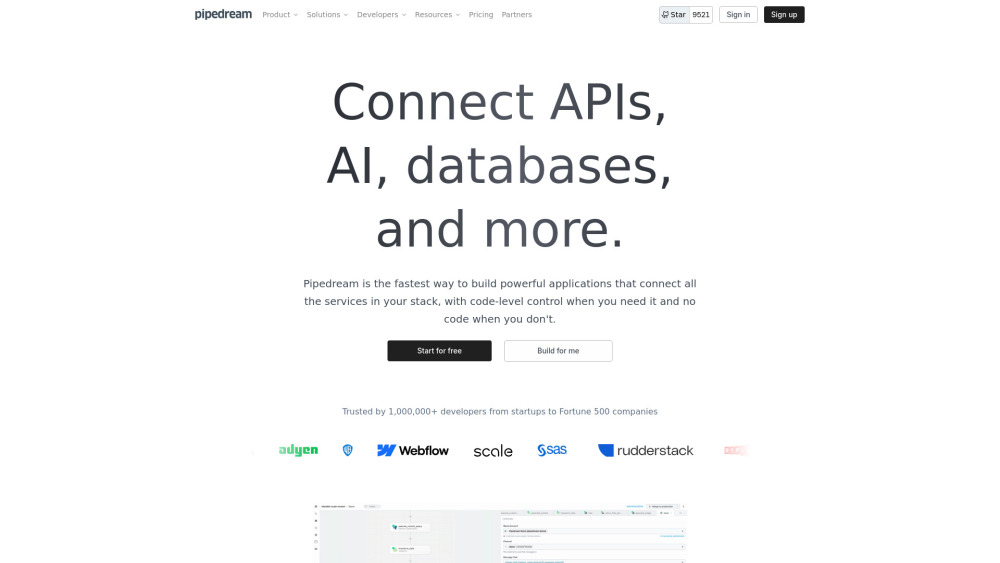
Pipedream is a low-code integration platform that allows developers to connect APIs, AI models, databases, and other services. It offers both code-level control and no-code options, enabling users to build powerful applications and automate processes quickly.
How to use Pipedream?
Users can build workflows by connecting pre-built components or writing custom code in Node.js, Python, Go, or Bash. Pipedream provides instant deployment and server management, allowing users to focus on logic rather than infrastructure.
Pipedream's Core Features
Connect APIs, AI models, and databases
Low-code and no-code development options
Custom code execution with Node.js, Python, Go, and Bash
Pre-built components and templates
Instant deployment and server management
Pipedream's Use Cases
Automating processes that connect APIs
Building integrations between different services
Creating custom workflows with code-level control
Prototyping and deploying applications quickly
FAQ from Pipedream
What are credits?
What are tokens?
Can I try the Business plan for free?
Are prices listed only in US dollars?
When am I invoiced / billed for paid plans?
Where can I see a breakdown of my usage?
Can I add other people to my account?
Are there any limits on paid tiers?
What if I want to change my plan?
How do I cancel my paid plan?
Is there a discount for open source projects or non-profit organizations?
Can I pay by invoice, instead of credit / debit card?
How does Pipedream secure my credit card data?
How do I change my billing payment method?
How can I view my past invoices?
How do I change the billing email, VAT, or other company details tied to my invoice?
Are unused credits rolled over from one period to the next?
Pipedream Support Email & Customer service contact & Refund contact etc.
More Contact, visit the contact us page()
Pipedream Company
Pipedream Company name: Pipedream, Inc. .
Pipedream Company address: San Francisco, CA.
More about Pipedream, Please visit the about us page(https://pipedream.com/about).
Pipedream Login
Pipedream Login Link: https://pipedream.com/auth/login
Pipedream Sign up
Pipedream Sign up Link: https://pipedream.com/auth/signup
Pipedream Pricing
Pipedream Pricing Link: https://pipedream.com/pricing
Pipedream Twitter
Pipedream Twitter Link: https://twitter.com/pipedream
Pipedream Github
Pipedream Github Link: https://github.com/PipedreamHQ/pipedream
Pipedream Reviews (0)
Pipedream Pricing
Free
$0/mo
Up to 300 credits/mo, Includes 10 credits/day, 2M AI tokens, 3 active workflows, 3 connected accounts, Unlimited workflow testing, Pipedream Connect in development
Basic
$29/mo
2,000 credits/mo, 20M AI tokens, No usage limit (2k credits included), 10 active workflows, 5 connected accounts
Advanced
$49/mo
2,000 credits/mo, 50M AI tokens, Control flow operators, Unlimited workflows, Unlimited connected accounts, Premium apps, Extended event history
Connect
$99/mo
10,000 credits/mo, Pipedream Connect in production, Auth for 100 external users, $2 per additional user
Business
Custom
Volume pricing, Custom invoicing, Priority integration development, Dedicated support in Slack, Support for HIPAA workloads, Uptime and availability SLAs
For the latest pricing, please visit this link: https://pipedream.com/pricing
Analytic of Pipedream
Pipedream Website Traffic Analysis
Geography
Top 5 Regions


Pipedream Launch embeds
Use website badges to drive support from your community for your Toolify Launch. They're easy to embed on your homepage or footer.



Alternative of Pipedream

 71.10%
Social Listening