


Seed Chrome Extension
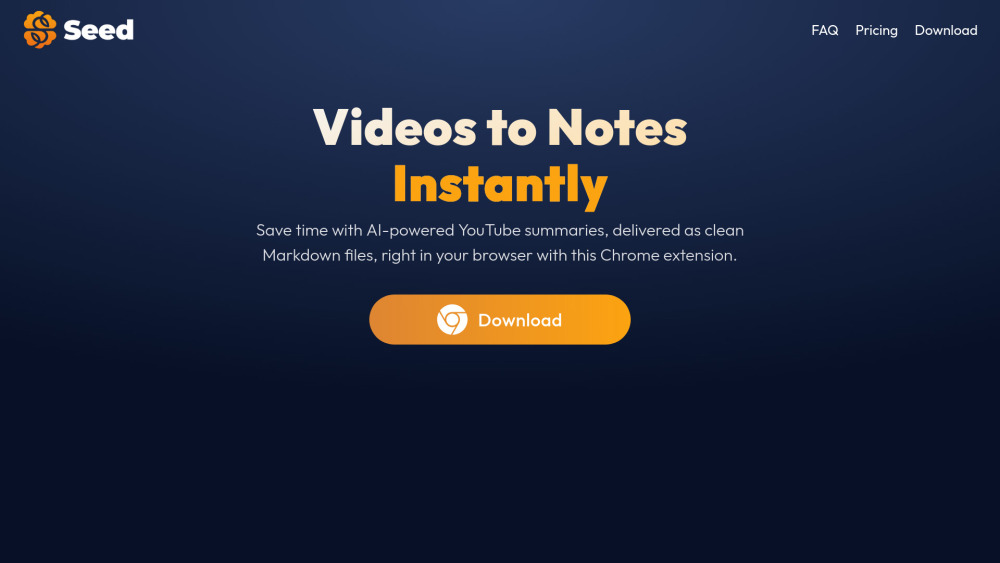


What is Seed Chrome Extension?
Seed is a Chrome extension that turns YouTube videos into clear markdown summaries, ideal for Obsidian or other note-taking apps. With support for 30+ languages, it’s perfect for capturing insights efficiently and staying organized. It saves time with AI-powered YouTube summaries, ready to download as clean Markdown files, ready for Obsidian.
How to use Seed Chrome Extension?
Install the Seed Chrome extension. Open a YouTube video, click on the Seed icon in your browser, and let the extension generate a concise and structured summary for you.
Seed Chrome Extension's Core Features
AI-powered YouTube video summarization
Markdown export for note-taking apps like Obsidian
Support for 30+ languages
Customizable summary format (bullet points or paragraphs)
Browser integration for summarizing videos without leaving the page
Seed Chrome Extension's Use Cases
Quickly summarizing YouTube videos for research or learning
Creating notes from video content in Obsidian or other note-taking apps
Efficiently capturing insights from online lectures or tutorials
Staying organized with structured video summaries
FAQ from Seed Chrome Extension
What is Seed and how does it work?
Is Seed free to use?
Does Seed support videos without captions or transcripts?
Can I customize the format of the summaries?
Where can I save my summaries?
What languages are supported?
Is my data secure with Seed?
Can I use Seed on mobile or other browsers?
What should I do if I encounter an issue?
Seed Chrome Extension Support Email & Customer service contact & Refund contact etc.
Here is the Seed Chrome Extension support email for customer service: [email protected] .
Seed Chrome Extension Company
Seed Chrome Extension Company name: Seed App .
Seed Chrome Extension Pricing
Seed Chrome Extension Pricing Link: https://seedup.fr/#pricing-yearly
Seed Chrome Extension Linkedin
Seed Chrome Extension Linkedin Link: https://www.linkedin.com/in/clementmaubon
Seed Chrome Extension Twitter
Seed Chrome Extension Twitter Link: https://x.com/mbncle
Seed Chrome Extension Reviews (0)
Seed Chrome Extension Pricing
Free
✦ Summarize YouTube videos in the background ✦ Export summaries in .md ✦ Access summaries in up to 30 languages ✦ Summary Customization ✦ 10 free summaries per month
Unlimited (Monthly)
$2 per month
✧ Everything in Free, plus ✦ Unlimited summaries ✦ Early access to premium features (articles summaries, Notion integration...) ✦ Priority support *Cancel at any moment
Unlimited (Yearly)
$10 per year
✧ Everything in Free, plus ✦ Unlimited summaries ✦ Early access to premium features (articles summaries, Notion integration...) ✦ Priority support
For the latest pricing, please visit this link: https://seedup.fr/#pricing-yearly
Analytic of Seed Chrome Extension
Seed Chrome Extension Website Traffic Analysis
Seed Chrome Extension Launch embeds
Use website badges to drive support from your community for your Toolify Launch. They're easy to embed on your homepage or footer.




Social Listening