


Talk to PDF


What is Talk to PDF?
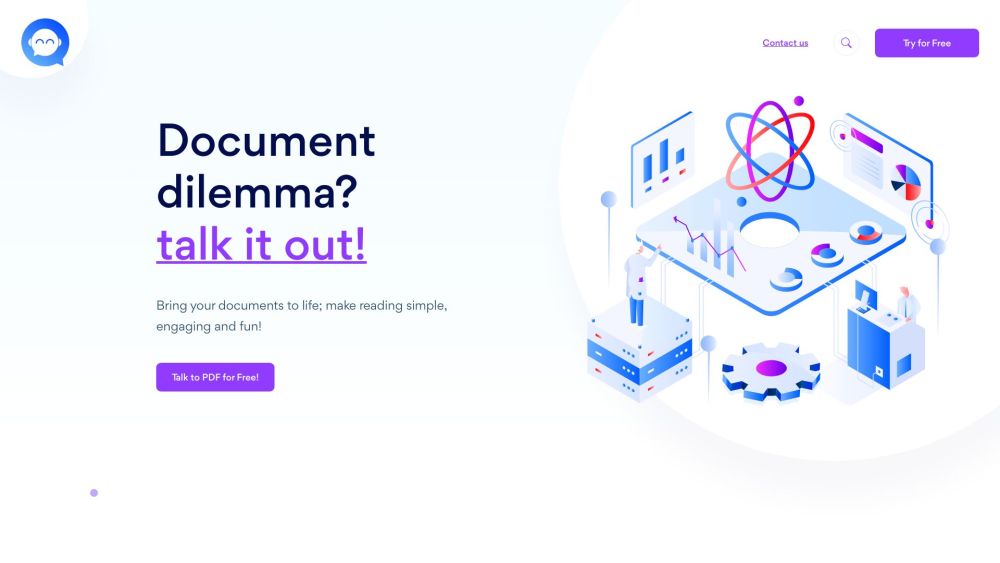
Talk to PDF empowers users to chat with their documents, securely redact confidential information, and streamline lengthy reports. It's an AI-enhanced PDF tool designed for students, lawyers, researchers, and businesses, offering features like engaging conversations, efficient information retrieval, and fun learning experiences.
How to use Talk to PDF?
Upload a PDF file to Talk to PDF. Decide whether to redact sensitive information or chat with the document. Start a Q&A session with the document and enjoy the interactive experience.
Talk to PDF's Core Features
Chat with PDF documents
Securely redact confidential information
Convert documents into engaging chats
AI-powered information extraction
Talk to PDF's Use Cases
Students using it to understand research papers
Lawyers using it to quickly find information in legal documents
Researchers using it to analyze data
Businesses using it to streamline reports
FAQ from Talk to PDF
How does Talk to PDF make documents interactive?
What document types can I use with Talk to PDF?
Is there an upload size limit for Talk to PDF?
How does Talk to PDF utilize AI technology?
Is the application free to use?
Can I chat in any language?
Talk to PDF Support Email & Customer service contact & Refund contact etc.
More Contact, visit the contact us page(https://www.talktopdf.ai/contact-us.html)
Talk to PDF Company
Talk to PDF Company name: Zoopsign Tech Pvt Ltd .
More about Talk to PDF, Please visit the about us page(https://www.talktopdf.ai/about-one).
Talk to PDF Pricing
Talk to PDF Pricing Link: https://www.talktopdf.ai/price
Talk to PDF Reviews (0)
Analytic of Talk to PDF
Talk to PDF Website Traffic Analysis
Talk to PDF Launch embeds
Use website badges to drive support from your community for your Toolify Launch. They're easy to embed on your homepage or footer.





Social Listening