


Tranquil AI
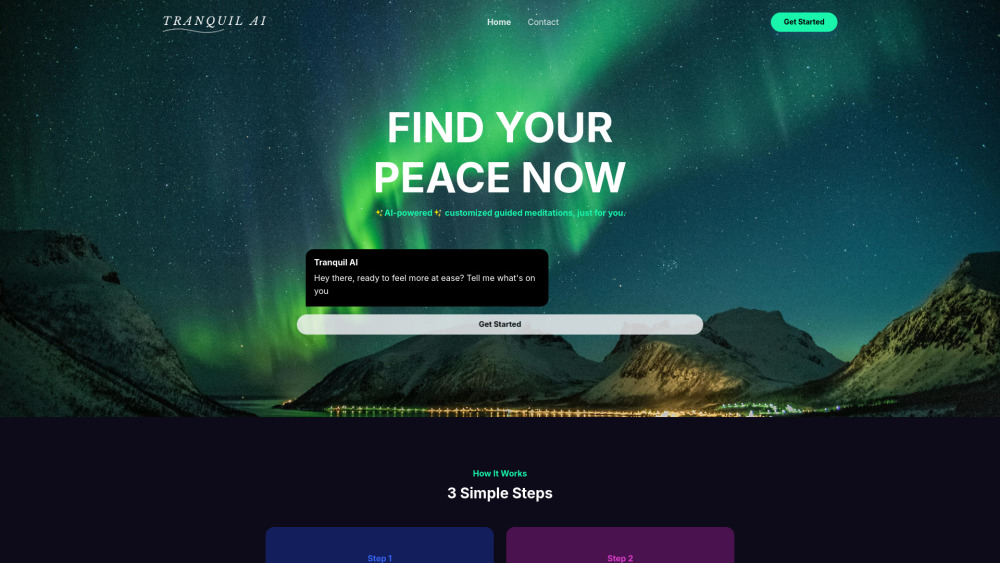


What is Tranquil AI?
Tranquil AI is an AI-powered personal meditation guide that crafts soothing, personalized guided meditations. Users can share their thoughts, emotions, and worries, and the AI will uncover the root cause and create a custom meditation tailored to their current state of mind. It's free to use and accessible via the TranquilAI.app website.
How to use Tranquil AI?
Chat with Tranquil AI about your day, mood, stress levels, and needs. The AI will then generate a custom meditation designed for your current state of mind. Download and listen to the meditation anytime, anywhere.
Tranquil AI's Core Features
AI-powered personalized guided meditations
Custom meditation generation based on user input
Downloadable meditations for offline listening
Tranquil AI's Use Cases
Reducing stress and anxiety through personalized meditation
Improving mindfulness and mental well-being
Providing guided meditation sessions tailored to specific emotional needs
FAQ from Tranquil AI
How does Tranquil AI create personalized meditations?
Is Tranquil AI free to use?
Do I need an internet connection to listen to the meditations?
Tranquil AI Support Email & Customer service contact & Refund contact etc.
More Contact, visit the contact us page(https://tranquilai.app/contacts.html)
Tranquil AI Company
Tranquil AI Company name: TranquilAI .
Tranquil AI Sign up
Tranquil AI Sign up Link: https://tranquilai.app/dashboard.html
Tranquil AI Reviews (0)
Analytic of Tranquil AI
Tranquil AI Website Traffic Analysis
Tranquil AI Launch embeds
Use website badges to drive support from your community for your Toolify Launch. They're easy to embed on your homepage or footer.



Alternative of Tranquil AI

 26.32%
Social Listening