


Petey - AI Chat
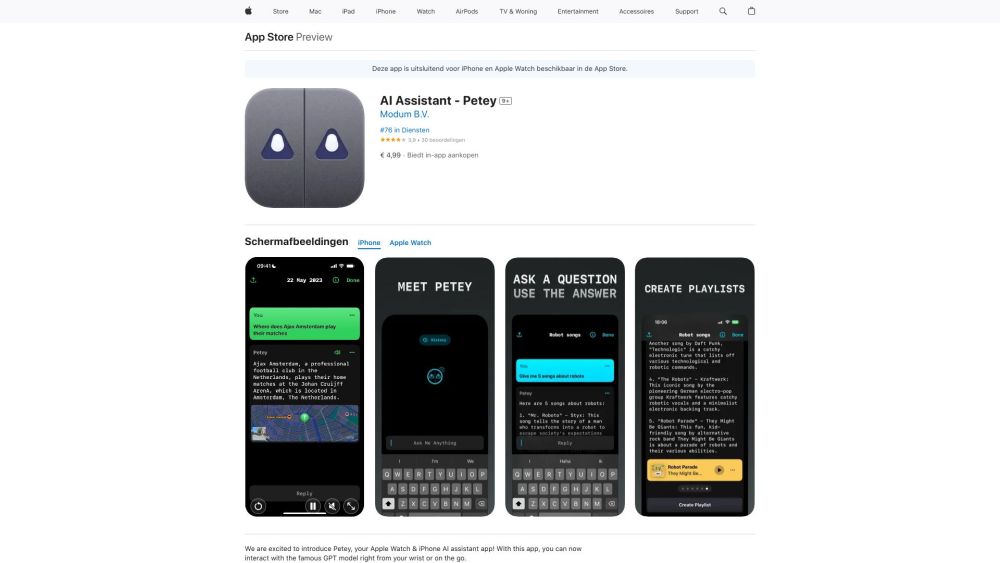


What is Petey - AI Chat?
Petey is an AI assistant app for Apple Watch and iPhone that allows users to interact with the GPT model directly from their wrist or on the go. It offers features like creating playlists with Apple Music, viewing locations on Apple Maps, getting rich previews of URLs, and continuing conversations with history. Petey also supports text-to-speech, multiple prompts, and GPT-4 support (with in-app purchase).
How to use Petey - AI Chat?
Open the app, ask questions, or type in your message. Petey will provide a response that you can quickly share with others via text, email, or social media. You can also set Petey as a complication on your watch face for easy access.
Petey - AI Chat's Core Features
Interact with the GPT model on Apple Watch and iPhone
Create playlists with Apple Music
View locations on Apple Maps
Text-to-speech functionality
Shortcuts support to replace Siri with Petey
Live Activity support on iOS/iPadOS
Share full conversation
Petey - AI Chat's Use Cases
Quickly get answers to questions without typing
Generate longer messages on the go
Create Apple Music playlists using AI
Access a vast source of knowledge in real-time
FAQ from Petey - AI Chat
Why do I have to pay extra for GPT4?
What is Petey based on?
Petey - AI Chat Reviews (0)
Petey - AI Chat Pricing
GPT-4 Upgrade
€ 3,99
In-app purchase for GPT-4 support
Petey Basic
€ 6,99
Subscription
Petey Basic
€ 6,99
Subscription
Petey - AI Chat Launch embeds
Use website badges to drive support from your community for your Toolify Launch. They're easy to embed on your homepage or footer.



