




Total runs:
3.8K
Run Growth:
-31.5K
Growth Rate:
-856.77%
This project showcases a Cloth Swap feature, leveraging the powerful capabilities of ComfyUI, a modular and flexible interface for AI workflows. This guide provides step-by-step instructions to set up, use, and contribute to the project.
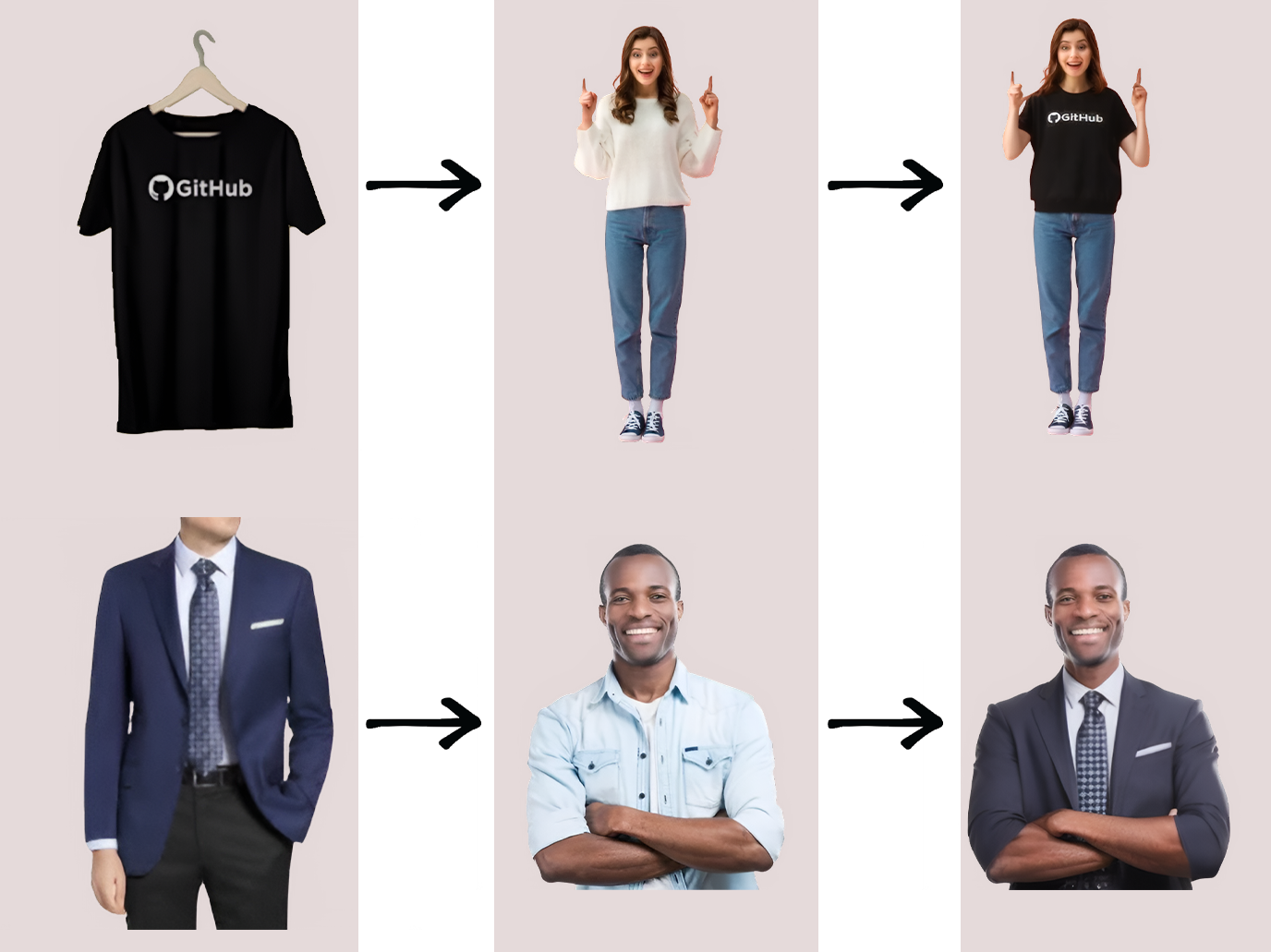
The primary objective is to provide a simple, effective, and customizable tool for tasks such as virtual try-ons, creative prototyping, and realistic clothing mockups. Whether you're an e-commerce platform, a fashion designer, or just experimenting with image manipulation, this project offers endless possibilities.
Install ComfyUI by cloning its main repository:
git clone https://github.com/comfyanonymous/ComfyUI.git
cd ComfyUI
Install dependencies:
pip install -r requirements.txt
Install ComfyUI Manager:
go to ComfyUI/custom_nodes dir in terminal(cmd) and clone this repo:
git clone https://github.com/ltdrdata/ComfyUI-Manager.git
Restart ComfyUI
To Start ComfyUI:
python3 main.py
Note: ComfyUI requires Python 3.9 or above. Ensure all required dependencies are installed.
Now Go to Manager ->-> Custom Nodes Manager and install this two nodes ComfyUI Layer Style and ComfyUI_CatVTON_Wrapper , restart and reload the page.
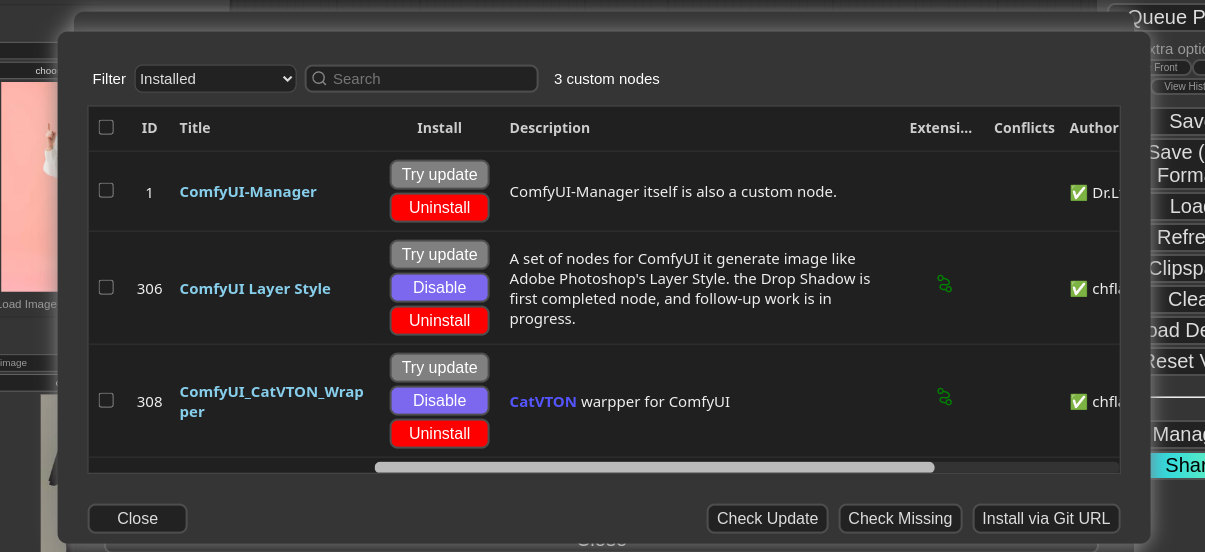
Place the sam_vit_h_4b8939.pth model inside ComfyUI/models/sams directory and groundingdino_swint_ogc.pth model in ComfyUI/models/grounding-dino directory if not download it. (If directory name not there in ComfyUI/models/ create new)
Clone the repository containing the Cloth Swap JSON workflows and assets:
git clone https://huggingface.co/foduucom/StyleShift-ClothSwap
cd StyleShift-ClothSwap
or you can use by python script provided in this repository:
python3 main.py

#Remember change the input paths in script here :
#prompt["2"]["inputs"]["image"] = "\\ put your input person pose image"
#prompt["3"]["inputs"]["image"] = "\\ put your input cloth image"
This project has a broad range of applications, making it useful across multiple industries and for personal use:
Virtual Try-On Technology: Revolutionize online shopping experiences by enabling customers to "try on" clothes digitally. Reduce product returns by providing a realistic preview of clothing fit and style.
Fashion Design and Prototyping: Help designers test their creations on various models without the need for physical samples or photoshoots. Quickly iterate designs and visualize the final product.
NVIDIA GeForce RTX 3060 card
For inquiries and contributions, please contact us at [email protected] .
@ModelCard{
  author    = {Nehul Agrawal and
               Priyal Mehta},
  title     = {StyleShift - Cloth Swap / Dress Swap / Style Change},
  year      = {2024}
}