































Table of Contents
- Key Points
- Decoding the AI Coding Landscape: Lovable, Replit, and Cursor
- Deep Dives on Lovable, Replit, and Cursor
- Pros and Cons for all of the Code Editors
- Frequently Asked Questions
- Related Questions



Decoding the AI Coding Landscape: Lovable, Replit, and Cursor
A Candid Look at AI-Powered Coding Tools
The speaker acknowledges the skepticism that some developers have towards AI-assisted coding, particularly the term "vibe coding". Despite any potential concerns, she emphasizes the importance of exploring these tools to understand their capabilities and how they can streamline the development process.

In this honest comparison, we'll dive deep into each platform, analyzing its strengths, weaknesses, and ideal user profile.
Key Takeaways from this review:
- Lovable: Simplifies app development with an AI-driven chat interface. It has also raised a lot of money to get started.
- Replit: A well-known platform with significant updates including AI and app creation tools.
- Cursor: An AI-centric code editor with a focus on providing assistance to developers, rather than dictating their work. Many engineers at Samsung and Datadog use the code editor.
The Importance of Idea Generation over Raw Coding
The speaker highlights a crucial shift in the development landscape.

Coding and building are no longer the biggest hurdles. Instead, the real challenge lies in generating unique and compelling ideas and then gaining traction to execute on your coding ideas.
This shift necessitates a new focus on ideation and marketing, making AI Tools even more valuable by freeing up developers to concentrate on these critical areas of product development. These tools can help generate the baseline and then create a system where you are able to easily distribute and use the code.
Furthermore, the tools can help non-technical founders to get an MVP out before they can source for an experienced developer.
Deep Dives on Lovable, Replit, and Cursor
Lovable: AI-Powered App Prototyping for Everyone
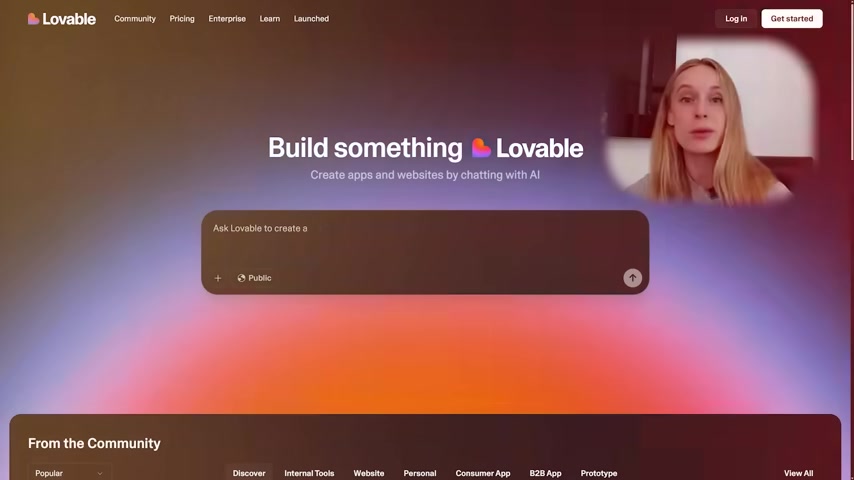
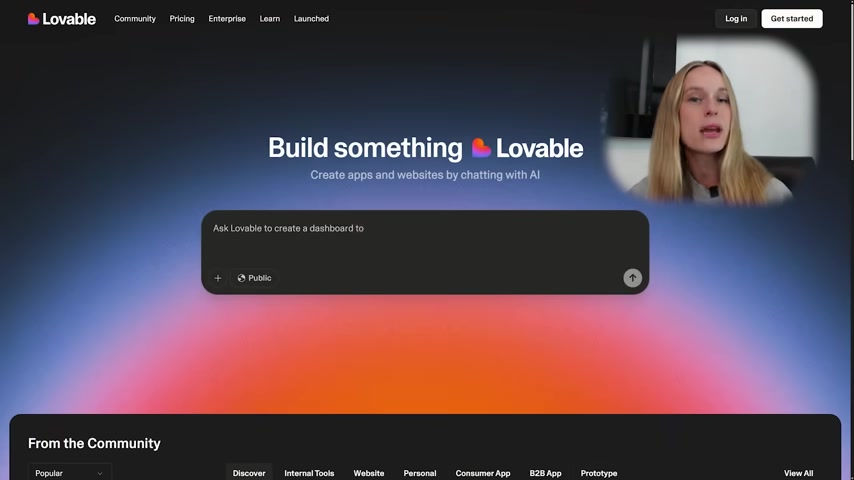
Lovable is making waves in the tech world due to its focus on using AI to simplify app and website creation. This platform aims to democratize development, making it accessible to users with little to no coding experience. In Lovable, the user needs to state the type of website or app he/she wishes to have. This allows the tool to use its AI to create the project.
Key Aspects of Lovable:
- AI-Driven Chat Interface: Users interact with the platform through a conversational interface, guiding the AI to generate the desired app or website elements.
- Rapid Prototyping: Lovable excels at quickly creating prototypes, allowing users to visualize and test their ideas with minimal effort.
- User-Friendly Design: With its focus on simplicity, Lovable is designed to be intuitive and easy to use, even for non-technical individuals.
By simplifying the initial stages of development, Lovable empowers individuals to bring their ideas to life without needing extensive coding knowledge. Lovable makes software creation accessible to everyone, entirely through natural language. Whether it's personal software for yourself and family, a new business coming to life, or internal tools at your workplace, Replit is the best place for anybody to build.
Replit: A Versatile Platform with Evolving AI Features
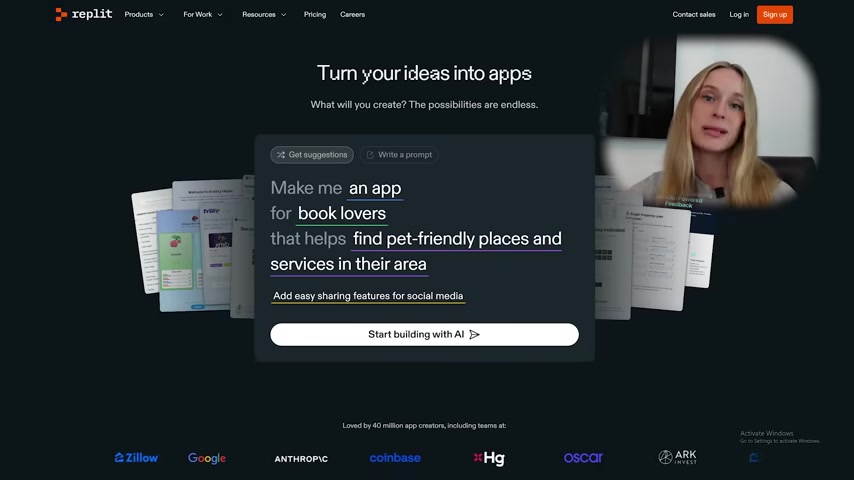
Replit is a mature platform with AI functionality and a wide range of features catering to various skill levels. This platform has gone through major upgrades that users can benefit from as they code. It's a robust environment for coding, collaboration, and deployment. The Replit website has many easy-to-read prompts and it offers suggestions so users can turn their ideas into apps. They also provide easy sharing features for social media usage.
Key Aspects of Replit:
- Versatile Coding Environment: Replit supports a wide range of programming languages, making it suitable for diverse projects.
- AI-Powered Tools: Replit has integrated AI features like code completion and error detection to enhance the coding experience.
- Collaboration and Deployment: Replit facilitates real-time collaboration and offers straightforward deployment options, making it a complete development solution.
Replit provides a balanced environment for both learning and building, empowering developers with AI assistance while retaining control over their projects.
Cursor: AI as a Code Editor Assistant
Cursor is all about AI as more of an assistant as opposed to the AI running the show. Cursor presents itself as a leading AI code editor, built to enhance developer productivity. It runs through a downloadable application, unlike other websites. This tool differentiates itself by positioning AI as a collaborative partner for experienced developers.
Key Aspects of Cursor:
- AI-Driven Code Editor: Cursor integrates AI directly into the coding environment, offering intelligent suggestions, error detection, and code completion.
- Focus on Developer Control: The AI is designed to augment the developer's abilities, not replace them, ensuring control and customization throughout the development process.
- Codebase Awareness: Know your code base and use the model’s code in one click, which leads to faster and more efficient coding.
Tab through changes with tab, tab, tab which lets you breeze through changes by predicting your next edit. Cursor is ideal for developers who want to leverage AI to boost their efficiency while maintaining control over their codebase and coding style.








Most people like
































Report
Please select a reason for reporting
- 13 Reasons to Switch from Snapchat to Text Messaging
- 7 Powerful Speech to Text Apps to Boost Productivity
- 10 Best Speech to Text Tools for Effortless Transcription
- 13 Free Tools to Easily Transcribe Audio to Text
- 15 Surprising Ways Google's Speech-to-Text Boosts Productivity
- 7 Best Free Online Audio to Text Transcription Tools
- 9 Tips to Transcribe Speech to Text Faster and Better
- 13 Best Speech to Text Software for Windows 10 in 2023
- 7 Tips for Choosing the Best Transcriber for Audio to Text
- 11 Reasons Why Dragon Speech-to-Text Apps are Game-Changers
- 6 Secrets to Enhance Your Speech to Text Transcription
- 6 Brilliant Ways to Boost Productivity with Talk-to-Text on Your MacBook
- 6 Ways Transcription Software Converts Audio to Text
- 8 Tips to Transcribe Speech to Text Like a Pro
- 6 Reasons IBM Watson Speech to Text is a Game-Changer
- 14 Powerful Ways Talk-to-Text Improves Your Workflow
- 12 Top Windows Speech-to-Text Software for Efficient Transcription
- 12 Game-Changing Benefits of Apple's Speech to Text Technology
- 9 Powerful Use Cases for AWS Speech to Text Technology
- 10 Easy Steps to Transcribe YouTube Videos to Text
- transcription audio en texte
- online audio transcription
- free audio file transcription
- free ai audio transcription
- audio transcription service
- audio transcription online free
- audio transcription free online
- audio to transcription software
- audio and transcript
- ai audio transcription free
- voice recording to text converter
- translate voice recording to text
- record voice to text
- audio recording to text converter
- voice recording and transcription
- chatgpt voice to text
- gmail voice to text
- speech to text reader
- speech to text ai free
- speech to talk
- How SEO and Marketing Dashboards Empower Agencies to Drive Results
- How to Use AI Tools to Find Internal Linking Opportunities Across a Business Website
- Discover Your Perfect Haircut with AI Hairstyle Apps
- Free Reputation Calculator Tools: How They're Adapting to Score AI Visibility, Not Just Rankings
- Design Professional Flyers for Free on Your Phone
- Best Free Flyer Maker Apps for Android: Design Like a Pro
- How to Know If Your Business Is Ready for an AI Customer Service Agent
- Revolutionizing Storytelling: From Novels to Screenplays with AI
- Create Engaging Animated Explainer Videos with a Free AI Tool
- Stop Multi-Subscribing: Benchmark Top AI Visual Models in One Canvas
- DeepL Translator: The AI-Powered Translation Tool
- AI Video Upscaling: Top Tools Compared for Enhanced Quality
- Bridging the Gap: How One Indie Developer Solved the "Art Asset Nightmare" Using AI Style Transfer
- How I Direct Consistent AI Clips: A Hands-On Guide to Multi-Model Generation
- My Honest Review of VideoAI: The Ultimate Character Voice Generator I've Been Using Lately
- Why do so many AI tools underdeliver for online stores?
- My Brand New Logo: AI-Powered Logo Design for Startups
- Create Stunning Logos with Free AI Logo Generator!
- AI Logo Maker: Design a Stunning Logo in Minutes
- Elevate Your Zoom Experience with Enhanced Name Tags by Warmly

Copyright ©2026 toolify