































Table of Contents
- Key Points
- Understanding AI-Powered Code Generation
- Exploring BELLA's Key Features
- Getting Started with BELLA: A Step-by-Step Guide
- BELLA Pricing Plans
- Evaluating BELLA: Pros and Cons
- Key Features of BELLA AI Code Generator
- Practical Use Cases for BELLA
- Frequently Asked Questions About BELLA
- Related Questions



Understanding AI-Powered Code Generation
The Rise of AI in Software Development
AI-powered code generation is transforming the software development lifecycle by automating repetitive tasks, reducing errors, and accelerating time-to-market. Traditional coding methods often involve extensive manual effort, leading to potential bottlenecks and increased costs. AI Tools like BELLA are designed to alleviate these challenges, allowing developers to focus on higher-level strategic tasks. By leveraging machine learning algorithms, BELLA can analyze user requirements and generate corresponding code snippets, significantly boosting productivity.
Key Benefits of AI Code Generation:
- Increased Efficiency: Automates routine coding tasks, freeing up developers' time.
- Reduced Errors: Minimizes human error through automated code generation.
- Faster Development Cycles: Accelerates the development process, enabling quicker deployment.
- Cost Savings: Lowers development costs by reducing the need for extensive manual coding.
These benefits make AI code generation an invaluable asset for businesses looking to innovate and stay competitive in the digital age.
Introducing BELLA: Your AI Code Generation Partner
BELLA is an AI-driven platform designed to simplify and accelerate the process of building applications. It offers a suite of tools that leverage artificial intelligence to generate code, manage databases, and handle user authentication. BELLA's intuitive interface and powerful features make it an ideal solution for both novice and experienced developers.
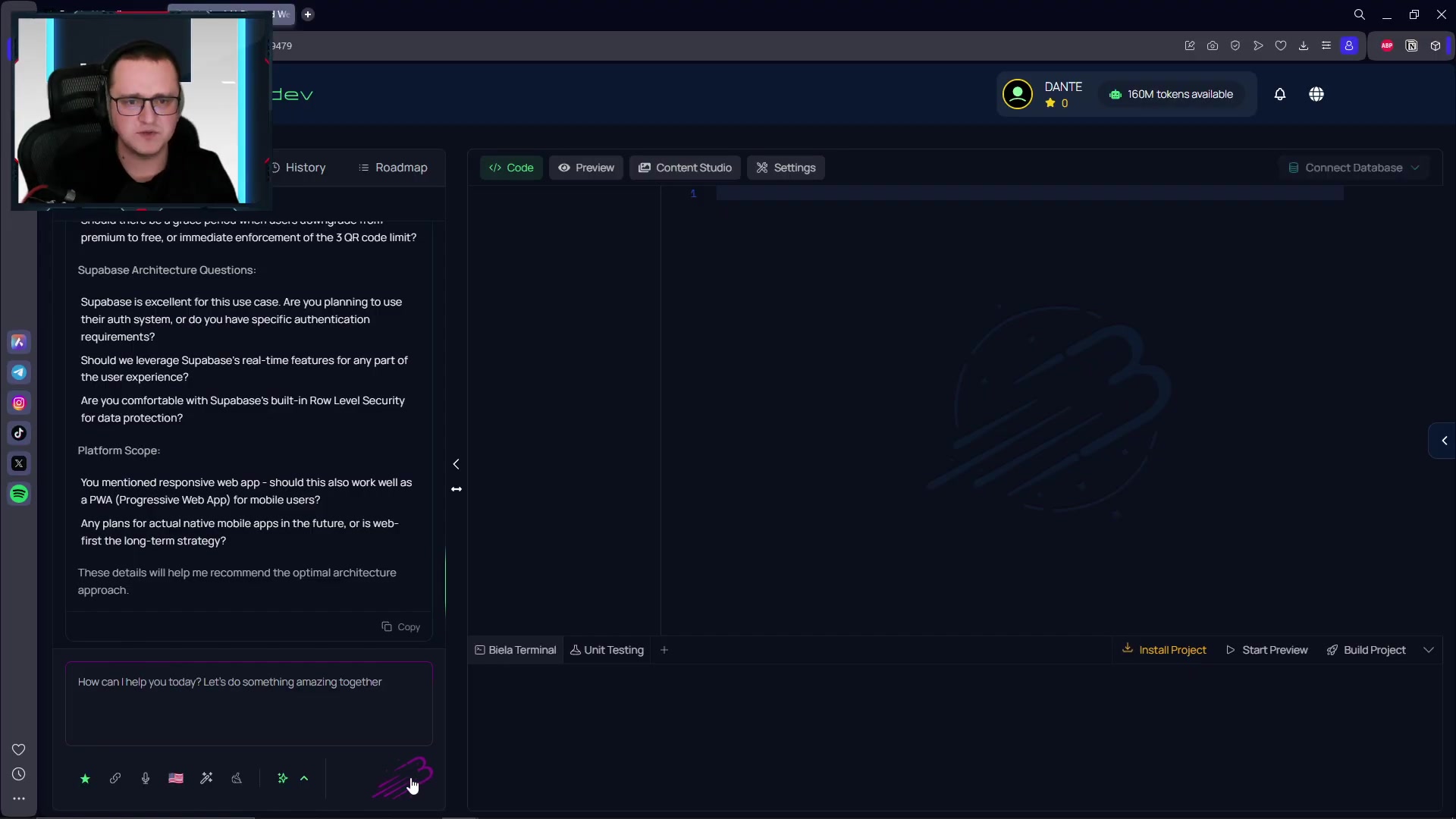
The platform provides a holistic environment for creating responsive web applications and Progressive Web Apps (PWAs), ensuring compatibility across various devices and platforms.
BELLA's key capabilities include:
- AI-Powered Code Generation: Generates code based on user specifications, reducing the need for manual coding.
- Responsive Web App Development: Supports the creation of web applications that adapt seamlessly to different screen sizes.
- Supabase Integration: Utilizes Supabase for secure and efficient backend management, including authentication and real-time database functionalities.
- Comprehensive Development Planning: Assists in creating detailed project plans, streamlining the development process.
BELLA aims to democratize software development, making it more accessible and efficient for developers worldwide.
Exploring BELLA's Key Features
AI-Driven Code Generation for Rapid Prototyping
BELLA's core functionality revolves around its AI-driven code generation capabilities. The platform uses advanced machine learning algorithms to analyze user inputs and generate corresponding code snippets. This feature is particularly useful for rapid prototyping, allowing developers to quickly create and test different application concepts. By automating the coding process, BELLA reduces the time and effort required to build a functional prototype.
The code generation process is designed to be intuitive and user-friendly:
- User Input: Developers provide specifications for the desired application features and functionalities.
- AI Analysis: BELLA's AI engine analyzes the input and identifies the necessary code components.
- Code Generation: The platform automatically generates the code, providing developers with ready-to-use snippets.
- Customization: Developers can further customize the generated code to meet specific requirements.
This streamlined process enables developers to focus on refining the user experience and adding unique features rather than spending time on repetitive coding tasks.
Building Responsive Web Apps and PWAs with BELLA
In today's mobile-first world, ensuring that web applications are responsive and accessible across different devices is crucial. BELLA simplifies the process of building responsive web apps and PWAs, allowing developers to create applications that adapt seamlessly to various screen sizes and platforms.
Responsive Web Apps: These applications are designed to provide an optimal viewing experience on any device, whether it's a desktop computer, a tablet, or a smartphone. BELLA supports responsive design principles, ensuring that the layout and content of the application adjust automatically to fit the screen.
Progressive Web Apps (PWAs): PWAs take the responsiveness of web apps a step further by offering an app-like experience.
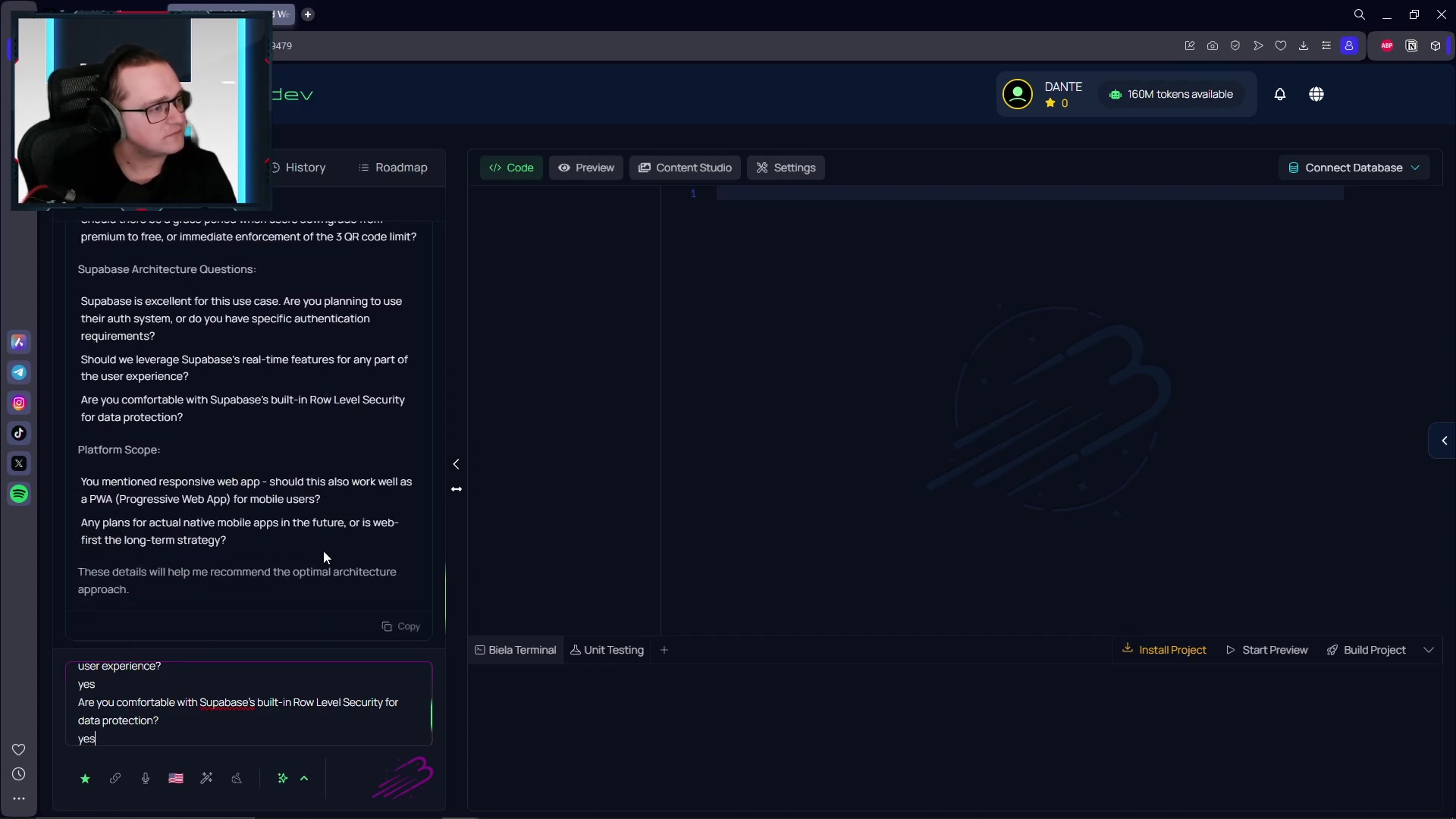
They can be installed on a user's device, providing features such as offline access, push notifications, and faster loading times. BELLA supports the creation of PWAs, allowing developers to deliver a superior user experience.
By supporting both responsive web apps and PWAs, BELLA enables developers to reach a wider audience and provide a consistent user experience across all devices.
Leveraging Supabase for Backend Authentication and Real-Time Data
BELLA integrates seamlessly with Supabase, a powerful open-source Firebase alternative, to provide robust backend functionalities.
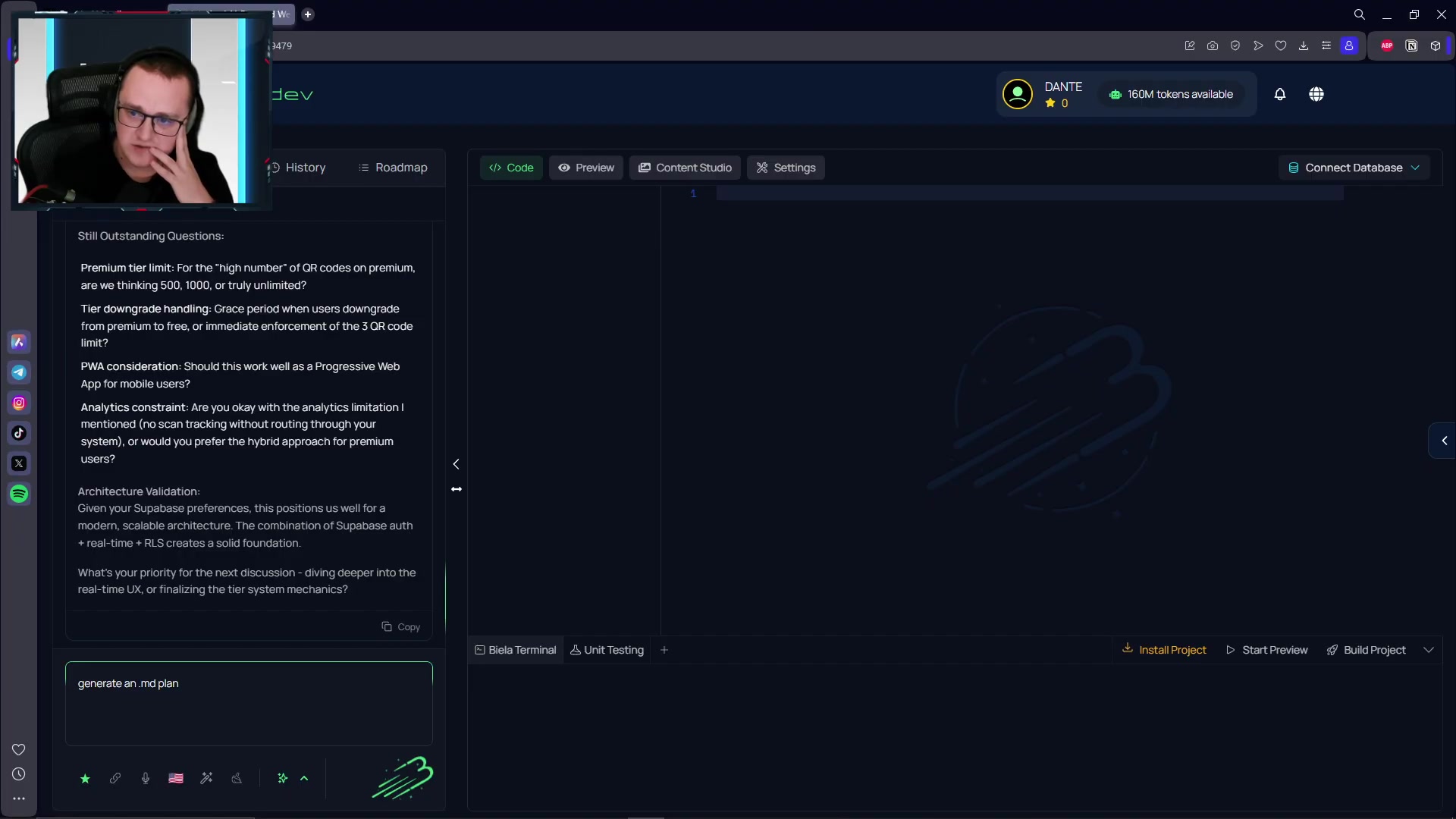
Supabase offers a range of services, including authentication, real-time database, and storage, which are essential for building modern applications.
Authentication: BELLA leverages Supabase's authentication system to provide secure user registration, login, and authorization. This ensures that only authorized users can access sensitive data and functionalities.
Real-Time Database: Supabase's real-time database allows developers to build applications that update automatically whenever data changes. This is particularly useful for collaborative applications, such as chat apps or Project Management tools.
Storage: Supabase provides storage solutions for storing and retrieving files, images, and other assets. BELLA integrates with Supabase storage to simplify the management of application assets.
By leveraging Supabase, BELLA provides developers with a comprehensive backend solution that is scalable, secure, and easy to use.
Getting Started with BELLA: A Step-by-Step Guide
Step 1: Setting Up Your BELLA Account
The first step in using BELLA is to create an account. Visit the BELLA website and sign up for a free trial or a paid subscription. Once you have created your account, you can access the BELLA dashboard and start building your applications.
Step 2: Defining Your Application Requirements
Before you start generating code, it's important to define your application requirements. What features do you want to include? What functionalities do you need? BELLA provides a user-friendly interface for specifying these requirements, allowing you to create a detailed plan for your application.
Step 3: Generating Code with BELLA's AI Engine
Once you have defined your application requirements, you can use BELLA's AI engine to generate the corresponding code.
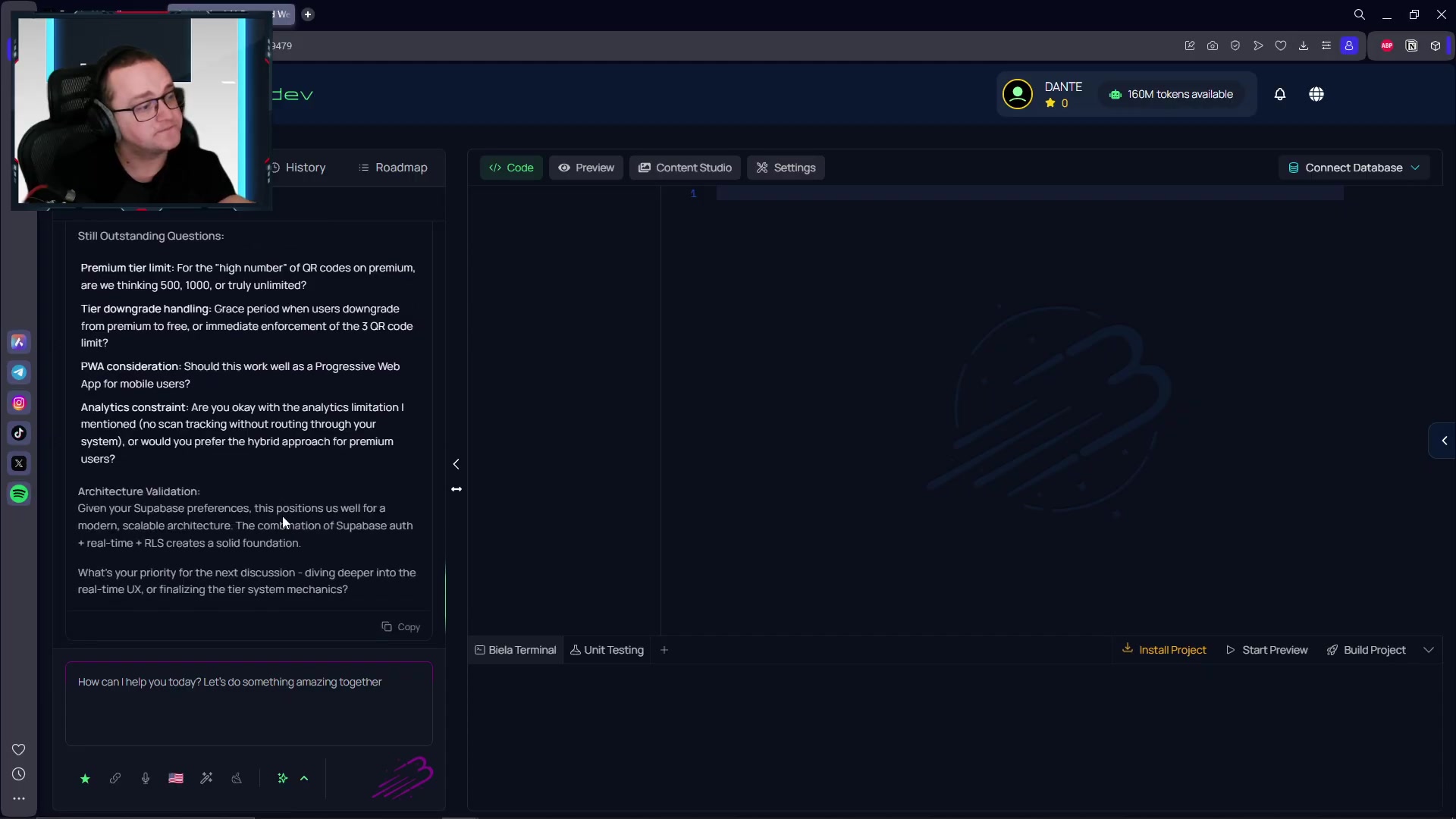
Simply input your specifications into the platform, and BELLA will automatically generate the necessary code snippets. You can then review and customize the generated code to meet your specific needs.
Step 4: Integrating with Supabase for Backend Functionalities
To add backend functionalities to your application, you can integrate with Supabase. BELLA provides seamless integration with Supabase, allowing you to easily set up authentication, real-time database, and storage. Follow the instructions provided by BELLA to connect your application to Supabase.
Step 5: Testing and Deploying Your Application
After you have generated the code and integrated with Supabase, it's time to test and deploy your application. BELLA provides tools for testing your application, ensuring that it functions correctly across different devices and platforms. Once you are satisfied with the results, you can deploy your application to a hosting provider of your choice.








Most people like
































Report
Please select a reason for reporting
- 13 Reasons to Switch from Snapchat to Text Messaging
- 7 Powerful Speech to Text Apps to Boost Productivity
- 10 Best Speech to Text Tools for Effortless Transcription
- 13 Free Tools to Easily Transcribe Audio to Text
- 15 Surprising Ways Google's Speech-to-Text Boosts Productivity
- 7 Best Free Online Audio to Text Transcription Tools
- 9 Tips to Transcribe Speech to Text Faster and Better
- 13 Best Speech to Text Software for Windows 10 in 2023
- 7 Tips for Choosing the Best Transcriber for Audio to Text
- 11 Reasons Why Dragon Speech-to-Text Apps are Game-Changers
- 6 Secrets to Enhance Your Speech to Text Transcription
- 6 Brilliant Ways to Boost Productivity with Talk-to-Text on Your MacBook
- 6 Ways Transcription Software Converts Audio to Text
- 8 Tips to Transcribe Speech to Text Like a Pro
- 6 Reasons IBM Watson Speech to Text is a Game-Changer
- 14 Powerful Ways Talk-to-Text Improves Your Workflow
- 12 Top Windows Speech-to-Text Software for Efficient Transcription
- 12 Game-Changing Benefits of Apple's Speech to Text Technology
- 9 Powerful Use Cases for AWS Speech to Text Technology
- 10 Easy Steps to Transcribe YouTube Videos to Text
- transcription audio en texte
- online audio transcription
- free audio file transcription
- free ai audio transcription
- audio transcription service
- audio transcription online free
- audio transcription free online
- audio to transcription software
- audio and transcript
- ai audio transcription free
- voice recording to text converter
- translate voice recording to text
- record voice to text
- audio recording to text converter
- voice recording and transcription
- chatgpt voice to text
- gmail voice to text
- speech to text reader
- speech to text ai free
- speech to talk
- How SEO and Marketing Dashboards Empower Agencies to Drive Results
- How to Use AI Tools to Find Internal Linking Opportunities Across a Business Website
- Discover Your Perfect Haircut with AI Hairstyle Apps
- Free Reputation Calculator Tools: How They're Adapting to Score AI Visibility, Not Just Rankings
- Design Professional Flyers for Free on Your Phone
- Best Free Flyer Maker Apps for Android: Design Like a Pro
- How to Know If Your Business Is Ready for an AI Customer Service Agent
- Revolutionizing Storytelling: From Novels to Screenplays with AI
- Create Engaging Animated Explainer Videos with a Free AI Tool
- Stop Multi-Subscribing: Benchmark Top AI Visual Models in One Canvas
- My Brand New Logo: AI-Powered Logo Design for Startups
- Create Stunning Logos with Free AI Logo Generator!
- AI Logo Maker: Design a Stunning Logo in Minutes
- Elevate Your Zoom Experience with Enhanced Name Tags by Warmly
- Top 5 AI Logo Makers in 2025: Design a Stunning Brand
- Creative Fabrica's AI Tools: Flow, Studio, and Font Generator
- Create Stunning Logos with Canva's Free AI Logo Generator
- Create Professional and Memorable Logos with LogoMaker.ai
- Design Your Own Font: A Step-by-Step Guide with Vectornator Pro
- AI Font Generator: Revolutionizing Typeface Design with AI

Copyright ©2026 toolify