































Table of Contents
- Key Points
- Understanding Augmented Reality and OpenCV
- Building a Transparent Face Detection Overlay
- Advantages and Disadvantages of Python OpenCV Face Detection
- FAQ
- Further Exploration: Markerless Augmented Reality


Understanding Augmented Reality and OpenCV
The Core Concepts of AR, VR, and MR
Before diving into the technical aspects, let's clarify the key differences between Virtual Reality, Augmented Reality, and Mixed Reality.
- Virtual Reality (VR): VR immerses users in a completely computer-generated environment, shutting out the real world.
Think of VR headsets that transport you to a simulated world for gaming, training, or other immersive experiences. Key characteristics include complete user immersion and interaction within a fully digital space.
- Augmented Reality (AR): AR, on the other HAND, overlays digital information onto the real world. It enhances the user's Perception of reality, not replaces it. A classic example is Pokemon GO, where digital creatures appear to exist in the real world through your smartphone's camera. The defining features are the augmentation of real-world views with digital elements.
- Mixed Reality (MR): MR blends VR and AR, allowing digital and real-world objects to interact in real-time. While the line between advanced AR and MR can be blurry, MR is often distinguished by the ability of digital objects to react to and interact with the physical environment.
For the purposes of this article, we'll focus on Augmented Reality, particularly in the context of building a transparent overlay. We will utilize openCV for face and other object detection, which then allows us to create the augmented reality experience.
Why OpenCV and Python?
OpenCV is a powerful open-source library used in numerous real-time vision applications. It is known for its capabilities in object detection, image processing, and video analysis. Choosing OpenCV offers several benefits:
- Open Source and Free: OpenCV is freely available, making it accessible for developers of all levels. It also has flexible licensing that allows users to freely modify and redistribute the code
- Cross-Platform Compatibility: It supports a wide array of operating systems, including Windows, Linux, macOS, Android, and iOS. This means one can deploy applications across various platforms with minimal code adjustments.
- Rich Functionality: OpenCV boasts an extensive collection of algorithms for image processing, object detection, and video analysis.
This comprehensive library can quickly create solutions to complex vision problems.
- Active Community: A large and active community supports OpenCV, providing ample resources, tutorials, and forums for assistance. One can also use open-source code as a basis for their project to start with a good foundation.
- Python Integration: OpenCV provides robust python binding, making the power of computer vision algorithms easily available to python developers.
Python, known for its simplicity and extensive libraries, complements OpenCV perfectly. Its clear syntax and rapid development capabilities make it ideal for prototyping and deploying computer vision applications. Together, OpenCV and Python provide a flexible and efficient environment for building augmented reality experiences.
Building a Transparent Face Detection Overlay
Laying the Foundation: Camera Setup and Face Detection
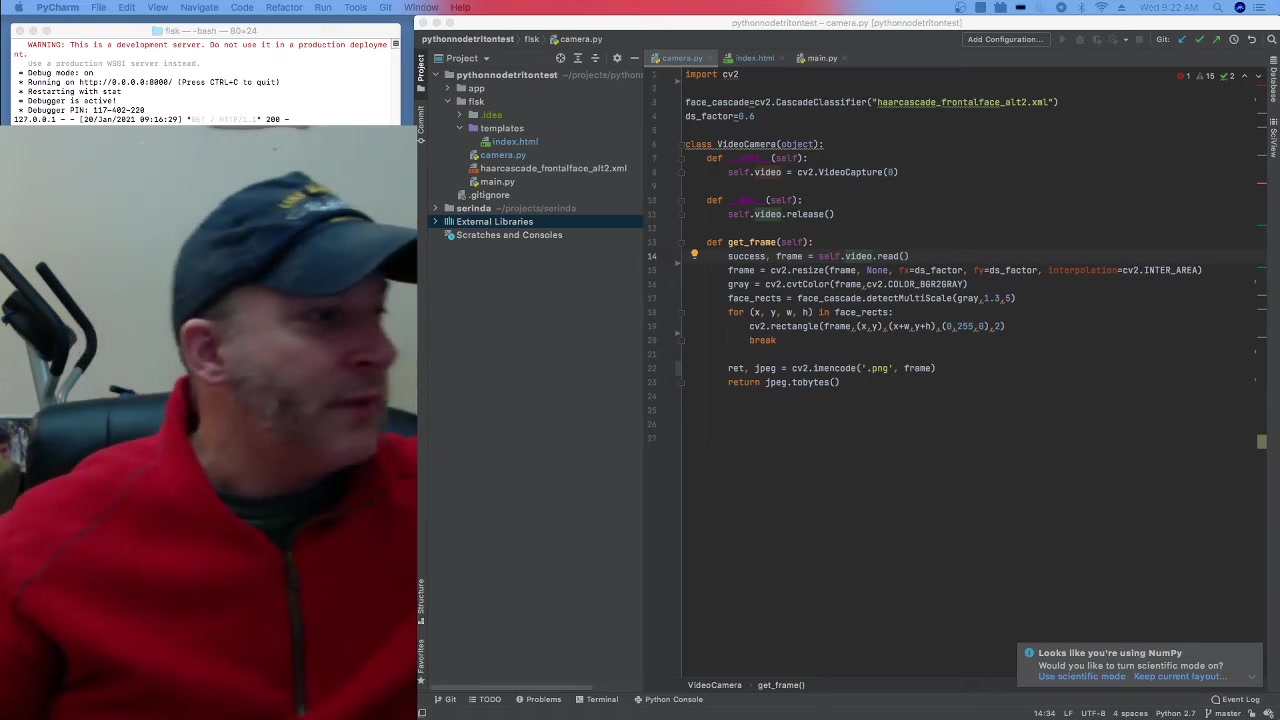
Our first step involves setting up the camera and implementing face detection using OpenCV. The goal is to capture real-time video and identify faces within each frame. The code is primarily based on publicly available code.
The below table shows dependencies for the project:
| Dependency | Version |
|---|---|
| OpenCV | 4.5+ |
| Python | 3.6+ |
| Numpy | Latest |
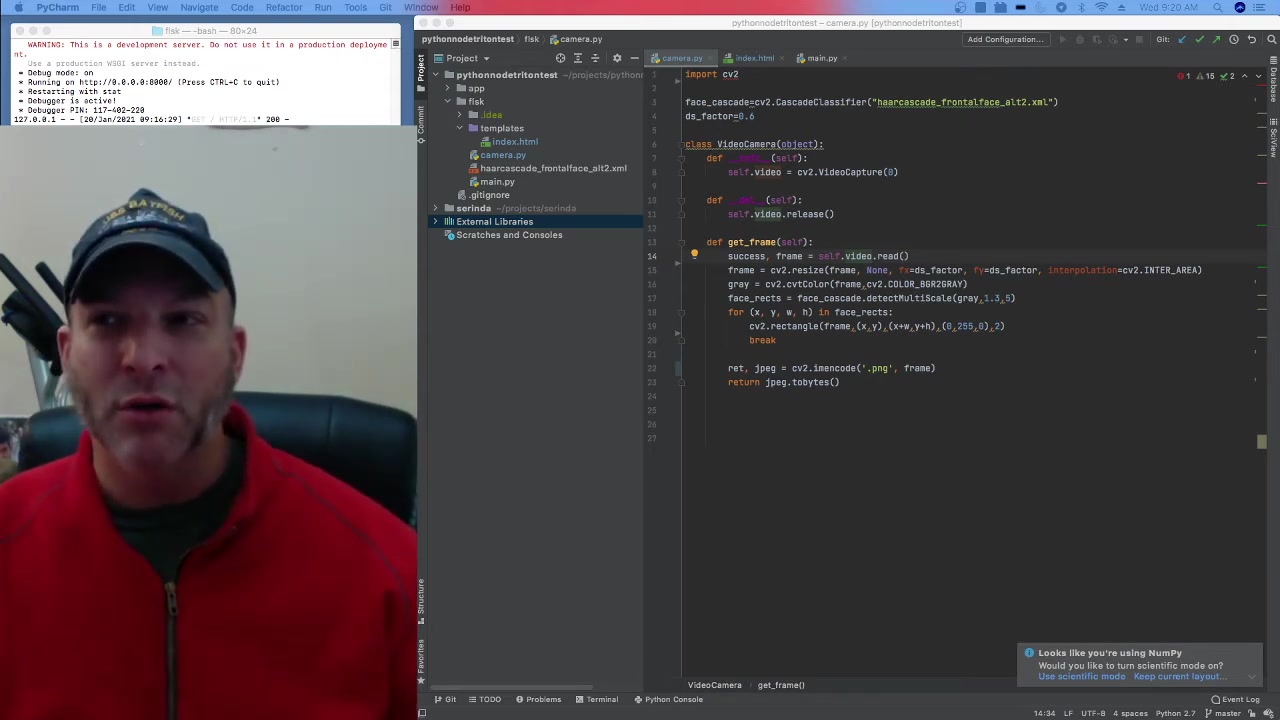
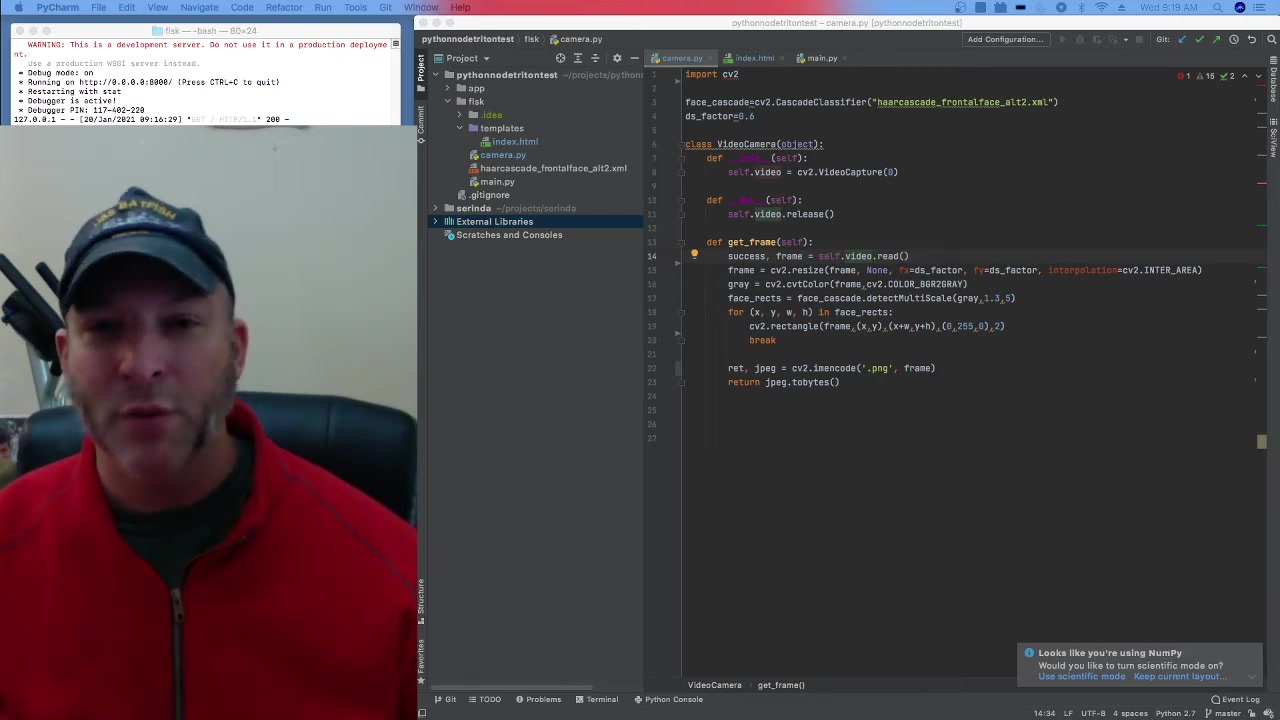
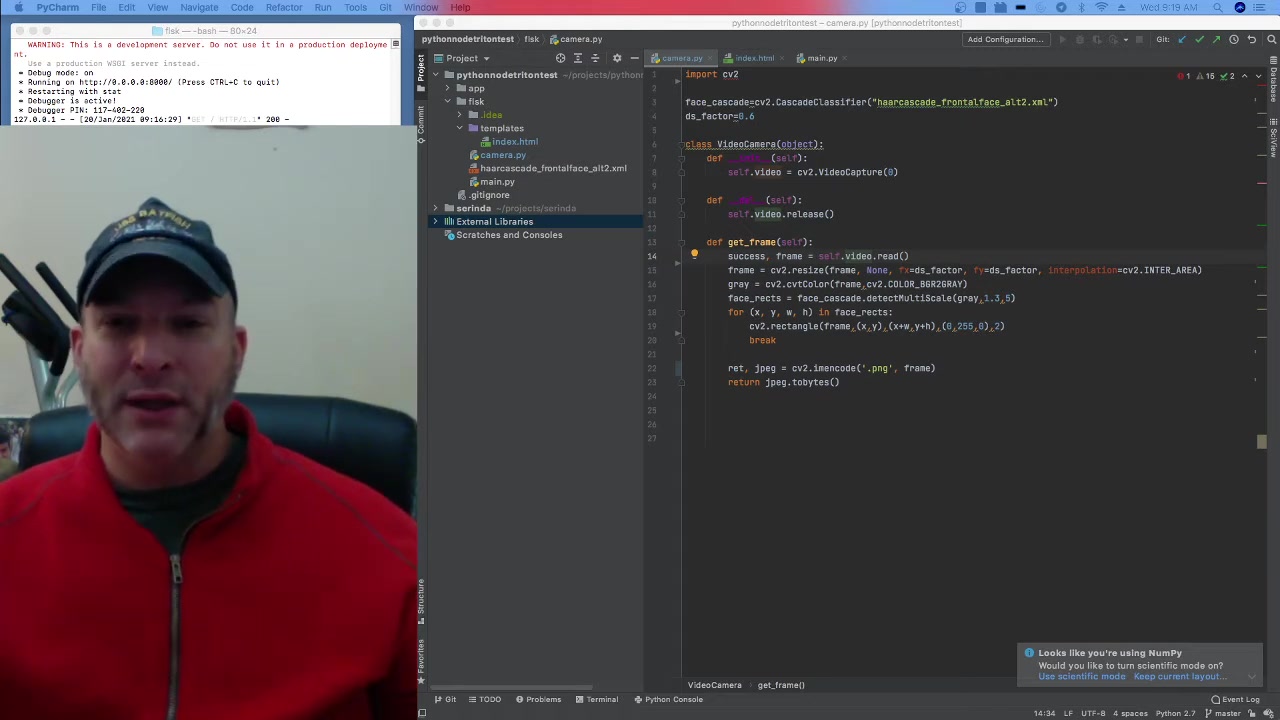
The code provided reads video data in real time.
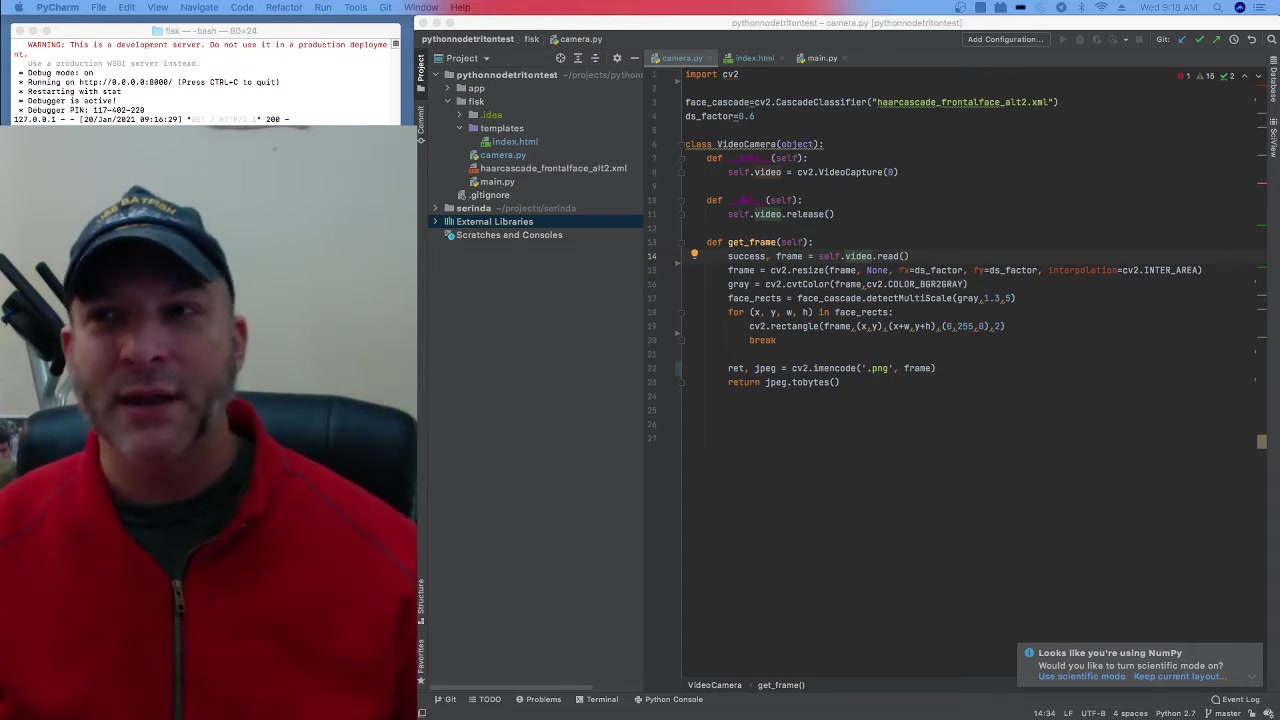
The video data is first converted into gray Scale for efficient processing. The program utilizes a haarcascade file for the face detection and the resulting location, sizes are then passed to be rendered in a transparent image.
Creating the Transparent Overlay
Once a face has been detected, the next step is to send such data to a transparent image for overlaying. Below are the benefits of a transparent image
- Non-Intrusive:
The overlay doesn't block the user's view of the real world.
- Clear Visuals: Important information can be displayed without obscuring the scene.
- Aesthetic Appeal: A transparent overlay looks more professional and integrated, enhancing the user experience.
Deep Dive into the HMD Device
The guide references a Head-Mounted Display. It is important to explain the components in such project. HMD devices contain the following:
- Processors - Latte Panda or a similar device allows one to create a complete system in a single location.
A single board computer can do a lot of the necessary processing.
- View finder - the guide is based on using a view finder and mirrors to properly show the augmented reality. This allows the computer to display AR properly.
- Gaze tracking - gaze tracking or hand tracking allows for another form of user input. The guide implements a leap motion controller.








Most people like






























Report
Please select a reason for reporting
- 13 Reasons to Switch from Snapchat to Text Messaging
- 7 Powerful Speech to Text Apps to Boost Productivity
- 10 Best Speech to Text Tools for Effortless Transcription
- 13 Free Tools to Easily Transcribe Audio to Text
- 15 Surprising Ways Google's Speech-to-Text Boosts Productivity
- 7 Best Free Online Audio to Text Transcription Tools
- 9 Tips to Transcribe Speech to Text Faster and Better
- 13 Best Speech to Text Software for Windows 10 in 2023
- 7 Tips for Choosing the Best Transcriber for Audio to Text
- 11 Reasons Why Dragon Speech-to-Text Apps are Game-Changers
- 6 Secrets to Enhance Your Speech to Text Transcription
- 6 Brilliant Ways to Boost Productivity with Talk-to-Text on Your MacBook
- 6 Ways Transcription Software Converts Audio to Text
- 8 Tips to Transcribe Speech to Text Like a Pro
- 6 Reasons IBM Watson Speech to Text is a Game-Changer
- 14 Powerful Ways Talk-to-Text Improves Your Workflow
- 12 Top Windows Speech-to-Text Software for Efficient Transcription
- 12 Game-Changing Benefits of Apple's Speech to Text Technology
- 9 Powerful Use Cases for AWS Speech to Text Technology
- 10 Easy Steps to Transcribe YouTube Videos to Text
- transcription audio en texte
- online audio transcription
- free audio file transcription
- free ai audio transcription
- audio transcription service
- audio transcription online free
- audio transcription free online
- audio to transcription software
- audio and transcript
- ai audio transcription free
- voice recording to text converter
- translate voice recording to text
- record voice to text
- audio recording to text converter
- voice recording and transcription
- chatgpt voice to text
- gmail voice to text
- speech to text reader
- speech to text ai free
- speech to talk
- How to Use AI Tools to Find Internal Linking Opportunities Across a Business Website
- Discover Your Perfect Haircut with AI Hairstyle Apps
- Free Reputation Calculator Tools: How They're Adapting to Score AI Visibility, Not Just Rankings
- Design Professional Flyers for Free on Your Phone
- Best Free Flyer Maker Apps for Android: Design Like a Pro
- How to Know If Your Business Is Ready for an AI Customer Service Agent
- Revolutionizing Storytelling: From Novels to Screenplays with AI
- Create Engaging Animated Explainer Videos with a Free AI Tool
- Stop Multi-Subscribing: Benchmark Top AI Visual Models in One Canvas
- Best Seedance 2.5 API Provider: Every Price on the Market, Checked at Source
- Top AI Social Media Management Tools: Automate Your Content Strategy
- Free AI Text to Video Generator: Create Stunning Videos from Text
- Discover 17 ChatGPT Alternatives: A Comprehensive Comparison
- Character.AI vs. Janitor AI: Which AI Chat Platform Reigns Supreme?
- Top Virtual Assistant Companies in 2026: Reviews, Pricing, and Plans Compared
- Unveiling FaceCheck.ID: Revolutionizing Reverse Image Searches with AI
- 11 Best AI Dialers in 2026: Features, Pricing, Pros and Cons
- How I Direct Consistent AI Clips: A Hands-On Guide to Multi-Model Generation
- A Realistic Review of the Photo Generator Image Tool
- Playwright MCP Server: Automated Web Testing with Agent Mode

Copyright ©2026 toolify