































Table of Contents
- Key Points for Efficient App Development with Cursor IDE
- Harnessing the Power of Cursor IDE for App Development
- Maximize Productivity with Core Features
- Step-by-Step Guide: Building a Simple CRM with Cursor IDE
- Leverage Cursor IDE's Features: Is it Worth the Cost?
- Cursor IDE: The Ultimate Verdict
- Versatile Applications of Cursor IDE
- Frequently Asked Questions about Cursor IDE
- Related Questions and Inquiries


Harnessing the Power of Cursor IDE for App Development
Installing and Setting Up Cursor IDE: A Beginner's Guide
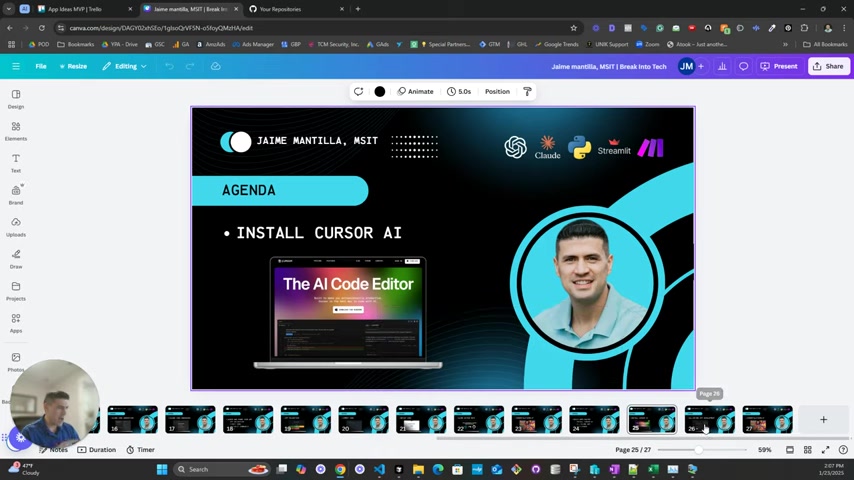
First, let's dive into the installation process, because it's important to know how to do this correctly. You can find Cursor IDE at Cursor.ai
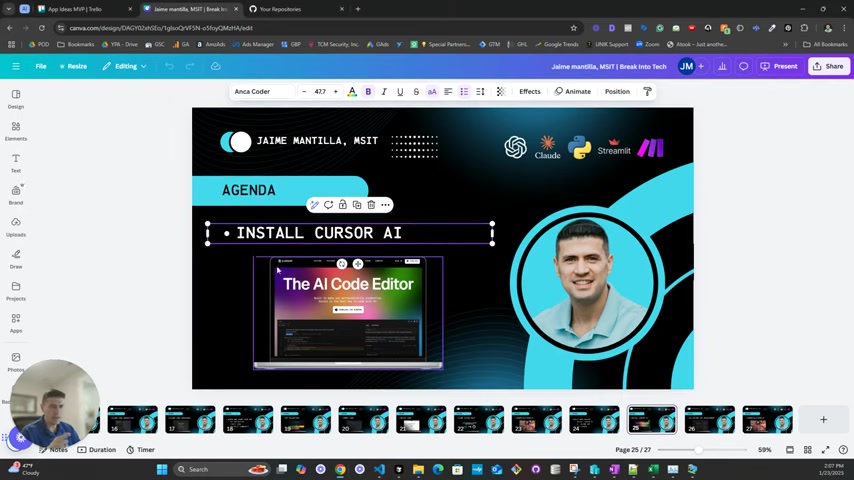
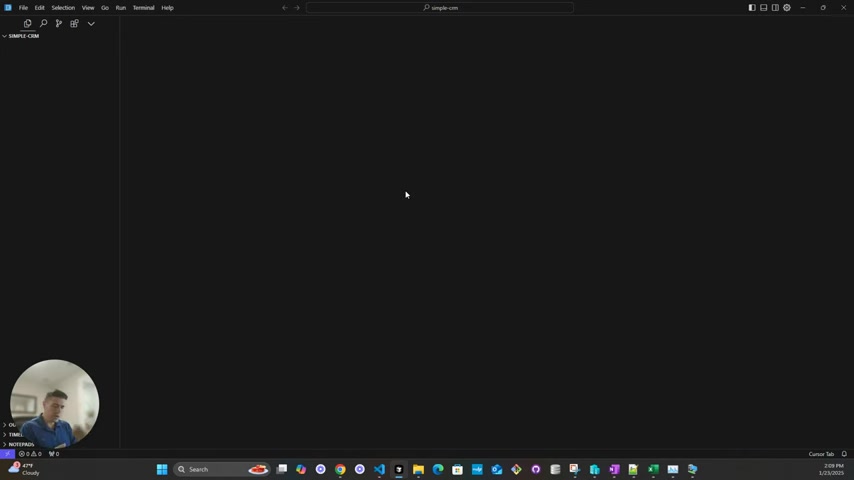
, the AI code editor. With Cursor IDE properly installed and setup, you'll be able to increase you coding efficency, and improve you overall app development. Once installed, the speaker maximizes the application to provide a clear view of the interface. A new project file is started. This will allow you to make a test application from scratch to learn Cursor IDEs interface.
Ideation and Brainstorming: Where Do I Even Begin??
Before diving into code, let's consider idea generation. If you are struggling to create ideas, try using ChatGPT to generate a list of app ideas, to which the AI will respond with a plethora of options.
Once you have ideas in hand, it's time to define the key characteristics of an app, such as a customer relationship management (CRM) system. A CRM helps a company to manage their customers effectively. This simple CRM build will be used for this example. A CRM allows you to create and manage data on your customers, to see what they like, their contact info, etc.
Breaking Down the Task with Cursor IDE
Now the real code begins to be created, but first, the process must be prepared for the instructions you're about to pass along. To do this, use 'CTRL + I' to bring up a side menu that will allow us to chat with Claude and give instructions.
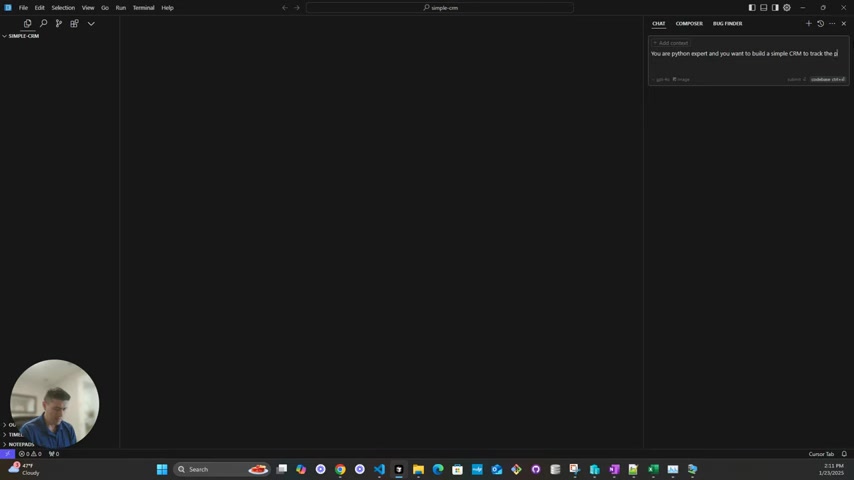
The speaker then compares ChatGPT to chatting, and Claude to the composer for the current build project.
To start, use an app Prompt and provide all details: 'You are a python expert and you want to build a simple CRM to track the prospects information and stage in the pipeline. You want to collect full name, phone email and you want to have section to take notes about the conversation, you want to be able to update the state of the prospect/lead with the standard status, please help me with the standard status.’
Maximize Productivity with Core Features
Using Data Collection and Prospect Management
The speaker walks though the instructions, and asks Claude to start a process to be implemented in the code. The AI's response breaks down each part of the application to ensure the code will compile and run, afterwhich, the parts are pasted directly into the screen from the chat.
When working with customers in the customer relationship management area, make sure the code is scalable so that it has the features it needs. Core features such as prospecting management, a notes section, and pipeline management are all critical to ensure the applications efficiency. To this end, include these steps in the program buildout.
Essential Project Structure Tips
A project requires organization, or else it can be difficult to create an easy to use and understandable program build. This will also help with the team and ensure that all members of the crew can contribute without causing errors that will corrupt the data. Unit tests ensure SOLID coding standards, this all adds to the efficency of the team. Following an established code structure is critical!
Deploying with Streamlit for Accessibility and Innovation
Streamlit's accessibility has been one of the topics for discussion. What Streamlit is, is that it serves as a library to get a project up in the cloud for demonstration purposes. This is usually not for scalability and commercial purposes, but mostly just for demos, but can be changed as well. You don't need any frontend or backend knowledge to get this up and running. This makes it more than just a simple process but more so, the defacto for data driven companies, to show off and develop new code.
Step-by-Step Guide: Building a Simple CRM with Cursor IDE
Step 1: Setting Up the Project
Initiate the project within Cursor IDE and import the necessary libraries, including Streamlit and any database-related libraries you will be using.
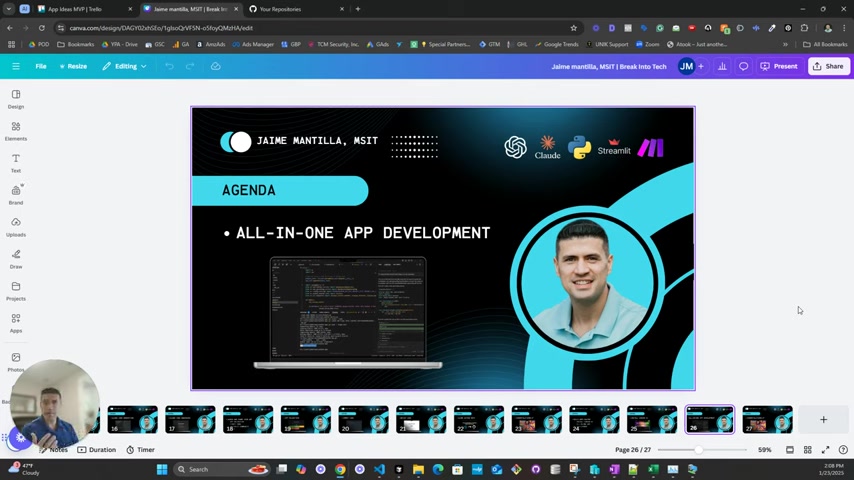
Define the project structure by creating separate directories for models, data operations, and the main app. Initialize the git repository to ensure it is easy to access.
Step 2: Developing Core Functions Using Data and AI
In this phase, code the core functions for the CRM, including data collection for essential prospect information, adding notes, data management, and pipeline management. Use test to confirm that it all works. Make sure to use proper Python code for this project, for example:
def get_all_prospects(db): allprospect= prospect_data
Step 3: Deploying to Streamlit Community Cloud
Configure the Streamlit app with all the metadata required, link to it, get it set up. This should link and ensure that code can be copied to the cloud system for demonstration purposes! This can be done for nearly any project with streamlit.





Most people like































Report
Please select a reason for reporting
- 13 Reasons to Switch from Snapchat to Text Messaging
- 7 Powerful Speech to Text Apps to Boost Productivity
- 10 Best Speech to Text Tools for Effortless Transcription
- 13 Free Tools to Easily Transcribe Audio to Text
- 15 Surprising Ways Google's Speech-to-Text Boosts Productivity
- 7 Best Free Online Audio to Text Transcription Tools
- 9 Tips to Transcribe Speech to Text Faster and Better
- 13 Best Speech to Text Software for Windows 10 in 2023
- 7 Tips for Choosing the Best Transcriber for Audio to Text
- 11 Reasons Why Dragon Speech-to-Text Apps are Game-Changers
- 6 Secrets to Enhance Your Speech to Text Transcription
- 6 Brilliant Ways to Boost Productivity with Talk-to-Text on Your MacBook
- 6 Ways Transcription Software Converts Audio to Text
- 8 Tips to Transcribe Speech to Text Like a Pro
- 6 Reasons IBM Watson Speech to Text is a Game-Changer
- 14 Powerful Ways Talk-to-Text Improves Your Workflow
- 12 Top Windows Speech-to-Text Software for Efficient Transcription
- 12 Game-Changing Benefits of Apple's Speech to Text Technology
- 9 Powerful Use Cases for AWS Speech to Text Technology
- 10 Easy Steps to Transcribe YouTube Videos to Text
- transcription audio en texte
- online audio transcription
- free audio file transcription
- free ai audio transcription
- audio transcription service
- audio transcription online free
- audio transcription free online
- audio to transcription software
- audio and transcript
- ai audio transcription free
- voice recording to text converter
- translate voice recording to text
- record voice to text
- audio recording to text converter
- voice recording and transcription
- chatgpt voice to text
- gmail voice to text
- speech to text reader
- speech to text ai free
- speech to talk
- How to Use AI Tools to Find Internal Linking Opportunities Across a Business Website
- Discover Your Perfect Haircut with AI Hairstyle Apps
- Free Reputation Calculator Tools: How They're Adapting to Score AI Visibility, Not Just Rankings
- Design Professional Flyers for Free on Your Phone
- Best Free Flyer Maker Apps for Android: Design Like a Pro
- How to Know If Your Business Is Ready for an AI Customer Service Agent
- Revolutionizing Storytelling: From Novels to Screenplays with AI
- Create Engaging Animated Explainer Videos with a Free AI Tool
- Stop Multi-Subscribing: Benchmark Top AI Visual Models in One Canvas
- Best Seedance 2.5 API Provider: Every Price on the Market, Checked at Source
- Top AI Social Media Management Tools: Automate Your Content Strategy
- Free AI Text to Video Generator: Create Stunning Videos from Text
- Discover 17 ChatGPT Alternatives: A Comprehensive Comparison
- Character.AI vs. Janitor AI: Which AI Chat Platform Reigns Supreme?
- Top Virtual Assistant Companies in 2026: Reviews, Pricing, and Plans Compared
- Unveiling FaceCheck.ID: Revolutionizing Reverse Image Searches with AI
- 11 Best AI Dialers in 2026: Features, Pricing, Pros and Cons
- How I Direct Consistent AI Clips: A Hands-On Guide to Multi-Model Generation
- A Realistic Review of the Photo Generator Image Tool
- Playwright MCP Server: Automated Web Testing with Agent Mode

Copyright ©2026 toolify