































Table of Contents
- Key Points
- Choosing the Right AI Coding Assistant in 2025
- Codeium as a potential alternative
- Getting Started with Cursor
- Pricing Comparison: Cursor vs. GitHub Copilot
- Pros and Cons of Each Assistant
- Core Features and Functionality
- Real-World Use Cases
- Frequently Asked Questions
- Related Questions


Pricing Comparison: Cursor vs. GitHub Copilot
Breaking Down the Costs
Understanding the pricing structures of Cursor and GitHub Copilot is critical for budget-conscious developers. Here's a detailed breakdown:
- Cursor:
- Hobby: Free (includes Pro two-week trial, 2000 completions, and 50 slow premium requests)
- Pro: $20/month (unlimited completions, 500 fast premium requests per month, 10 o1-mini uses per day)
- Business: $40/user/month (enforces privacy mode org-wide, centralized team billing, admin dashboard with usage stats)
- GitHub Copilot:
- Free: For verified students, teachers, and maintainers of popular open-source projects.
- Pro: $10/month (unlimited completions and chats).
- Business: $19/user/month (user management, training exclusions, security).
- Enterprise: $39/user/month (fully customized GitHub Copilot experience).
As you can see, Cursor's Pro plan is twice the price of GitHub Copilot Pro.

This price difference warrants a closer look at the features and performance each assistant offers to justify the cost.
Core Features and Functionality
AI Models and Code Completion
Both Cursor and GitHub Copilot leverage advanced AI models to provide intelligent code completion, generate code snippets, and offer real-time suggestions. These models include GPT-4, Claude, and OpenAI's o1-mini, ensuring high-quality code generation and contextual understanding.
- Multi-Line Auto-Complete: Cursor excels in providing multi-line code suggestions, which can significantly speed up development by anticipating entire code blocks.
- Smart Refactoring: Both tools offer smart refactoring capabilities, suggesting improvements to existing code and helping developers maintain code quality.
- AI-Powered Chat: The AI-powered chat features allow developers to ask questions about their code, receive explanations, and generate code snippets through natural language prompts.
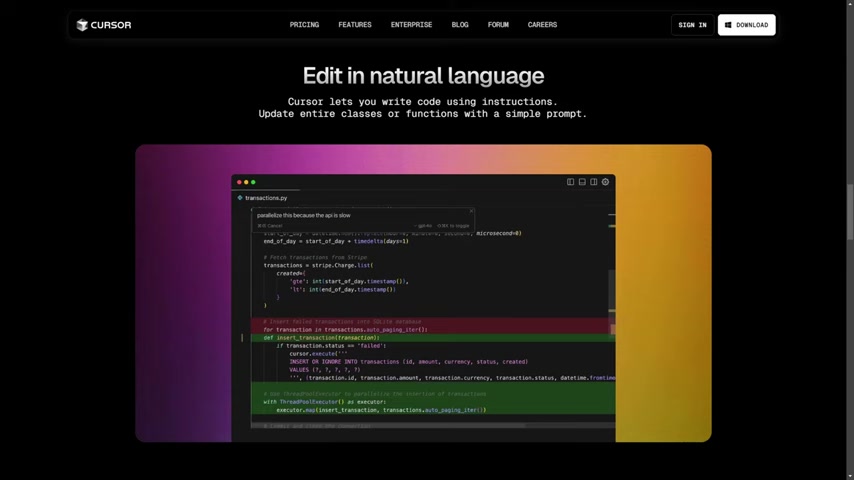
GitHub Copilot provides access to OpenAI o1 model.
Unique Features of Cursor
Cursor offers several unique features that set it apart from GitHub Copilot:
- Codebase Awareness: Cursor can analyze your entire codebase to provide contextually Relevant suggestions and answers, enhancing its accuracy and relevance.
- Screenshot Integration: Developers can upload screenshots directly into the chat interface, allowing Cursor to analyze visual information and provide targeted assistance. This feature is particularly useful for front-end development.
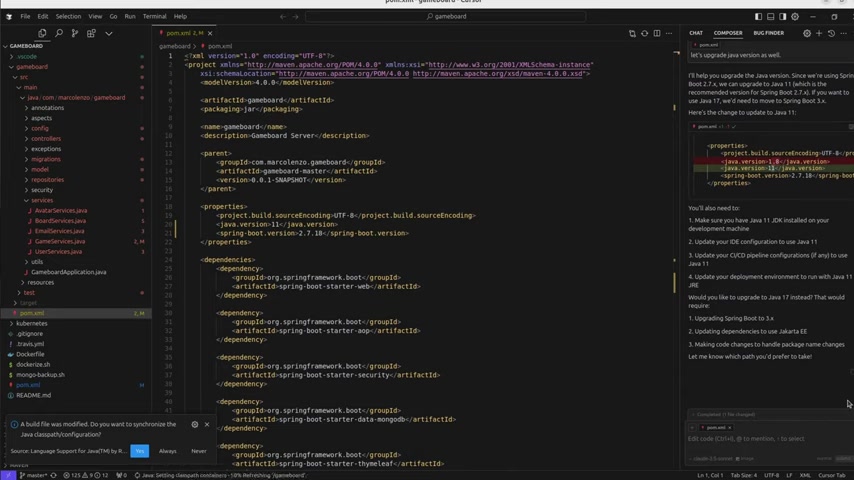
- Composer: Cursor offers Composer, an AI agent, enabling it to take actions like running commands and refactoring code.
Composer makes this AI Agent take actions like running commands and refactoring code.
GitHub Copilot's Strengths
GitHub Copilot integrates seamlessly into the GitHub ecosystem, offering several advantages:
- Code Reviews: Copilot can automatically review code, identify potential bugs, and suggest improvements based on best practices.
- Workspaces: Copilot provides workspaces for managing and collaborating on code projects, enhancing team productivity.
- Extensions: Allows support for specific frameworks or tools.
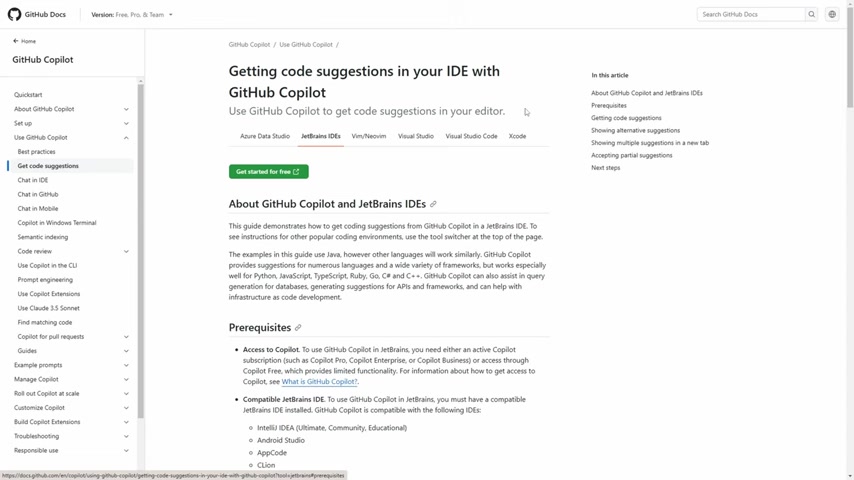
Copilot builds and deploys with the tools you love in Copilot Chat.





Most people like



































Report
Please select a reason for reporting
- 13 Reasons to Switch from Snapchat to Text Messaging
- 7 Powerful Speech to Text Apps to Boost Productivity
- 10 Best Speech to Text Tools for Effortless Transcription
- 13 Free Tools to Easily Transcribe Audio to Text
- 15 Surprising Ways Google's Speech-to-Text Boosts Productivity
- 7 Best Free Online Audio to Text Transcription Tools
- 9 Tips to Transcribe Speech to Text Faster and Better
- 13 Best Speech to Text Software for Windows 10 in 2023
- 7 Tips for Choosing the Best Transcriber for Audio to Text
- 11 Reasons Why Dragon Speech-to-Text Apps are Game-Changers
- 6 Secrets to Enhance Your Speech to Text Transcription
- 6 Brilliant Ways to Boost Productivity with Talk-to-Text on Your MacBook
- 6 Ways Transcription Software Converts Audio to Text
- 8 Tips to Transcribe Speech to Text Like a Pro
- 6 Reasons IBM Watson Speech to Text is a Game-Changer
- 14 Powerful Ways Talk-to-Text Improves Your Workflow
- 12 Top Windows Speech-to-Text Software for Efficient Transcription
- 12 Game-Changing Benefits of Apple's Speech to Text Technology
- 9 Powerful Use Cases for AWS Speech to Text Technology
- 10 Easy Steps to Transcribe YouTube Videos to Text
- transcription audio en texte
- online audio transcription
- free audio file transcription
- free ai audio transcription
- audio transcription service
- audio transcription online free
- audio transcription free online
- audio to transcription software
- audio and transcript
- ai audio transcription free
- voice recording to text converter
- translate voice recording to text
- record voice to text
- audio recording to text converter
- voice recording and transcription
- chatgpt voice to text
- gmail voice to text
- speech to text reader
- speech to text ai free
- speech to talk
- Meshy AI: How to Create 3D Models from Text and Images
- How SEO and Marketing Dashboards Empower Agencies to Drive Results
- How to Use AI Tools to Find Internal Linking Opportunities Across a Business Website
- Discover Your Perfect Haircut with AI Hairstyle Apps
- Free Reputation Calculator Tools: How They're Adapting to Score AI Visibility, Not Just Rankings
- Design Professional Flyers for Free on Your Phone
- Best Free Flyer Maker Apps for Android: Design Like a Pro
- How to Know If Your Business Is Ready for an AI Customer Service Agent
- Revolutionizing Storytelling: From Novels to Screenplays with AI
- Create Engaging Animated Explainer Videos with a Free AI Tool
- Automate Lead Generation: A Comprehensive Guide with AI Agents
- Revideo.io: The Future of Reverse Video Search Technology
- Revolutionizing Email Marketing Agency with AI
- Breaking the Character Drift Dilemma: A Practical Test of Smart Shot
- Meshy AI: How to Create 3D Models from Text and Images
- ASOMobile Helps Teams Benchmark App Store Screenshots Against Competitors
- How to Match LMS Software With Your Organization's Training Plan
- How to Convert BTC to HNT
- Unleashing the Power of AI: Cognizant's Roadmap for Transformation
- Frame to Video Review: A Practical Look at Turning Two Still Frames Into Motion

Copyright ©2026 toolify