































Table of Contents
- Key Points
- Understanding GitHub Copilot
- Understanding Accuracy and Limitations
- Getting Started with GitHub Copilot
- Advantages and Disadvantages of GitHub Copilot
- Key Features of GitHub Copilot
- Practical Use Cases for GitHub Copilot
- Frequently Asked Questions
- Related Questions


Understanding GitHub Copilot
What is GitHub Copilot?
GitHub COPILOT is not just another autocomplete tool; it's an AI pair programmer.
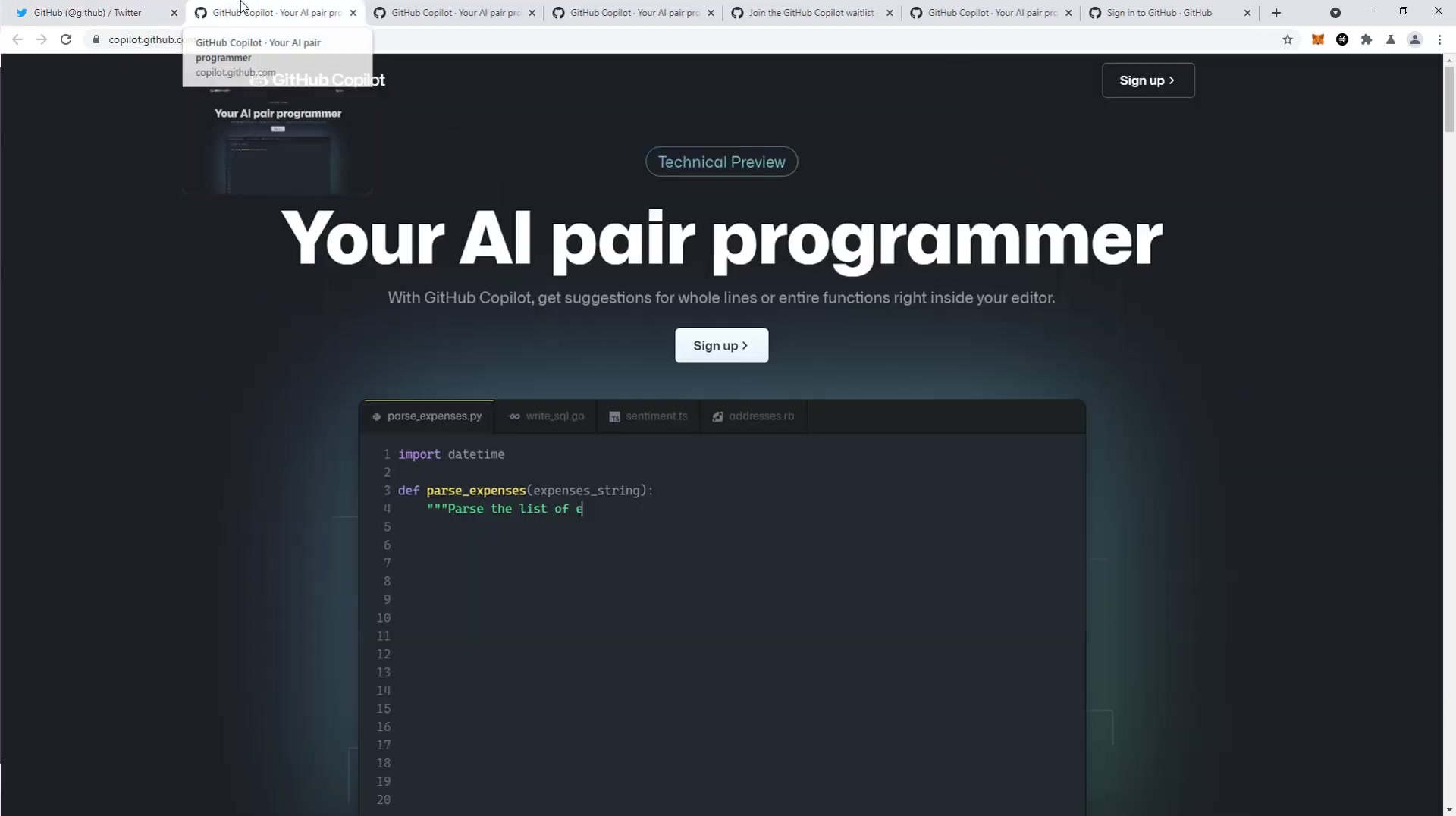
It uses the OpenAI Codex model to understand code context and provide suggestions for whole lines or entire functions right inside your editor. This goes beyond simple keyword completion, as it attempts to understand the developer's intent and generate code that matches. Think of it as having an experienced colleague sitting next to you, offering helpful suggestions as you code. GitHub Copilot aims to reduce the time spent searching for documentation or examples, allowing developers to focus on the core logic of their projects. It helps to automate repetitive tasks and also can be used to get a better understanding of new programming languages. The key differentiator with this autocompletion is the AI’s ability to predict the next best steps in your code through contextual awareness and a high degree of accuracy, even learning from how you adjust the code after its suggestions. This tool is powerful, though still in its early stages, and it is rapidly evolving to meet the needs of every developer.
GitHub Copilot stands out because it has been trained on billions of lines of public code. This vast dataset allows it to offer suggestions that are not only syntactically correct but also semantically Relevant. This means it can understand the purpose of your code and suggest completions that Align with your intended functionality.
For example, if you're writing a function to parse expenses from a STRING, Copilot can suggest the entire function body based on the function name and a few initial lines. This can significantly reduce the amount of boilerplate code you have to write, freeing you up to focus on more complex aspects of your project. With its ability to understand context, GitHub Copilot allows you to write code with confidence, even when working with unfamiliar languages or frameworks. The tool is designed to help you find your way around almost anything, reducing the time spent on documentation or web searching and instead, allows developers to focus on core functionalities and complex problems. As a technical preview, this technology showcases the capabilities of modern AI in software creation and provides a great value for software developers.
Understanding Accuracy and Limitations
Current Accuracy Rate
It's important to understand the current accuracy rate of GitHub Copilot before relying on it for critical tasks.
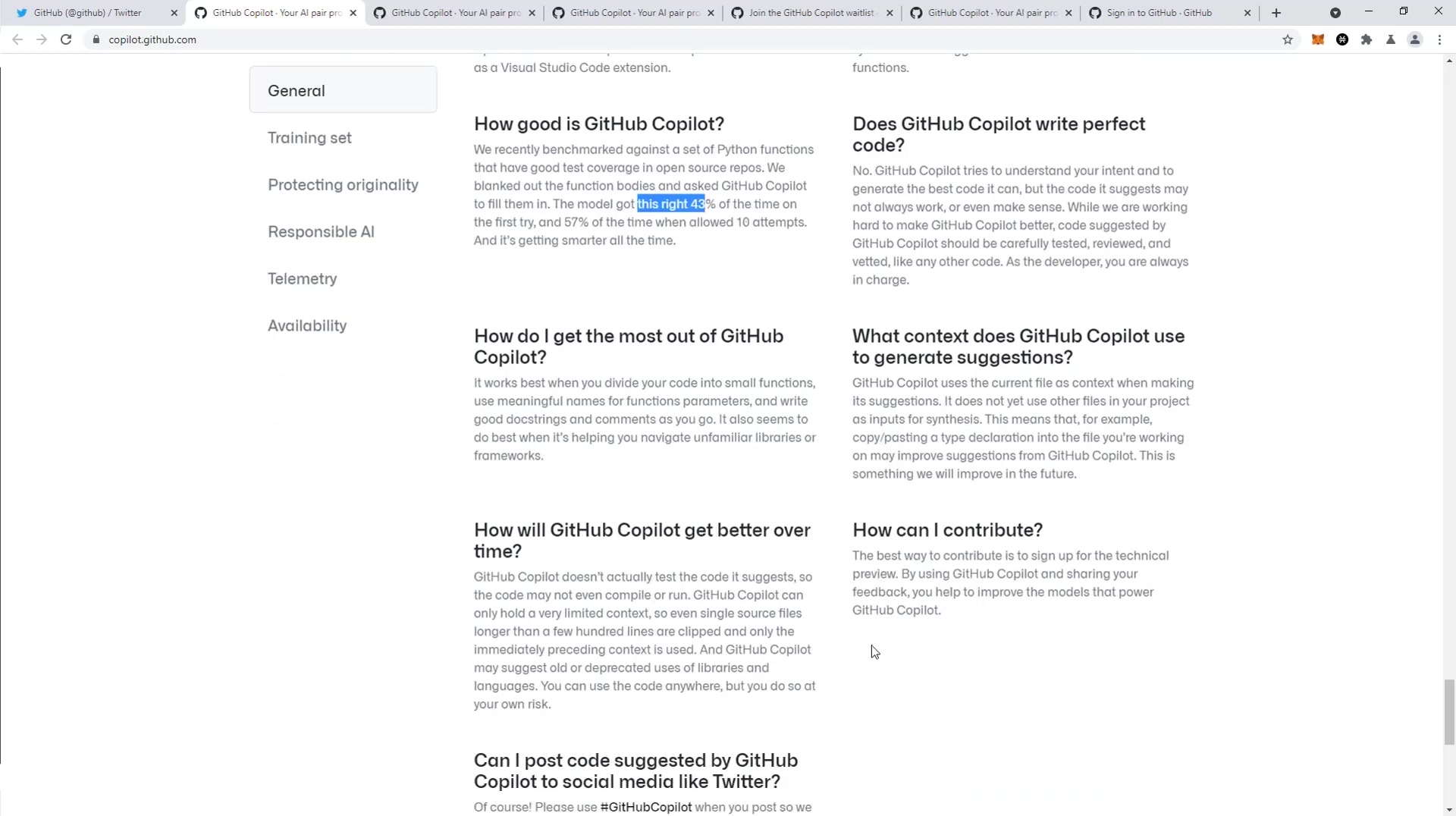
According to GitHub, the AI model gets the code suggestion correct approximately 43% of the time on the first try. If allowed ten attempts, the accuracy improves to 57%. This data highlights that Copilot is not infallible and requires careful review of its suggestions. Developers shouldn't use this on large projects because they may need to re-do more work. These accuracy metrics emphasize the need for developers to be proactive in verifying code suggestions. Copilot can accelerate coding, but it does not remove the need for testing. This is due to its lack of ability to self-test the code and suggest edits for compiling.
Considerations for Large Codebases
Another important limitation is that GitHub Copilot currently uses only the current file as context for its suggestions. This means that it doesn't consider declarations in other files within your project. This can lead to inaccurate or irrelevant suggestions in large codebases where dependencies are spread across multiple files. It is something the creators want to improve, but currently you need to take extra precautions on large-Scale projects.
The Importance of Developer Oversight
Given these limitations, it is crucial for developers to maintain oversight and critically evaluate all code suggestions made by GitHub Copilot. Treat it as a helpful assistant, not an autonomous Code Generator. By combining Copilot's suggestions with your expertise and understanding of your project, you can leverage its benefits while mitigating its risks. Copilot is only a useful tool with supervision, and that's how it was designed. no code comes out of the machine that shouldn't be properly reviewed by an individual.
Getting Started with GitHub Copilot
Signing Up for the Technical Preview
Currently, GitHub Copilot is in technical preview, meaning access is limited to a select group of testers.
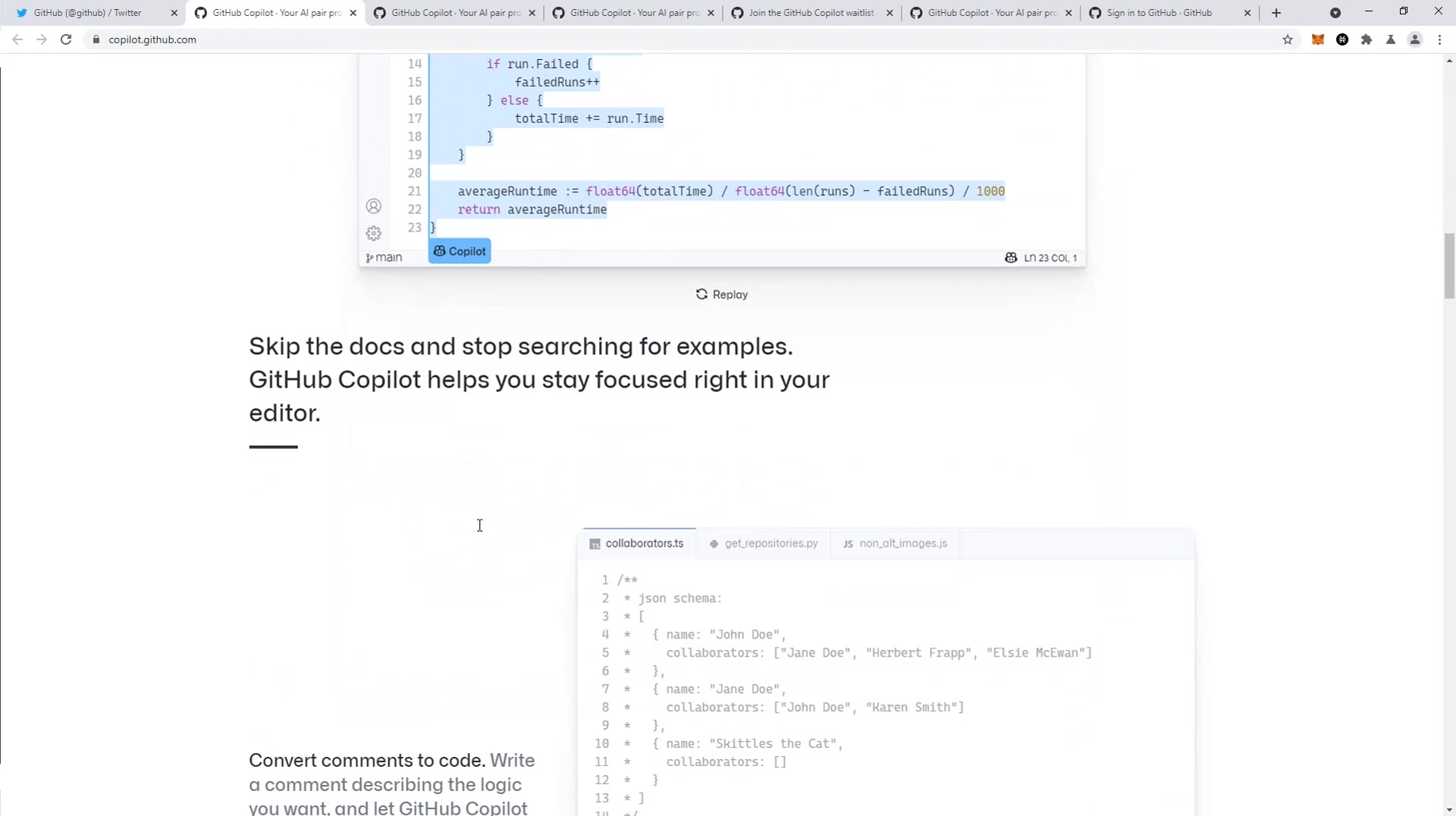
To join the waitlist, navigate to the GitHub Copilot website and sign up. You will need a GitHub account to participate. The sign-up process requires you to answer a few questions about your coding habits and usage of Visual Studio Code, such as how often you use the software. Once signed up, you will be added to the waitlist and notified via email when you are granted access. Understand that access to this beta program may be limited, as GitHub gradually includes developers. During the preview, GitHub is actively collecting feedback to improve the tool, so your participation can directly influence its future development.
Installing the Visual Studio Code Extension
Once you have been granted access to the technical preview, the next step is to install the GitHub Copilot extension for Visual Studio Code. This is a straightforward process that can be completed in a few minutes. Open Visual Studio Code, navigate to the Extensions marketplace (usually accessible via the Extensions icon in the Activity Bar), and search for “GitHub Copilot”. Click the “Install” button to add the extension to your IDE. After installation, you may need to authenticate with your GitHub account to activate the extension. Follow the prompts to complete the authentication process.
Using Copilot for Code Suggestions
With the extension installed, GitHub Copilot will automatically start providing code suggestions as you type.
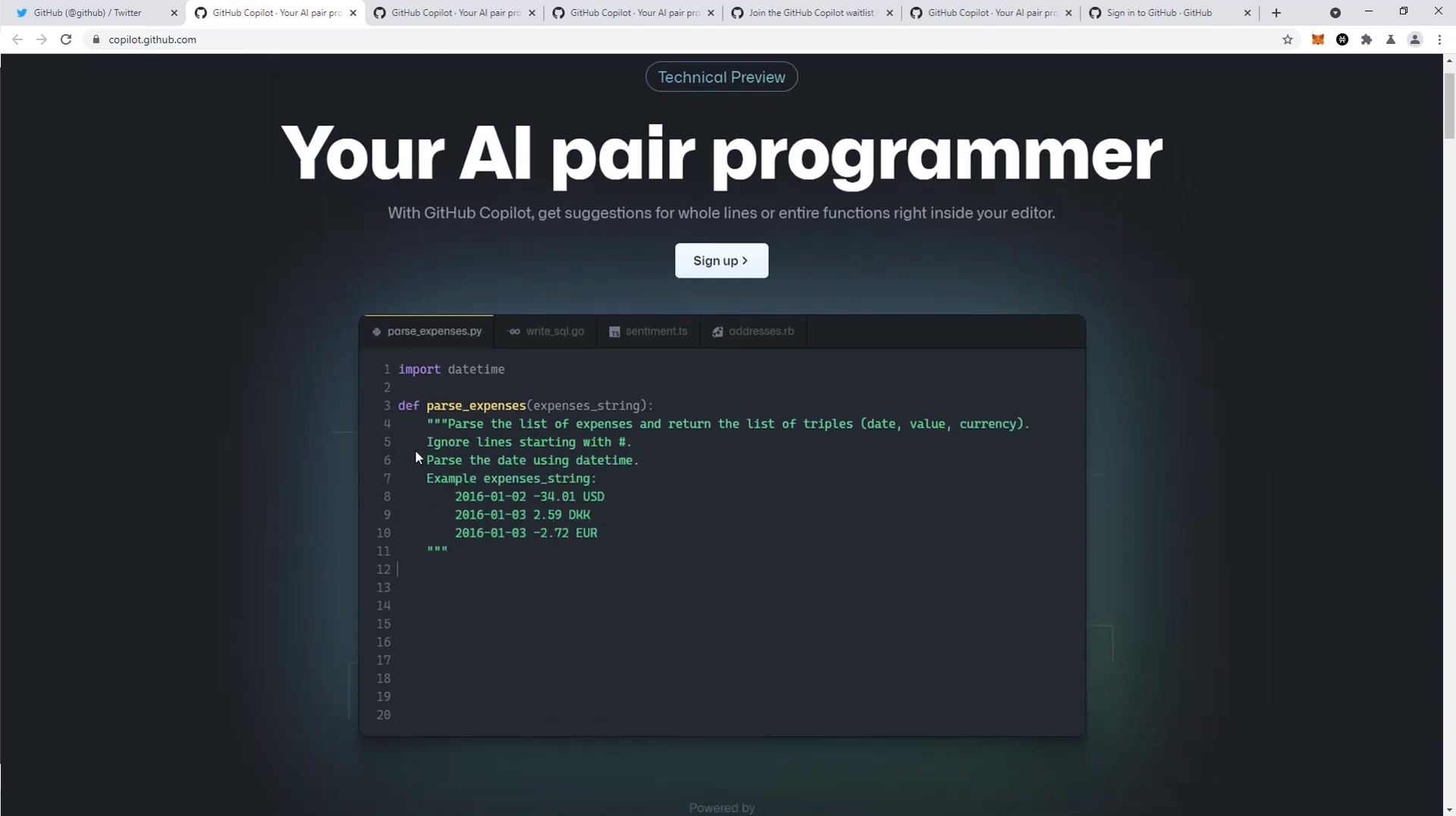
Simply begin writing code, and Copilot will analyze the context and suggest completions. These suggestions appear as grayed-out text, which you can accept by pressing the Tab key. Copilot provides suggestions for single lines, entire blocks, and even complete functions, depending on the context. You can also cycle through alternative suggestions using keyboard shortcuts or the Copilot UI elements. It’s important to note that Copilot is a suggestion engine, not a code generator. While it can greatly accelerate your workflow, you should always review and understand the code it suggests before incorporating it into your project. This ensures code correctness and prevents the introduction of potential bugs or security vulnerabilities.





Most people like

































Report
Please select a reason for reporting
- 13 Reasons to Switch from Snapchat to Text Messaging
- 7 Powerful Speech to Text Apps to Boost Productivity
- 10 Best Speech to Text Tools for Effortless Transcription
- 13 Free Tools to Easily Transcribe Audio to Text
- 15 Surprising Ways Google's Speech-to-Text Boosts Productivity
- 7 Best Free Online Audio to Text Transcription Tools
- 9 Tips to Transcribe Speech to Text Faster and Better
- 13 Best Speech to Text Software for Windows 10 in 2023
- 7 Tips for Choosing the Best Transcriber for Audio to Text
- 11 Reasons Why Dragon Speech-to-Text Apps are Game-Changers
- 6 Secrets to Enhance Your Speech to Text Transcription
- 6 Brilliant Ways to Boost Productivity with Talk-to-Text on Your MacBook
- 6 Ways Transcription Software Converts Audio to Text
- 8 Tips to Transcribe Speech to Text Like a Pro
- 6 Reasons IBM Watson Speech to Text is a Game-Changer
- 14 Powerful Ways Talk-to-Text Improves Your Workflow
- 12 Top Windows Speech-to-Text Software for Efficient Transcription
- 12 Game-Changing Benefits of Apple's Speech to Text Technology
- 9 Powerful Use Cases for AWS Speech to Text Technology
- 10 Easy Steps to Transcribe YouTube Videos to Text
- transcription audio en texte
- online audio transcription
- free audio file transcription
- free ai audio transcription
- audio transcription service
- audio transcription online free
- audio transcription free online
- audio to transcription software
- audio and transcript
- ai audio transcription free
- voice recording to text converter
- translate voice recording to text
- record voice to text
- audio recording to text converter
- voice recording and transcription
- chatgpt voice to text
- gmail voice to text
- speech to text reader
- speech to text ai free
- speech to talk
- How to Use AI Tools to Find Internal Linking Opportunities Across a Business Website
- Discover Your Perfect Haircut with AI Hairstyle Apps
- Free Reputation Calculator Tools: How They're Adapting to Score AI Visibility, Not Just Rankings
- Design Professional Flyers for Free on Your Phone
- Best Free Flyer Maker Apps for Android: Design Like a Pro
- How to Know If Your Business Is Ready for an AI Customer Service Agent
- Revolutionizing Storytelling: From Novels to Screenplays with AI
- Create Engaging Animated Explainer Videos with a Free AI Tool
- Stop Multi-Subscribing: Benchmark Top AI Visual Models in One Canvas
- Best Seedance 2.5 API Provider: Every Price on the Market, Checked at Source
- Top AI Social Media Management Tools: Automate Your Content Strategy
- Free AI Text to Video Generator: Create Stunning Videos from Text
- Discover 17 ChatGPT Alternatives: A Comprehensive Comparison
- Character.AI vs. Janitor AI: Which AI Chat Platform Reigns Supreme?
- Top Virtual Assistant Companies in 2026: Reviews, Pricing, and Plans Compared
- Unveiling FaceCheck.ID: Revolutionizing Reverse Image Searches with AI
- 11 Best AI Dialers in 2026: Features, Pricing, Pros and Cons
- How I Direct Consistent AI Clips: A Hands-On Guide to Multi-Model Generation
- A Realistic Review of the Photo Generator Image Tool
- Playwright MCP Server: Automated Web Testing with Agent Mode

Copyright ©2026 toolify