































Table of Contents
- Key Points
- Getting Started with Google Bard AI
- Exploring Bard AI's Creative Capabilities
- Practical Applications of Google Bard AI
- Google Bard AI Pricing
- Advantages and Disadvantages of Using Google Bard AI
- Core Features of Google Bard AI
- Use Cases for Google Bard AI
- Frequently Asked Questions
- Related Questions


Getting Started with Google Bard AI
How to Access Google Bard AI
To begin using Bard, Google's experimental AI Tool, you'll first need to access the platform. The process is straightforward and user-friendly.
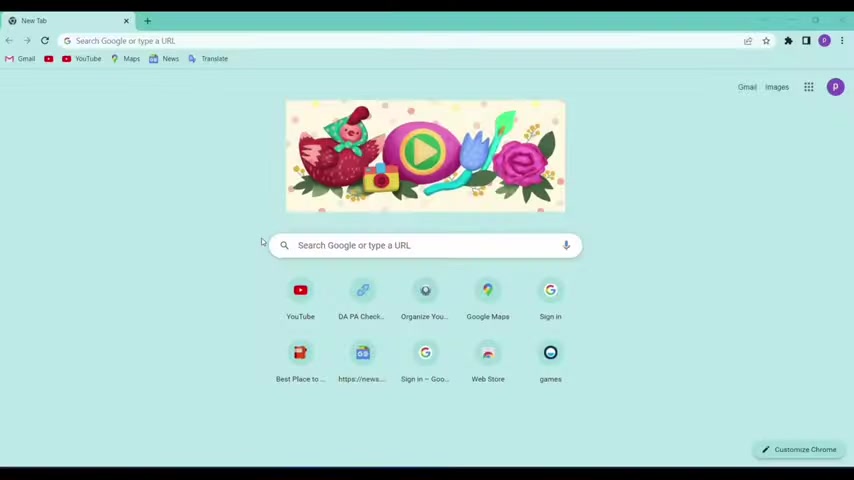
Begin by heading to bard.google.com in your web browser. You will be prompted to sign up using your email address, granting you access to Bard's generative AI capabilities.
Once you've signed up and gained access, the possibilities are vast. Bard AI is designed as a creative and helpful collaborator. It can assist you in various tasks, making it a valuable tool for writing, answering questions, and generally boosting your productivity.
The Bard interface will greet you with suggestions and examples to get you started. These examples are tailored to showcase the tool's potential, helping you understand how it can be applied to different tasks.
Basic Functionality: Asking Bard for Assistance
Once inside the Bard interface, you can immediately start interacting with the AI. The primary method for engaging with Bard is through prompts. These prompts can be questions, requests for Creative Writing, or instructions for specific tasks.
For example, you could ask Bard to write a love song.
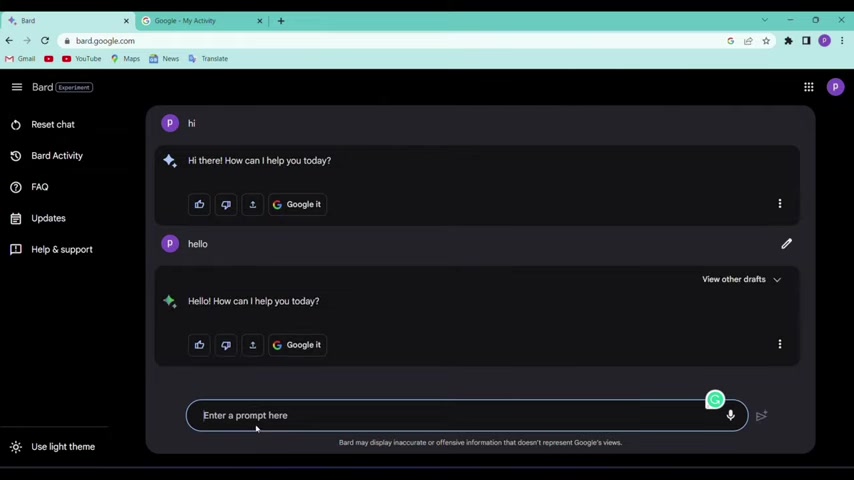
Simply type 'Can you write a love song?' into the prompt box and submit your request. Bard will then generate a response based on your Prompt. This initial interaction highlights Bard's capability to understand and fulfill creative requests, making it an excellent tool for content generation.
Exploring Bard AI's Creative Capabilities
Generating Multiple Drafts: Finding the Perfect Starting Point
One of Bard AI's standout features is its ability to generate multiple drafts for a single prompt.
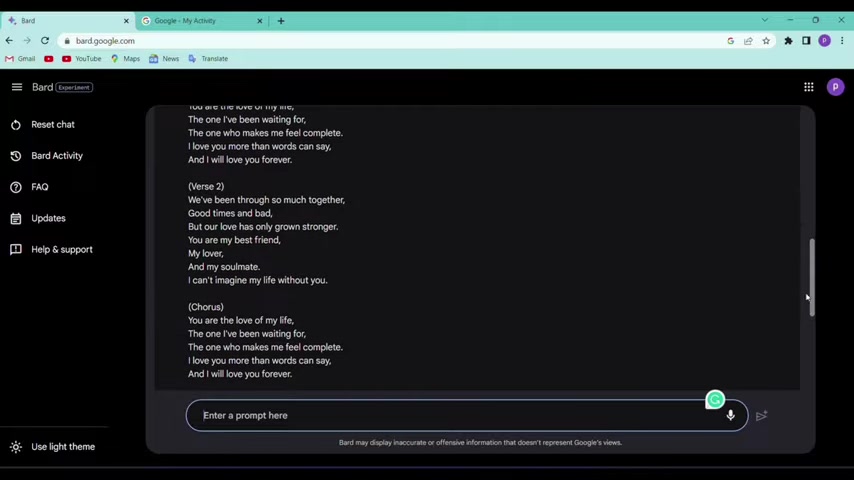
This functionality offers users different versions of the response, allowing them to select the best starting point for their projects.
When you prompt Bard, it doesn't just give you one answer; it often provides three different drafts to choose from. For example, after requesting a love song, Bard generates three distinct versions, each with its unique verses and choruses. This allows you to compare and contrast the different outputs, selecting the one that best aligns with your vision.
By offering multiple drafts, Bard AI acknowledges that creativity is subjective. What appeals to one person may not resonate with another. This feature gives users greater control over the creative process, ensuring they can fine-tune the AI's output to meet their specific needs.
Translation and Global Communication with Bard AI
Google Bard AI's translation capabilities are incredibly useful for bridging language barriers and engaging with a global audience. You can easily Translate text from one language to another directly within the Bard interface.
To use this feature, simply type your text into the prompt box, followed by 'translate into [desired language].' For instance, if you want to translate the phrase 'You are my everything,' you would enter 'You are my everything translate into German.' Bard then provides the translation in your chosen language.
The translation feature is not just about direct translations. It also offers multiple drafts, ensuring that you can select the translation that best captures the nuance and meaning of your original text. This makes Bard a versatile tool for both personal and professional communication, enabling you to connect with people around the world.
Practical Applications of Google Bard AI
Letter Writing: Streamlining Your Job Applications
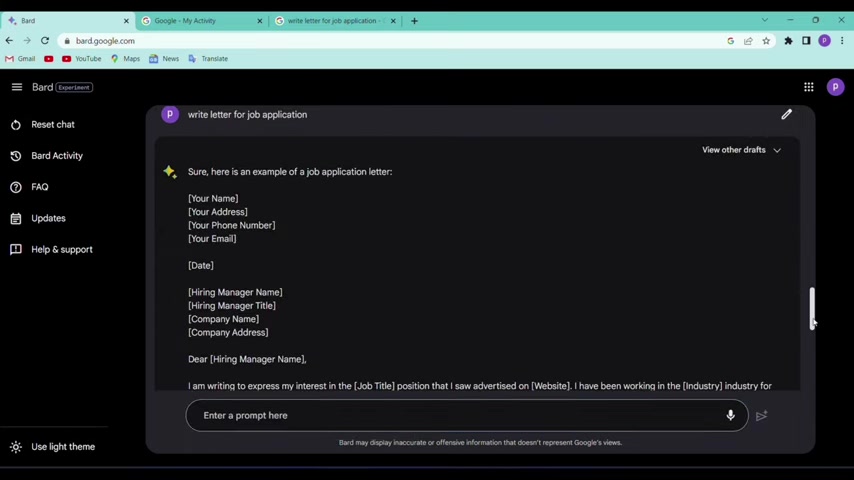
Bard AI is a valuable tool for drafting professional correspondence, such as cover letters for job applications.
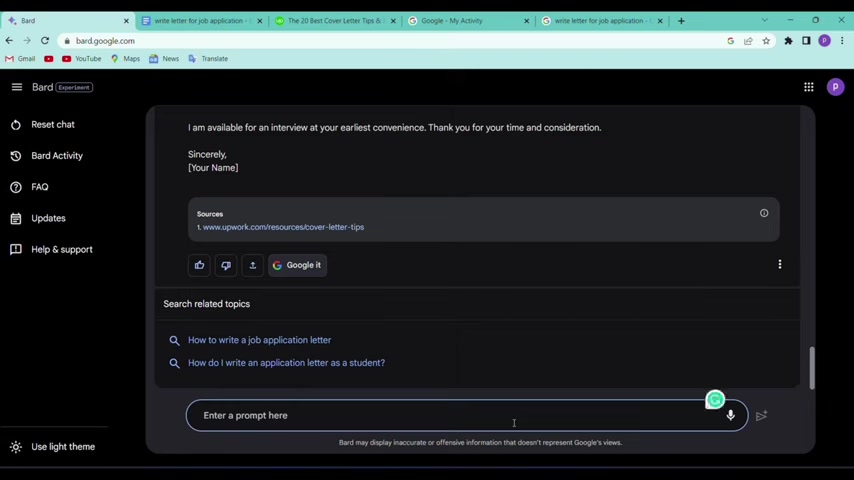
By providing a simple prompt, you can quickly generate a well-structured letter that you can then customize to fit your specific needs.
For example, if you need a Cover Letter, you could prompt Bard with 'Write letter for job application.' Bard will then generate a sample letter, including placeholders for your name, address, and the hiring manager's information. This saves significant time and effort, providing a solid foundation for your job application.
In addition to generating the letter, Bard often provides links to external resources, such as the Upwork resources page for cover letter tips. These links offer further guidance and insights, helping you refine your letter and increase your chances of success. This resource provides additional tips for writing effective cover letters and is hyperlinked from the Bard AI interface. It contains additional tips for creating a cover letter, including information on formatting, what to include, and examples of what to write. This enhances your job application process.
Code Generation: Assisting Developers with Programming Tasks
Google Bard AI is not just for writers and communicators; it is also a powerful tool for developers.
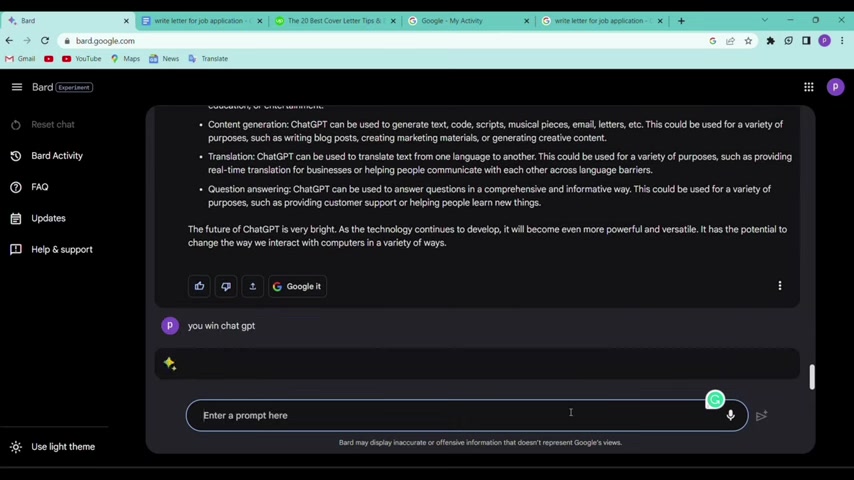
Bard can assist with code generation, debugging, and explaining code snippets, making it a valuable addition to any developer's toolkit.
Bard supports multiple programming languages, including C++, JavaScript, Python, and Kotlin. This versatility allows developers to use Bard for a wide range of coding tasks. For example, you could ask Bard to 'create an e-commerce website code using HTML CSS JavaScript.' Bard will then generate the code for a basic e-commerce website, providing a starting point for your project.
Bard also offers links to relevant web sources, such as Stack Overflow and GitHub, allowing you to further explore and refine your code. This integration of AI and web resources makes Bard a comprehensive tool for developers.








Most people like


































Report
Please select a reason for reporting
- 13 Reasons to Switch from Snapchat to Text Messaging
- 7 Powerful Speech to Text Apps to Boost Productivity
- 10 Best Speech to Text Tools for Effortless Transcription
- 13 Free Tools to Easily Transcribe Audio to Text
- 15 Surprising Ways Google's Speech-to-Text Boosts Productivity
- 7 Best Free Online Audio to Text Transcription Tools
- 9 Tips to Transcribe Speech to Text Faster and Better
- 13 Best Speech to Text Software for Windows 10 in 2023
- 7 Tips for Choosing the Best Transcriber for Audio to Text
- 11 Reasons Why Dragon Speech-to-Text Apps are Game-Changers
- 6 Secrets to Enhance Your Speech to Text Transcription
- 6 Brilliant Ways to Boost Productivity with Talk-to-Text on Your MacBook
- 6 Ways Transcription Software Converts Audio to Text
- 8 Tips to Transcribe Speech to Text Like a Pro
- 6 Reasons IBM Watson Speech to Text is a Game-Changer
- 14 Powerful Ways Talk-to-Text Improves Your Workflow
- 12 Top Windows Speech-to-Text Software for Efficient Transcription
- 12 Game-Changing Benefits of Apple's Speech to Text Technology
- 9 Powerful Use Cases for AWS Speech to Text Technology
- 10 Easy Steps to Transcribe YouTube Videos to Text
- transcription audio en texte
- online audio transcription
- free audio file transcription
- free ai audio transcription
- audio transcription service
- audio transcription online free
- audio transcription free online
- audio to transcription software
- audio and transcript
- ai audio transcription free
- voice recording to text converter
- translate voice recording to text
- record voice to text
- audio recording to text converter
- voice recording and transcription
- chatgpt voice to text
- gmail voice to text
- speech to text reader
- speech to text ai free
- speech to talk
- How SEO and Marketing Dashboards Empower Agencies to Drive Results
- How to Use AI Tools to Find Internal Linking Opportunities Across a Business Website
- Discover Your Perfect Haircut with AI Hairstyle Apps
- Free Reputation Calculator Tools: How They're Adapting to Score AI Visibility, Not Just Rankings
- Design Professional Flyers for Free on Your Phone
- Best Free Flyer Maker Apps for Android: Design Like a Pro
- How to Know If Your Business Is Ready for an AI Customer Service Agent
- Revolutionizing Storytelling: From Novels to Screenplays with AI
- Create Engaging Animated Explainer Videos with a Free AI Tool
- Stop Multi-Subscribing: Benchmark Top AI Visual Models in One Canvas
- 5 Data Problems That Stall AI Projects in Financial Compliance
- Master Storyboard Drawing: Expert Tips for Non-artists
- The Future of Smart Glasses: Explained & Assembling Guide
- DeepL Translator: The AI-Powered Translation Tool
- AI Video Upscaling: Top Tools Compared for Enhanced Quality
- Bridging the Gap: How One Indie Developer Solved the "Art Asset Nightmare" Using AI Style Transfer
- How I Direct Consistent AI Clips: A Hands-On Guide to Multi-Model Generation
- My Honest Review of VideoAI: The Ultimate Character Voice Generator I've Been Using Lately
- Why do so many AI tools underdeliver for online stores?
- My Brand New Logo: AI-Powered Logo Design for Startups

Copyright ©2026 toolify