


DevBooster





What is DevBooster?
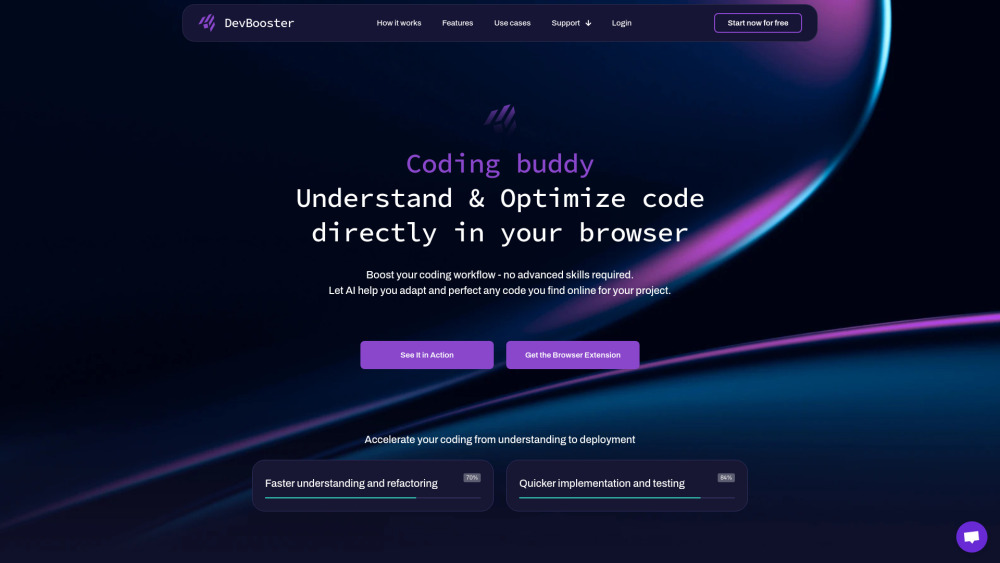
DevBooster is an AI-powered browser extension designed to be an AI partner for smarter copy-paste coding. It helps developers understand, validate, optimize, and document code directly in their browser, on any coding site. It aims to boost coding productivity by adapting and perfecting any code found online for a user's project, checking for bugs, and adding documentation before the code is even pasted.
How to use DevBooster?
DevBooster works as a browser extension on any coding site. Users can grab any code online, and the AI will help adapt, perfect, translate, validate, optimize, and document it. It also offers an AI chat for fine-tuning code and provides step-by-step explanations.
DevBooster's Core Features
Seamless Code Translation
Instant Code Validation
Smart Code Optimization
Effortless Code Documentation
AI Chat for Code Fine-Tuning
Instant Code Explanation
Curated Code Samples
Custom Actions on Code
Easy Code Sharing
DevBooster's Use Cases
Understanding and optimizing code directly in the browser.
Adapting and perfecting any code found online for a project.
Translating code instantly between different programming languages.
Ensuring code is error-free and ready for use.
Boosting code performance with AI-driven suggestions.
Creating clear, well-documented code for learning and sharing.
Refining and perfecting code with real-time AI adjustments.
Breaking down complex code into easy-to-understand explanations.
Accessing a library of best-practice code examples.
Performing tailored modifications and enhancements on code snippets.
Seamlessly sharing code snippets with others for collaboration.
FAQ from DevBooster
What is DevBooster?
How does DevBooster help with code?
Is DevBooster free to use?
What programming languages does DevBooster support?
DevBooster Support Email & Customer service contact & Refund contact etc.
More Contact, visit the contact us page(https://devbooster.ai/help)
DevBooster Company
DevBooster Company name: DevBooster .
More about DevBooster, Please visit the about us page(https://devbooster.ai/about).
DevBooster Login
DevBooster Login Link: https://app.devbooster.ai/login
DevBooster Sign up
DevBooster Sign up Link: https://app.devbooster.ai/register
DevBooster Reviews (0)
DevBooster Pricing
Lite
Free
Essential tools for beginners. Includes 1 Instance supported, Access Any Web Code, Adapt Custom Code, Translate Across 100+ Languages, Step-by-Step Explanations, Ready-to-Use Code Samples, Instant Code Validation.
Pro
$59 / yearly
Advanced tools for efficient coding. Includes up to 9 Instances supported, all Lite features plus AI-Driven Code Optimization, Auto-Generate Code Documentation, AI Code Composition, Select Specific Code Blocks, Real-Time AI Chat, Customizable Editor Themes, Early Access to New Features, Premium Support, Share Code Easily, Download Enhanced Code, Action Variations, Create Custom Actions, Add Inline Code Comments, Save Code to Snippet Library, Reusable Code Templates, Sync Across All Devices.
Ultimate
$99 / yearly
All features for full potential. Includes up to 12 Instances supported and all features from the Pro plan.
Analytic of DevBooster
DevBooster Website Traffic Analysis
DevBooster Launch embeds
Use website badges to drive support from your community for your Toolify Launch. They're easy to embed on your homepage or footer.



Alternative of DevBooster


Social Listening