


Critiqs AI


What is Critiqs AI?
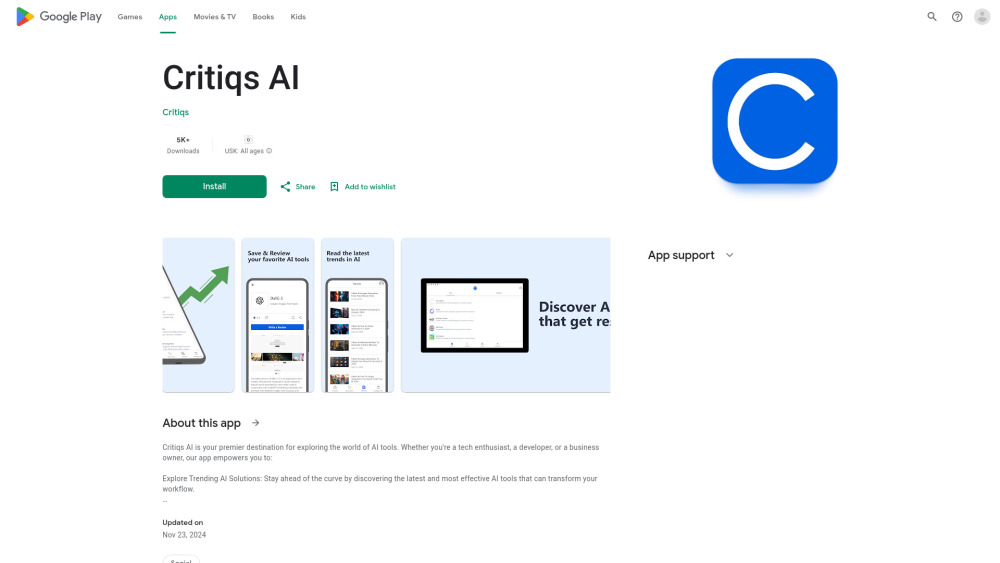
Critiqs AI is your premier destination for exploring the world of AI tools. Whether you're a tech enthusiast, a developer, or a business owner, our app empowers you to find the best AI Tools for your next project. Stay ahead of the curve by discovering the latest and most effective AI tools that can transform your workflow. Dive into comprehensive reviews from other users to gauge the effectiveness of various AI tools and find the perfect fit for your needs. Explore high-quality alternatives readily available on our platform. Enjoy a clean, intuitive interface that makes navigation and understanding easy, enhancing your decision-making process.
How to use Critiqs AI?
Install the Critiqs AI app from the Google Play Store. Use the app to discover trending AI tools, read in-depth reviews from other users, and find alternatives to AI tools you're not satisfied with. Navigate the intuitive interface to easily find the perfect AI tool for your needs.
Critiqs AI's Core Features
Discover trending AI tools
Read in-depth user reviews
Find alternatives to AI tools
User-friendly interface
Critiqs AI's Use Cases
Finding the best AI tool for a specific project
Comparing different AI tools based on user reviews
Discovering new and trending AI solutions
Identifying alternatives to existing AI tools
FAQ from Critiqs AI
What is Critiqs AI?
What can I do with Critiqs AI?
What data does Critiqs AI collect?
Critiqs AI Reviews (0)
Critiqs AI Launch embeds
Use website badges to drive support from your community for your Toolify Launch. They're easy to embed on your homepage or footer.



Alternative of Critiqs AI

 56.88%