


Image to Excel
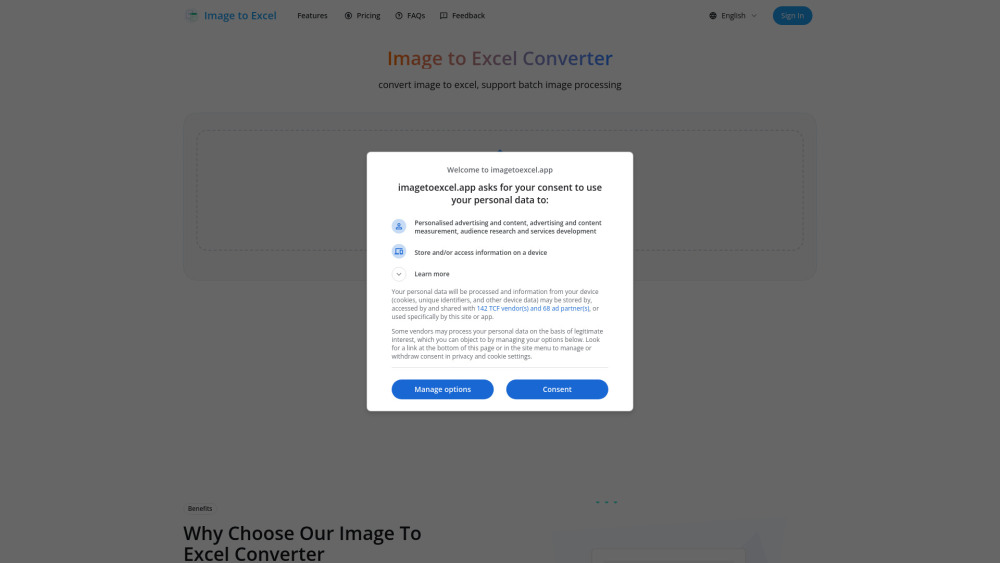


What is Image to Excel?
imagetoexcel.app is a free online Excel extractor tool that converts images containing table data into editable Excel files. It supports various image formats like JPG, PNG, PDF, GIF, JFIF (JPEG), and HEIC. Utilizing advanced AI technology, it accurately extracts table data, including complex layouts, merged cells, and headers, and converts them into perfectly formatted Excel/CSV files with up to 99% accuracy. The tool is designed to save time by automating manual data extraction from images.
How to use Image to Excel?
Converting image to Excel with imagetoexcel.app is simple: 1. Upload Your File: Upload an image or screenshot containing tables. Supported formats include JPG, PNG, and many others. 2. AI Detection: The AI will automatically identify and analyze all tables in your document. 3. Review & Edit: Preview the extracted tables and make any necessary adjustments before downloading. 4. Download Excel: Download your perfectly formatted Excel file, ready for analysis and editing.
Image to Excel's Core Features
Image to Excel conversion (JPG, PNG, PDF, GIF, JFIF, HEIC)
99% Accuracy Guaranteed table extraction
Smart Table Detection
Instant Excel Export (Excel, CSV, xls)
Batch Processing for multiple images
Support for scanned documents and screenshots
Data privacy protection (files deleted after 24 hours)
Image to Excel's Use Cases
Converting scanned financial reports into editable spreadsheets.
Extracting data from screenshots of tables for analysis.
Digitizing printed tables from documents into Excel.
Batch converting multiple image files containing tables for data entry.
Quickly getting data from images for business intelligence or research.
FAQ from Image to Excel
What is image to excel converter?
How to convert image to Excel online?
Do you support screenshot to Excel?
How to extract data from images?
How to scan excel from image?
Can I convert multiple images to Excel at once?
How accurate is the image to Excel conversion?
Is there a file size limit for image to Excel conversion?
Can imagetoexcel.app handle scanned documents?
Is my data secure when using imagetoexcel.app?
Image to Excel Support Email & Customer service contact & Refund contact etc.
Here is the Image to Excel support email for customer service: [email protected] . More Contact, visit the contact us page(mailto:[email protected])
Image to Excel Company
Image to Excel Company name: Image to Excel .
Image to Excel Company address: .
More about Image to Excel, Please visit the about us page(https://imagetoexcel.app/About Us).
Image to Excel Login
Image to Excel Login Link: https://imagetoexcel.app/Sign In
Image to Excel Sign up
Image to Excel Pricing
Image to Excel Pricing Link: https://imagetoexcel.app/#pricing
Image to Excel Pinterest
Image to Excel Pinterest Link: https://www.pinterest.com/imagetoexcelapp/
Image to Excel Reviews (0)
Image to Excel Pricing
Starter Package
$10 USD
Includes 100 image conversions, max file size: 5MB, support batch image processing, No Ads.
Professional Package
$34.99 USD
Best value for professionals, includes 30% off, 500 image conversions, support batch image processing, max file size: 5MB, No Ads.
For the latest pricing, please visit this link: https://imagetoexcel.app/#pricing
Analytic of Image to Excel
Image to Excel Website Traffic Analysis
Geography
Top 1 Regions

Image to Excel Launch embeds
Use website badges to drive support from your community for your Toolify Launch. They're easy to embed on your homepage or footer.



Alternative of Image to Excel

Social Listening