


InfiniteTalk AI


What is InfiniteTalk AI?
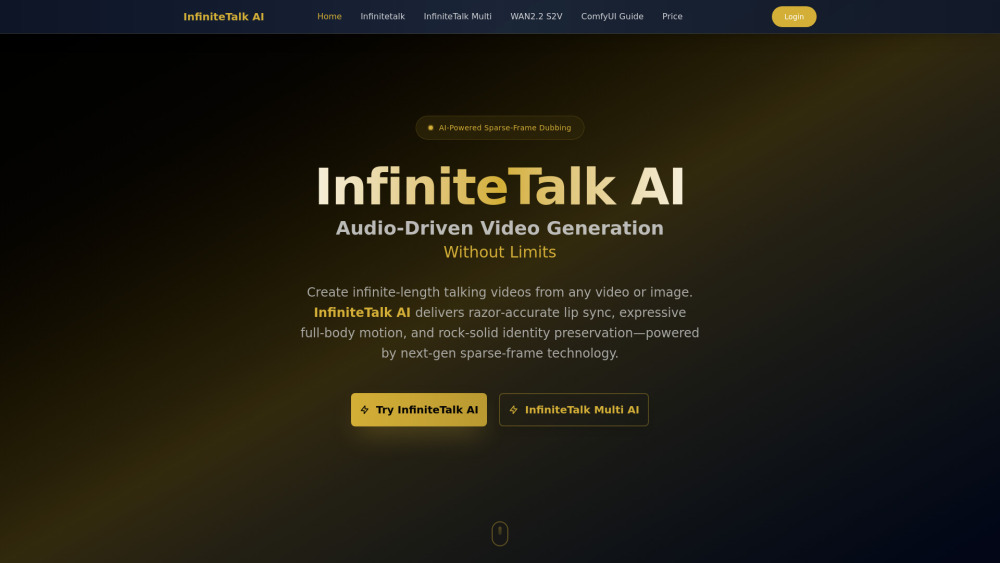
InfiniteTalk AI is an advanced audio-driven video generation model that enables lip-synced and body-synced animations, going beyond traditional dubbing. It creates coherent motion and consistent identity from user inputs, preserving identity and camera motion. Utilizing next-gen sparse-frame technology, it generates infinite-length talking videos from any video or image, delivering razor-accurate lip sync, expressive full-body motion, and rock-solid identity preservation.
How to use InfiniteTalk AI?
To use InfiniteTalk AI, first, upload your source video or image along with your speech, podcast, or dialogue. Next, generate the video with InfiniteTalk AI to instantly produce a lip-synced, full-body animated video. Finally, export and share your created video, available for download in 480p/720p.
InfiniteTalk AI's Core Features
Sparse-Frame Video Dubbing (full-body animation including head, body, expressions)
Infinite-Length Generation (supports long, continuous talking videos)
Flexible Inputs (video-to-video dubbing and image-to-video generation)
Identity & Scene Preservation (consistent face, posture, lighting, background)
Stability & Realism (minimizes distortions and jitter)
Razor-accurate lip sync
InfiniteTalk AI's Use Cases
Global dubbing/localization for lectures, ads, explainers, and training.
Creator workflows to turn podcasts into talking-head videos, animate thumbnails, or add motion to stills.
Studio pipelines for previz long dialogue scenes, iterating performances, and testing alternative reads.
Product & avatar videos for creating spokesperson clips and virtual hosts.
FAQ from InfiniteTalk AI
What is InfiniteTalk AI?
How does InfiniteTalk AI differ from traditional dubbing?
What inputs does InfiniteTalk AI support?
How long can videos generated with InfiniteTalk AI be?
What resolutions are available in InfiniteTalk AI?
Is InfiniteTalk AI free to use?
InfiniteTalk AI Support Email & Customer service contact & Refund contact etc.
Here is the InfiniteTalk AI support email for customer service: [email protected] . More Contact, visit the contact us page(https://www.infinitetalk.net/)
InfiniteTalk AI Company
InfiniteTalk AI Company name: InfiniteTalk AI .
InfiniteTalk AI Company address: https://www.infinitetalk.net/.
More about InfiniteTalk AI, Please visit the about us page(https://www.infinitetalk.net/).
InfiniteTalk AI Login
InfiniteTalk AI Login Link: https://www.infinitetalk.net/
InfiniteTalk AI Sign up
InfiniteTalk AI Sign up Link: https://www.infinitetalk.net/
InfiniteTalk AI Pricing
InfiniteTalk AI Pricing Link: https://www.infinitetalk.net/pricing
InfiniteTalk AI Reviews (0)
InfiniteTalk AI Pricing
Starter
$9.90
100 Credits included, HD video generation, Lip-sync & body animation, Download enabled, Email support.
Pro
$29.90
480 Credits included ($0.0622 per second), HD video generation, Lip-sync & body animation, Download enabled, Commercial use license, Priority support.
Ultimate
$49.90
990 Credits included ($0.0500 per second), HD video generation, Lip-sync & body animation, Download enabled, Commercial use license, Priority support, Best value per credit.
Enterprise
$99.90
2406 Credits included ($0.0415 per second), HD video generation, Lip-sync & body animation, Download enabled, Commercial use license, Priority support, Best value per credit, Bulk processing.
For the latest pricing, please visit this link: https://www.infinitetalk.net/pricing
Analytic of InfiniteTalk AI
InfiniteTalk AI Website Traffic Analysis
Geography
Top 5 Regions


InfiniteTalk AI Launch embeds
Use website badges to drive support from your community for your Toolify Launch. They're easy to embed on your homepage or footer.



Alternative of InfiniteTalk AI
 46.75%
Social Listening