


OpenDialog


What is OpenDialog?
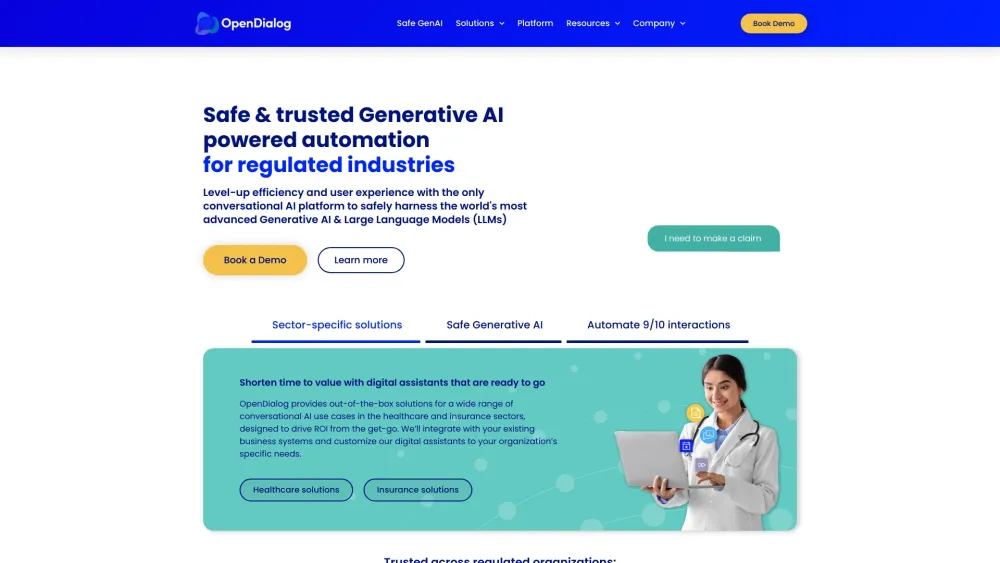
OpenDialog's AI Agent Management System is designed for regulated industries, providing tools to build, manage, and scale AI agents with safety, transparency, and explainability. It helps automate business processes, enhance customer experience, and increase revenue.
How to use OpenDialog?
Use OpenDialog to build AI agents through its no-code interface, manage them with multi-layered LLM guardrails, and integrate them into your systems for various business processes.
OpenDialog's Core Features
AI Agent Management
No-code Interface
LLM Guardrails
Audit Trails
Industry-Specific Solutions
OpenDialog's Use Cases
Automating customer service in insurance
Streamlining patient onboarding in healthcare
Improving online sales conversion
FAQ from OpenDialog
What industries does OpenDialog support?
What are the key benefits of using OpenDialog?
How does OpenDialog ensure safety and compliance?
OpenDialog Support Email & Customer service contact & Refund contact etc.
More Contact, visit the contact us page(https://opendialog.ai/contact-us)
OpenDialog Company
OpenDialog Company name: OpenDialog AI Ltd. .
More about OpenDialog, Please visit the about us page(https://opendialog.ai/about-us/).
OpenDialog Youtube
OpenDialog Youtube Link: https://www.youtube.com/@opendialog-ai
OpenDialog Linkedin
OpenDialog Linkedin Link: https://www.linkedin.com/company/opendialogai/
OpenDialog Twitter
OpenDialog Twitter Link: https://twitter.com/opendialogai
OpenDialog Reviews (0)
Analytic of OpenDialog
OpenDialog Website Traffic Analysis
Geography
Top 4 Regions


OpenDialog Launch embeds
Use website badges to drive support from your community for your Toolify Launch. They're easy to embed on your homepage or footer.



Alternative of OpenDialog
 87.09%
Social Listening