


RSS Filter



What is RSS Filter?
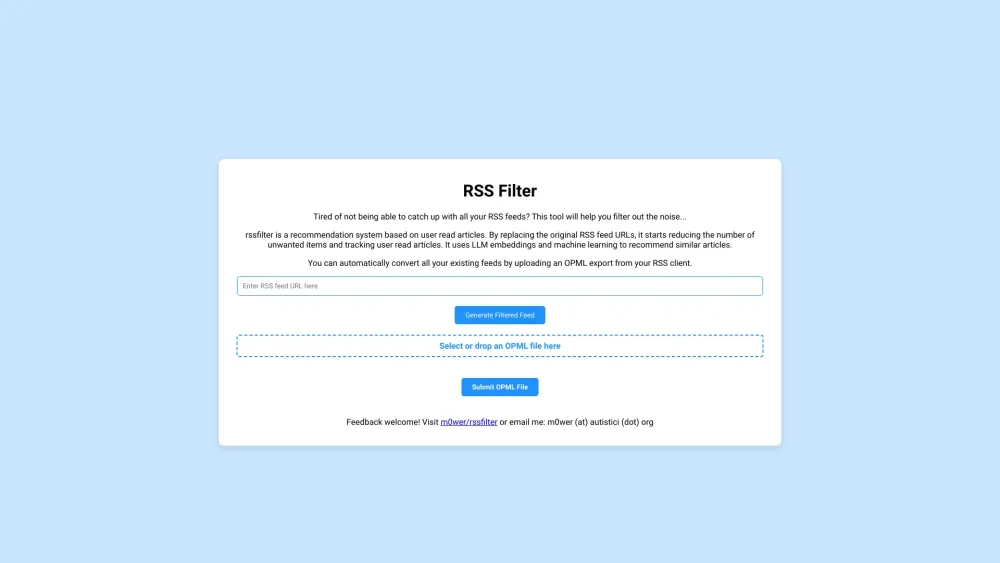
RSS Filter is a recommendation system based on user read articles. It replaces the original RSS feed URLs with a backend URL to filter out unwanted items and track user read articles. It uses LLM embeddings and machine learning to recommend similar articles. Users can convert existing feeds by uploading an OPML export from their RSS client.
How to use RSS Filter?
Upload an OPML file exported from your RSS client to automatically convert your existing feeds. The system will then filter unwanted items and recommend similar articles based on your reading history.
RSS Filter's Core Features
Filters unwanted items from RSS feeds.
Tracks user read articles.
Recommends similar articles using LLM embeddings and machine learning.
Supports OPML import for easy feed conversion.
RSS Filter's Use Cases
Filtering out irrelevant content from RSS feeds to focus on desired topics.
Discovering new articles similar to those already read and enjoyed.
Managing and organizing RSS feeds more efficiently.
FAQ from RSS Filter
What does RSS Filter do?
How do I convert my existing RSS feeds?
How can I provide feedback?
RSS Filter Support Email & Customer service contact & Refund contact etc.
Here is the RSS Filter support email for customer service: [email protected] .
RSS Filter Github
RSS Filter Github Link: https://github.com/m0wer/rssfilter
RSS Filter Reviews (0)
Analytic of RSS Filter
RSS Filter Website Traffic Analysis
RSS Filter Launch embeds
Use website badges to drive support from your community for your Toolify Launch. They're easy to embed on your homepage or footer.



Alternative of RSS Filter

Social Listening