


superReply



What is superReply?
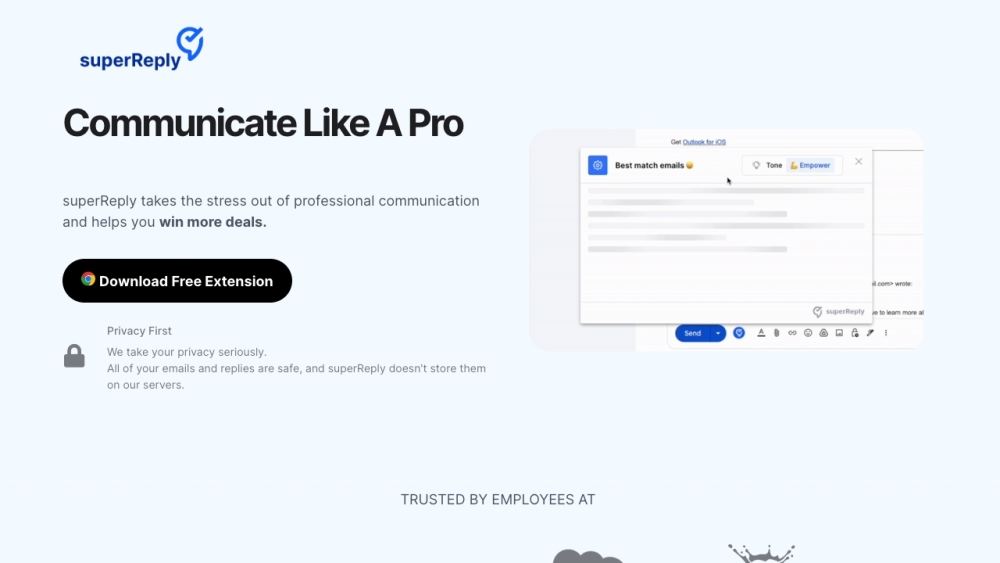
superReply is an AI-powered email response generator extension for Gmail and Outlook. It helps users quickly and easily create effective email replies by suggesting personalized responses that match the tone of the original email. The extension aims to improve productivity and save time by automating the email response process.
How to use superReply?
To use superReply, install the Chrome extension and access Outlook or Gmail through your Chrome browser. Open the email you want to respond to and click the superReply icon. The extension will generate three tailored response options. Select the message you like, make any necessary changes, and hit send.
superReply's Core Features
AI-powered email response generation
Tone matching for personalized responses
Integration with Gmail and Outlook
Free plan available
superReply's Use Cases
Quickly respond to customer inquiries with appropriate tone.
Generate professional email replies for business communication.
Create casual email responses for personal conversations.
Automate email responses to save time and increase productivity.
FAQ from superReply
How does superReply protect my email privacy and security?
Can superReply integrate with my current email provider?
Will I still have to manage my emails with superReply?
Is there a free version of superReply?
How does your pricing work?
How quickly can I get customer support?
How can I add superReply to my Outlook?
How can I add superReply to my Gmail?
How do I set up superReply in Outlook?
How do I cancel my subscription?
superReply Support Email & Customer service contact & Refund contact etc.
Here is the superReply support email for customer service: [email protected] .
superReply Company
superReply Company address: superReply 1701 South Figueroa #1350 Los Angeles, CA 90015.
superReply Facebook
superReply Facebook Link: https://www.facebook.com/groups/superreply
superReply Reviews (0)
superReply Pricing
Free
Free
Send up to 3 emails per day
Unlimited
$24.99/month
Unlimited emails, no commitment required
Annual Plan
$10.7/month
Unlimited emails, billed annually
Analytic of superReply
superReply Website Traffic Analysis
Geography
Top 2 Regions


superReply Launch embeds
Use website badges to drive support from your community for your Toolify Launch. They're easy to embed on your homepage or footer.




Social Listening