


Trackara





What is Trackara?
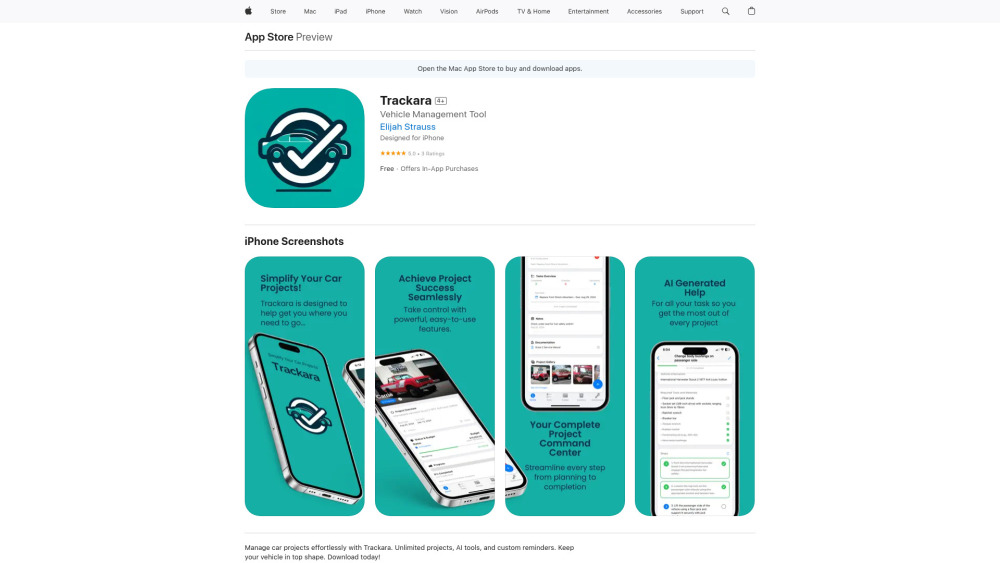
Trackara is the ultimate project management tool for vehicle enthusiasts. It allows users to easily track tasks, budgets, inventory, and maintenance for all their vehicle projects. The app offers unlimited projects, AI tools, custom reminders, and detailed analytics to keep vehicles in top shape. Data is stored locally, providing users with complete control over their information. Premium features are available through a subscription, offering advanced tracking tools, AI assistance, and priority customer support.
How to use Trackara?
Download Trackara from the App Store and start managing your car projects. Use the app to track budgeting, tasks, inventory, and schedule maintenance reminders. Premium features require a subscription.
Trackara's Core Features
Unlimited project management for vehicles
Task tracking
Budget management
Inventory tracking
Maintenance reminders
Detailed analytics
AI Assistance (Premium)
Customization options
Trackara's Use Cases
Restoring a classic car
Maintaining a daily driver
Managing multiple vehicle projects
Tracking vehicle expenses and performance
FAQ from Trackara
What can I track with Trackara?
Are there any limits to the number of projects I can manage?
Is my data secure?
What premium features are available?
Trackara Reviews (0)
Trackara Pricing
Monthly
$1.99 per month
Access to premium features.
Yearly
$14.99 per year
Access to premium features (Save 37%).
Trackara Launch embeds
Use website badges to drive support from your community for your Toolify Launch. They're easy to embed on your homepage or footer.



Alternative of Trackara
