































Table of Contents
- Key Points
- Embarking on AI-Powered App Creation
- Crafting a Prompt for Your AI Assistant
- How To Make Your ToDo List With Javascript Code
- Pricing
- Replit Pros and Cons
- Platforms Core Features
- Platforms Core Use Cases
- FAQ
- Related Questions


Embarking on AI-Powered App Creation
The Revolutionary Shift in App Development
The traditional approach to app development required extensive programming knowledge and skills. However, with the advent of AI, this process has been democratized, allowing anyone to create their own applications, regardless of their coding expertise. This article guides you through the process of building an application solely with the help of AI.
The ability to develop applications without coding experience can unlock significant economic value. You can use this guide to take any idea from conception to a deployable product within a few hours, potentially generating revenue from your unique application.
In today's technology landscape, AI isn't just making things easier; it's giving those with ideas an unprecedented opportunity to realize them. By the end of this guide, you'll have the knowledge and confidence to bring your own app ideas to life, creating value and utility in the process. Let's get started!
Choosing Your AI and Development Platforms
To begin, you'll need two key tools: a coding platform and an AI assistant. Replit
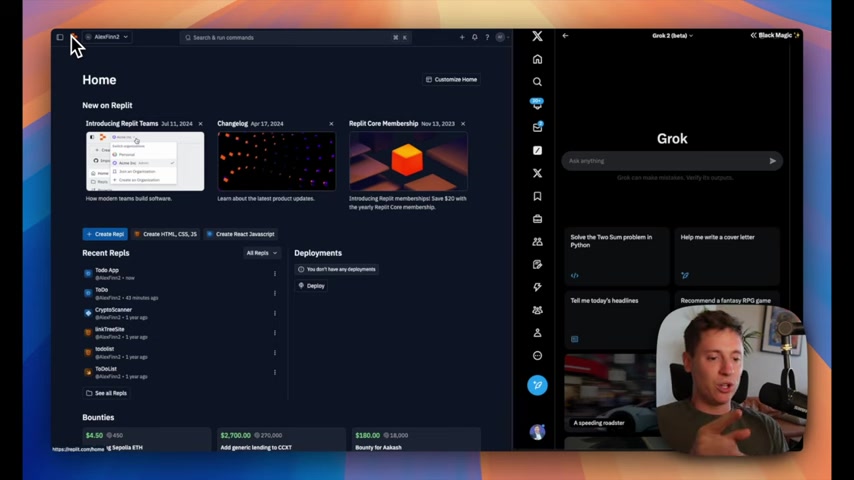
is a beginner-friendly online integrated development environment (IDE) where you can write and run code, completely free of charge. Grok 2.0 , is an AI Tool to guide you, but other alternatives like ChatGPT or Claude work as well.
The combination of Replit and AI gives you a powerful toolkit for app development. Replit provides the environment for coding and running your application, while AI acts as a coding teacher. With this set-up, you'll write code while gaining insights into the code's functionality, making the process both educational and practical.
Initial Steps: Replit Setup
First, sign up for Replit
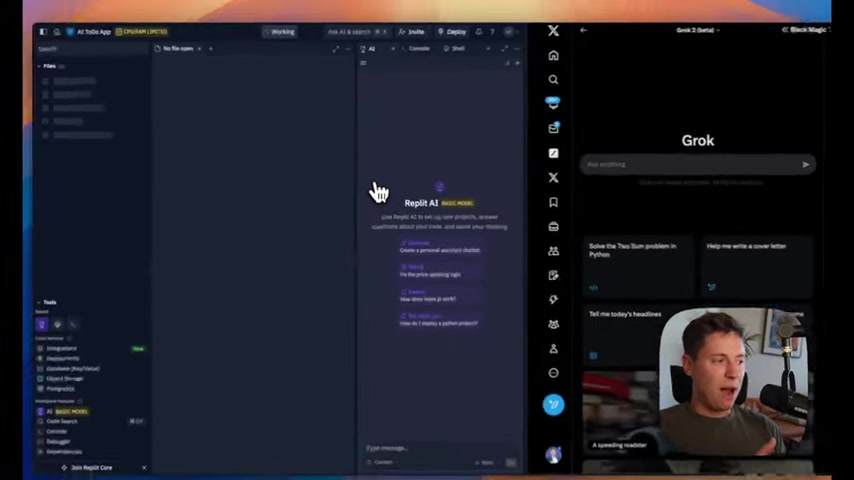
. Replit’s user friendly interface makes it easy to understand and navigate around as a first time programmer.
Once your account is created, select React Javascript as the template . React is widely used throughout various companies because of its capacity for building web apps and single-page applications.
Name your Repl - in this case, “AI ToDo App”. Click ‘Create Repl’. Replit has now automatically prepared your coding environment for use.
Crafting a Prompt for Your AI Assistant
Why Is An Effective Prompt Key?
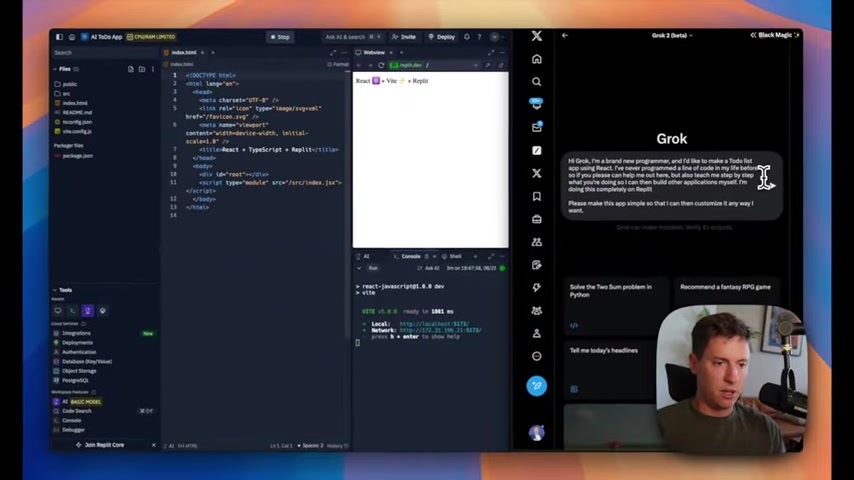
The prompt is the foundation for AI to write and learn. With the best prompt, you can write code, understand what the code means, and give you necessary skills. Below is the base format of the Prompt that will be used in Grok:
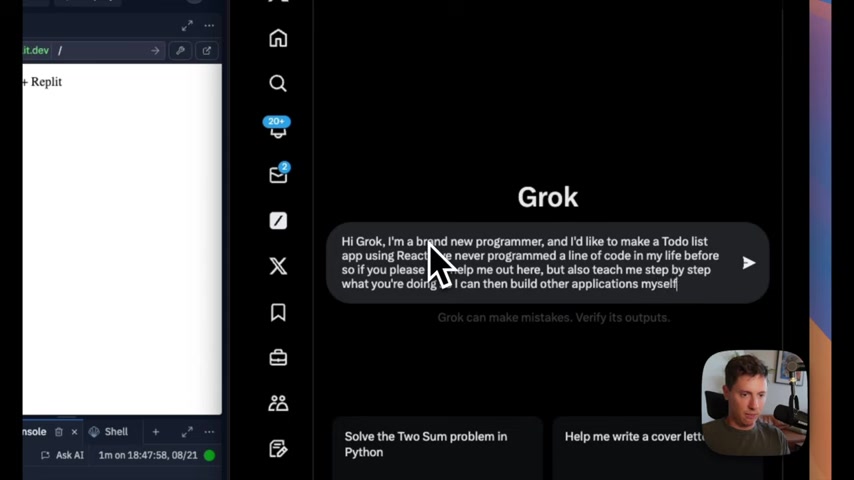
Hi Grok, I'm a brand new programmer, and I'd like to make a ToDo list app using React. I've never programmed a line of code in my life before so if you please can help me out here, but also teach me step by step what you're doing so I can then build other applications myself. I'm doing this completely on Replit.
Please make this app simple so that I can then customize it any way I want.
It's also important to note that you’re not just building code, but working toward future growth and learning capabilities as well
.
Basic Framework Of Building A Successful Prompt
Here are some key elements of creating a successful prompt in application building:
-
Greeting: When you use an AI, start with a greeting and show manners to gain trust.
-
Background: The AI will need background context - what you’re trying to build, what stack, what level of code do you know, so that it can guide you.
-
Task: Tell the AI what to do. You can’t simply ask. Be detailed and be clear.
-
What: In the prompt, also include a simple answer on what to do to learn it so that you will know how to do it next time.
How To Make Your ToDo List With Javascript Code
Implementing Automated Numbering for ToDo List Items
Implementing your tasks is key, which leads into an organized approach with tasks
. Write what steps the code does so that you can learn it all!







Most people like

































Report
Please select a reason for reporting
- 13 Reasons to Switch from Snapchat to Text Messaging
- 7 Powerful Speech to Text Apps to Boost Productivity
- 10 Best Speech to Text Tools for Effortless Transcription
- 13 Free Tools to Easily Transcribe Audio to Text
- 15 Surprising Ways Google's Speech-to-Text Boosts Productivity
- 7 Best Free Online Audio to Text Transcription Tools
- 9 Tips to Transcribe Speech to Text Faster and Better
- 13 Best Speech to Text Software for Windows 10 in 2023
- 7 Tips for Choosing the Best Transcriber for Audio to Text
- 11 Reasons Why Dragon Speech-to-Text Apps are Game-Changers
- 6 Secrets to Enhance Your Speech to Text Transcription
- 6 Brilliant Ways to Boost Productivity with Talk-to-Text on Your MacBook
- 6 Ways Transcription Software Converts Audio to Text
- 8 Tips to Transcribe Speech to Text Like a Pro
- 6 Reasons IBM Watson Speech to Text is a Game-Changer
- 14 Powerful Ways Talk-to-Text Improves Your Workflow
- 12 Top Windows Speech-to-Text Software for Efficient Transcription
- 12 Game-Changing Benefits of Apple's Speech to Text Technology
- 9 Powerful Use Cases for AWS Speech to Text Technology
- 10 Easy Steps to Transcribe YouTube Videos to Text
- transcription audio en texte
- online audio transcription
- free audio file transcription
- free ai audio transcription
- audio transcription service
- audio transcription online free
- audio transcription free online
- audio to transcription software
- audio and transcript
- ai audio transcription free
- voice recording to text converter
- translate voice recording to text
- record voice to text
- audio recording to text converter
- voice recording and transcription
- chatgpt voice to text
- gmail voice to text
- speech to text reader
- speech to text ai free
- speech to talk
- How to Use AI Tools to Find Internal Linking Opportunities Across a Business Website
- Discover Your Perfect Haircut with AI Hairstyle Apps
- Free Reputation Calculator Tools: How They're Adapting to Score AI Visibility, Not Just Rankings
- Design Professional Flyers for Free on Your Phone
- Best Free Flyer Maker Apps for Android: Design Like a Pro
- How to Know If Your Business Is Ready for an AI Customer Service Agent
- Revolutionizing Storytelling: From Novels to Screenplays with AI
- Create Engaging Animated Explainer Videos with a Free AI Tool
- Stop Multi-Subscribing: Benchmark Top AI Visual Models in One Canvas
- Best Seedance 2.5 API Provider: Every Price on the Market, Checked at Source
- Top AI Social Media Management Tools: Automate Your Content Strategy
- Free AI Text to Video Generator: Create Stunning Videos from Text
- Discover 17 ChatGPT Alternatives: A Comprehensive Comparison
- Character.AI vs. Janitor AI: Which AI Chat Platform Reigns Supreme?
- Top Virtual Assistant Companies in 2026: Reviews, Pricing, and Plans Compared
- Unveiling FaceCheck.ID: Revolutionizing Reverse Image Searches with AI
- 11 Best AI Dialers in 2026: Features, Pricing, Pros and Cons
- How I Direct Consistent AI Clips: A Hands-On Guide to Multi-Model Generation
- A Realistic Review of the Photo Generator Image Tool
- Playwright MCP Server: Automated Web Testing with Agent Mode

Copyright ©2026 toolify