































Table of Contents
- Key Points
- Understanding Data Annotation for Image Segmentation
- Step-by-Step Guide to Manual Data Annotation with Roboflow for Image Segmentation
- Tips for Effective Data Annotation
- Roboflow Pricing
- Roboflow: Pros and Cons
- Key Features of Roboflow
- Real-World Use Cases for Roboflow
- Frequently Asked Questions
- Related Questions



Understanding Data Annotation for Image Segmentation
What is Image Segmentation?
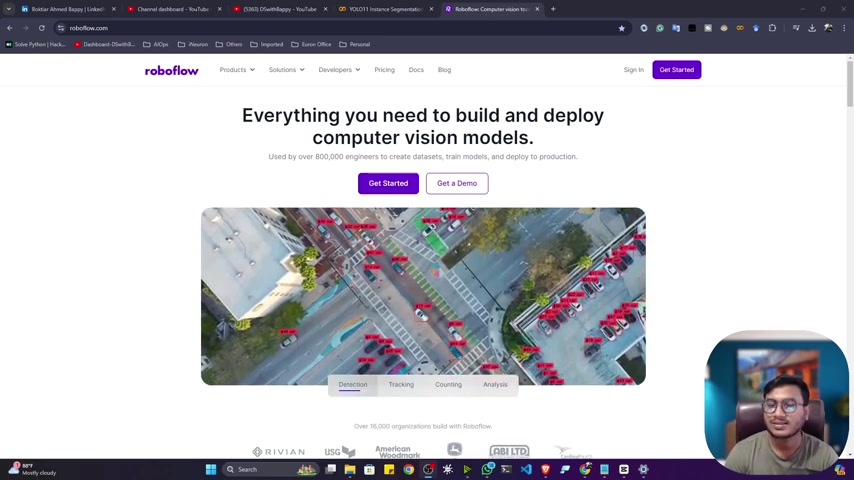
Image segmentation is a computer vision task that involves partitioning an image into multiple segments. The goal is to simplify or change the representation of an image into something that is more meaningful and easier to analyze. Unlike object detection, which identifies objects within bounding boxes, Image Segmentation classifies each pixel in the image, providing a detailed understanding of the scene
.
There are several types of image segmentation:
- Semantic Segmentation: Classifies each pixel into a set of predefined categories. For instance, in an image of a street, pixels might be classified as road, building, or pedestrian.
- Instance Segmentation: Detects multiple objects and their actual shapes within an image. This goes a step further than semantic segmentation by differentiating individual instances of the same class, for example, separating each person in a crowd.
- Panoptic Segmentation: Combines semantic and instance segmentation to provide a comprehensive scene understanding, differentiating between background and foreground elements.
Why is Data Annotation Crucial for Image Segmentation?
Data annotation is the process of labeling data to teach a machine learning model what it’s seeing. For image segmentation, this typically involves drawing precise boundaries around objects of interest, a process known as polygon annotation or creating pixel-perfect masks. High-quality data annotation is critical because the model's performance is directly tied to the accuracy and consistency of the labeled data.
Without accurate annotations, the model may fail to correctly identify and segment objects, leading to poor performance. This is why choosing the right annotation tools and techniques is essential for successful image segmentation projects. The precision of these annotations directly impacts the model's ability to delineate objects accurately, thus affecting overall performance and reliability of the model's results.
Why Roboflow for Data Annotation?
Roboflow has emerged as a powerful platform for computer vision tasks, particularly for data annotation, model training, and deployment
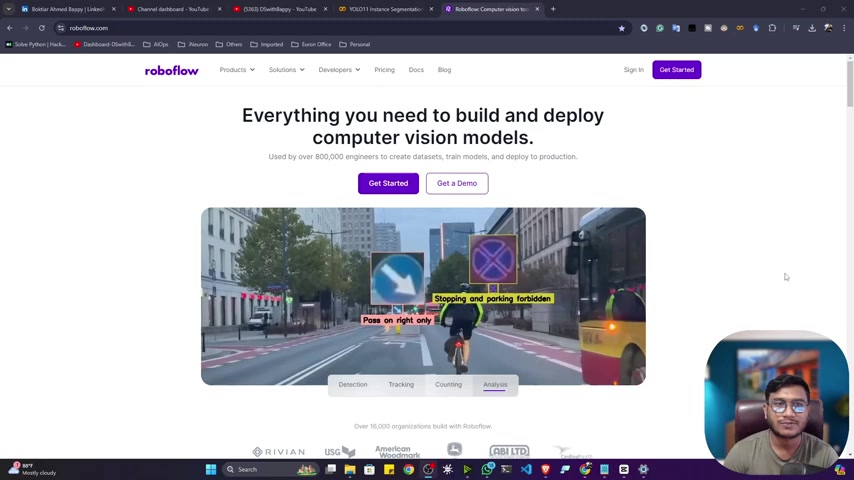
. It provides a comprehensive suite of tools and technologies that cater to various computer vision needs. Here's why Roboflow is an excellent choice for data annotation:
- Versatile Annotation Tools: Roboflow supports various annotation types, including bounding boxes, polygons, and keypoint detection, making it suitable for different computer vision tasks.
- AI-Assisted Annotation: The platform offers AI-assisted annotation features that can automate parts of the labeling process, significantly reducing the time and effort required for manual annotation.
- Data Preprocessing and Augmentation: Roboflow allows you to preprocess and augment your data directly within the platform, ensuring that your dataset is optimized for training robust models.
- Collaboration and Team Management: Roboflow facilitates collaboration with team members, allowing you to assign annotation tasks and review the results.
- Model Training and Deployment: Beyond annotation, Roboflow supports model training and deployment, providing an end-to-end solution for computer vision projects.
By using Roboflow, you can streamline your data annotation workflow, improve the quality of your annotations, and accelerate the development of your computer vision models. Roboflow empowers engineers to build and deploy computer vision applications more efficiently.
Step-by-Step Guide to Manual Data Annotation with Roboflow for Image Segmentation
Signing Up and Setting Up Your Project
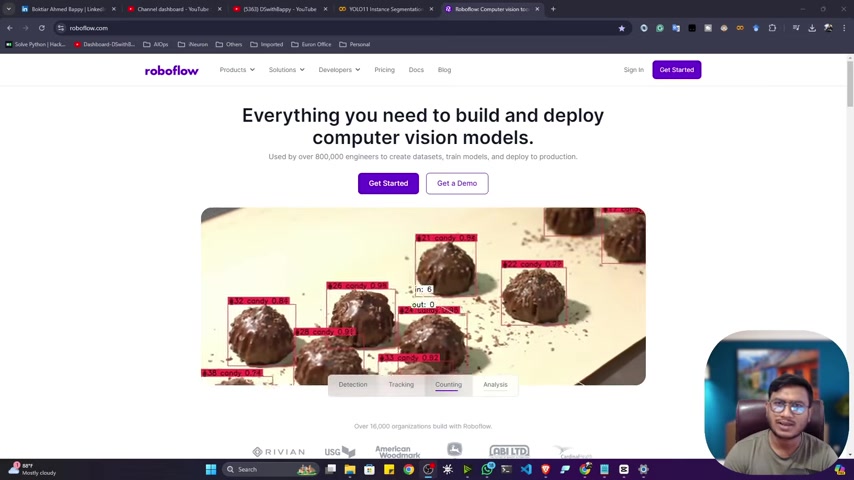
The first step is to create an account on Roboflow
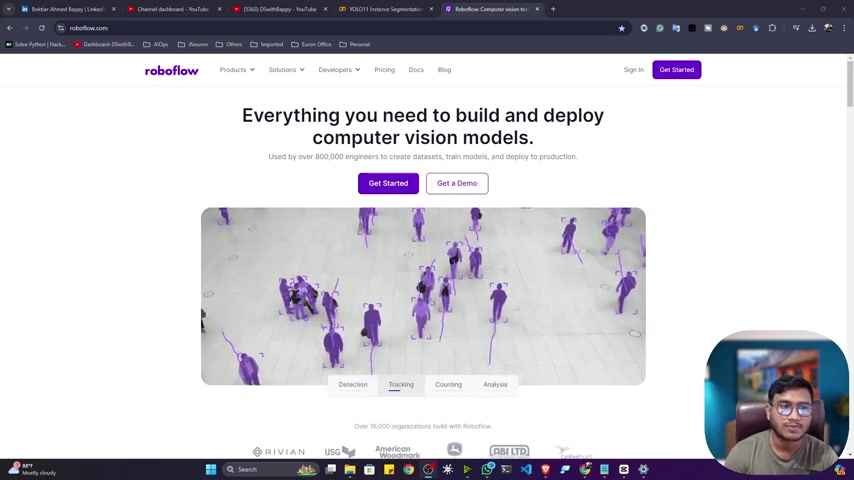
. Navigate to the Roboflow website and sign up for a new account. Once logged in, you can start a new project:
- Create a New Project: Click on the 'New Project' button in your Roboflow workspace. This will lead you to a project setup page.
- Select Project Type: Choose 'Instance Segmentation' as the project type. This is essential for image segmentation tasks as it allows you to annotate each individual object within the image with a precise polygon.
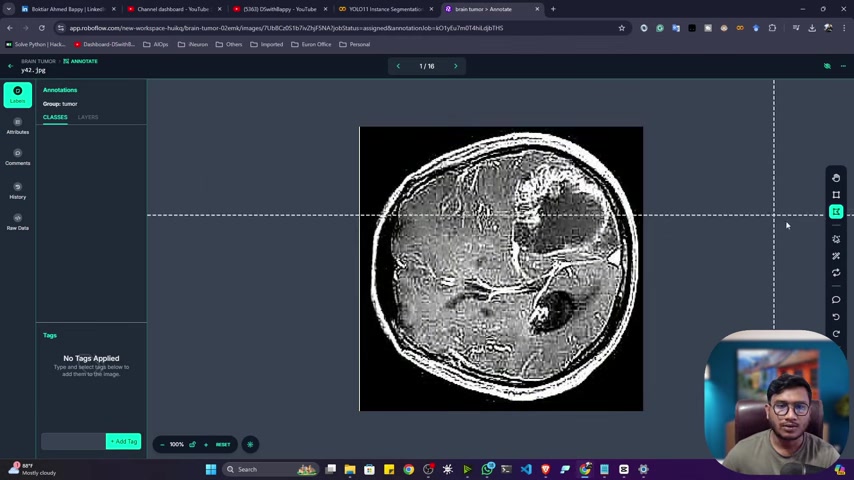
- Name Your Project: Give your project a descriptive name. For example, if you are working with medical images of brain tumors, you might name your project 'Brain Tumor Segmentation'.
- Annotation Group: Specify an annotation group name that represents the objects you are labeling. In the brain tumor example, you would use 'tumor'.
- Private Project: Ensure the visibility is set to private, if you intend to keep it that way.
- Create Private Project: Then click to create the private project.
Uploading Your Data
With your project set up, the next step is to upload your data. Roboflow supports various image formats, including JPEG, PNG, and TIFF. Ensure that your images are of sufficient quality for accurate annotation.
- Navigate to Upload Data: In your project dashboard, click on the 'Upload Data' option
.
- Drag and Drop or Select Files: You can either drag and drop your image files into the upload area or use the 'Select Files' or 'Select Folder' option to browse and upload your images.
- Batch Name: Give this batch of uploads a name for easy reference in your upload history.
- Save and Continue: After selecting your images, click 'Save and Continue' to upload them to Roboflow.
- Tag Your Uploads: If relevant, you may add tags to these uploads for improved organization and discoverability.
Performing Manual Annotation
Once your data is uploaded, you can begin the manual annotation process. Roboflow's annotation interface is intuitive and provides the necessary tools for precise labeling.
- Select Manual Labeling: After the images upload, choose the 'Start Manual Labeling' option to begin annotating your images
.
- Select the images to annotate: You can choose to assign all or some images to yourself or other users in your team .
- Choose the polygon tool: To properly annotate and label your images, click on the polygon tool.
- Polygon Annotation Tool: In the annotation interface, select the 'Polygon' tool. This tool allows you to create precise annotations by drawing a polygon around each object of interest. Click on image to create anchor points, continuing until you have outlined the object
- Labeling objects: Give an appropriate label to that part of image you selected. Save the label.
Data Splitting and Versioning
After annotating your data, the final step is to split it into training, validation, and testing sets. Roboflow allows you to easily manage this process.
- Add Images to Dataset: Click the 'Add images to dataset' button, to start splitting your data .
- Split Ratio: Adjust the split ratio as needed. A typical split might be 70% for training, 20% for validation, and 10% for testing.
- Creating a New Version Creating a new version of your dataset allows you to download the dataset and use it for future training .
By following these steps, you can ensure that your image segmentation data is properly annotated, split, and versioned, ready for training high-performance computer vision models.


Most people like





































Report
Please select a reason for reporting
- 13 Reasons to Switch from Snapchat to Text Messaging
- 7 Powerful Speech to Text Apps to Boost Productivity
- 10 Best Speech to Text Tools for Effortless Transcription
- 13 Free Tools to Easily Transcribe Audio to Text
- 15 Surprising Ways Google's Speech-to-Text Boosts Productivity
- 7 Best Free Online Audio to Text Transcription Tools
- 9 Tips to Transcribe Speech to Text Faster and Better
- 13 Best Speech to Text Software for Windows 10 in 2023
- 7 Tips for Choosing the Best Transcriber for Audio to Text
- 11 Reasons Why Dragon Speech-to-Text Apps are Game-Changers
- 6 Secrets to Enhance Your Speech to Text Transcription
- 6 Brilliant Ways to Boost Productivity with Talk-to-Text on Your MacBook
- 6 Ways Transcription Software Converts Audio to Text
- 8 Tips to Transcribe Speech to Text Like a Pro
- 6 Reasons IBM Watson Speech to Text is a Game-Changer
- 14 Powerful Ways Talk-to-Text Improves Your Workflow
- 12 Top Windows Speech-to-Text Software for Efficient Transcription
- 12 Game-Changing Benefits of Apple's Speech to Text Technology
- 9 Powerful Use Cases for AWS Speech to Text Technology
- 10 Easy Steps to Transcribe YouTube Videos to Text
- transcription audio en texte
- online audio transcription
- free audio file transcription
- free ai audio transcription
- audio transcription service
- audio transcription online free
- audio transcription free online
- audio to transcription software
- audio and transcript
- ai audio transcription free
- voice recording to text converter
- translate voice recording to text
- record voice to text
- audio recording to text converter
- voice recording and transcription
- chatgpt voice to text
- gmail voice to text
- speech to text reader
- speech to text ai free
- speech to talk
- ChatGPT Knows Ford. It Just Doesn't Quote Ford
- Meshy AI: How to Create 3D Models from Text and Images
- How SEO and Marketing Dashboards Empower Agencies to Drive Results
- How to Use AI Tools to Find Internal Linking Opportunities Across a Business Website
- Discover Your Perfect Haircut with AI Hairstyle Apps
- Free Reputation Calculator Tools: How They're Adapting to Score AI Visibility, Not Just Rankings
- Design Professional Flyers for Free on Your Phone
- Best Free Flyer Maker Apps for Android: Design Like a Pro
- How to Know If Your Business Is Ready for an AI Customer Service Agent
- Revolutionizing Storytelling: From Novels to Screenplays with AI
- Your Business Data Could Be Worth Up to $4M. Find Out Without Uploading a Single File.
- Can an eSIM Plan Save You Time During Travel Setup?
- AI Video Editor Review: A Hands-On Look at Prompt-Based Video Editing
- Keep Characters Consistent Across Scenes With Image-to-Video AI
- How to Convert BTC to HNT
- ProxyWing DuckDuckGo Proxy Review: Plans, Setup and Who It Is For
- ChatGPT Knows Ford. It Just Doesn't Quote Ford
- Automate Lead Generation: A Comprehensive Guide with AI Agents
- Revideo.io: The Future of Reverse Video Search Technology
- Revolutionizing Email Marketing Agency with AI

Copyright ©2026 toolify