































Table of Contents
- Key Points
- Getting Started with Text Summarization
- Practical Application: Summarizing Text
- Step-by-Step Guide to Text Summarization with Happy Transformer
- Happy Transformer Pricing Details
- Advantages and Disadvantages of Using Happy Transformer
- Core Features of Happy Transformer
- Use Cases for Text Summarization
- Frequently Asked Questions
- Related Questions



Getting Started with Text Summarization
Understanding Text Summarization
Text summarization involves condensing a longer text into a shorter version while retaining the most important information. It's a text-to-text task, where the input is a text document, and the output is its summary. This process has numerous applications across various industries, including news aggregation, research analysis, and content creation. Advanced text summarization is now possible with the help of Transformer Models.
Transformer models excel at text summarization due to their ability to understand context and relationships between words. Unlike older methods, they can capture long-range dependencies, leading to more coherent and accurate summaries.
There are two primary types of text summarization:
- Extractive Summarization: This approach selects important sentences or phrases directly from the original text to form the summary.
- Abstractive Summarization: This approach involves generating new sentences that convey the meaning of the original text. Abstractive summarization often requires a deeper understanding of the source material. Transformer models primarily facilitate abstractive summarization, offering more creative and human-like summaries.
Transformer models, such as those available through the Happy Transformer library, provide a streamlined way to implement advanced summarization techniques.
Setting Up Your Environment
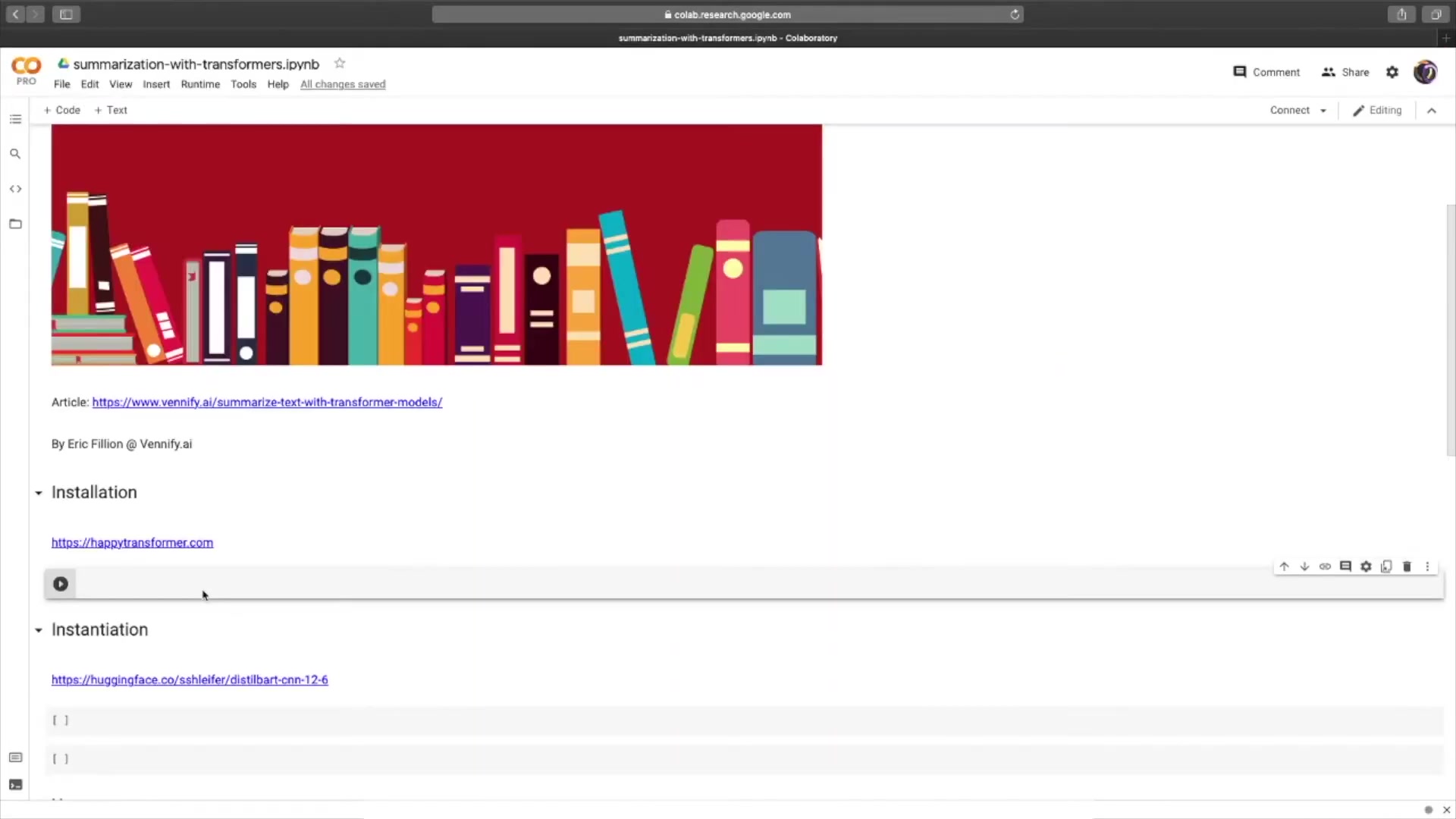
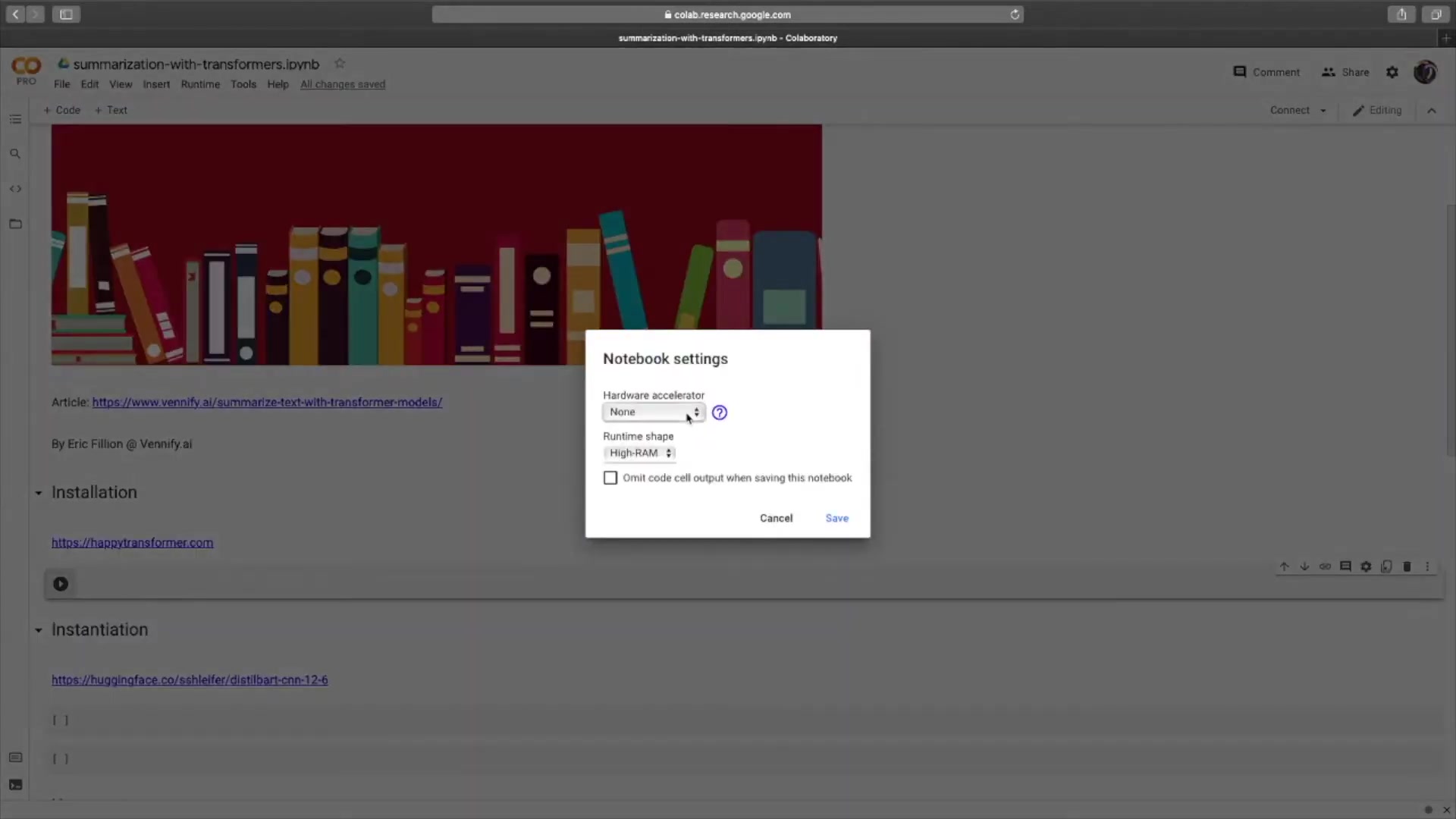
To begin, it's essential to set up your environment for optimal performance. Using a GPU significantly accelerates the summarization process, especially when dealing with large datasets. Google Colab offers free GPU instances, making it an ideal platform for experimenting with transformer models. Here's how to enable GPU acceleration:
- Go to Runtime > Change runtime type.
- Select GPU from the Hardware accelerator dropdown.
By utilizing a GPU, you can reduce the inference time and efficiently process your text summarization tasks. For faster inference times, consider using a GPU.
Now, let's proceed with installing the necessary libraries. We will use Happy Transformer.
First, install the HappyTransformer library.
pip install happytransformerThis command installs the Happy Transformer Package, along with its dependencies, allowing you to work with transformer models seamlessly.
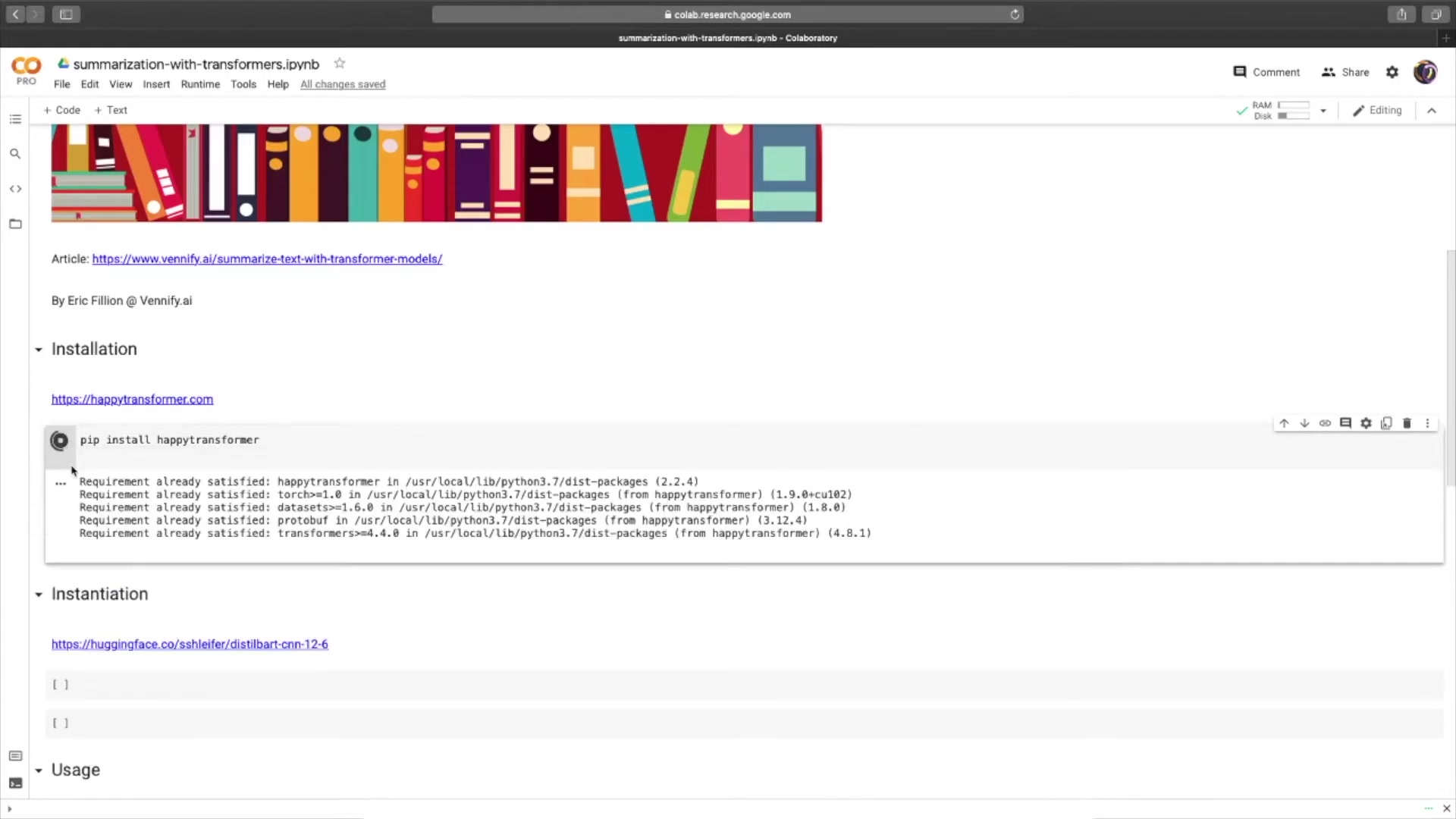
Once installed, you are ready to instantiate a text summarization model. The setup ensures that your environment is fully equipped for the tasks ahead, paving the way for efficient and accurate text summarization.
Instantiating the Text Summarization Model
With the environment set up and the library installed, the next step is to instantiate the text summarization model. Happy Transformer simplifies this process, allowing you to leverage pre-trained models with just a few lines of code.
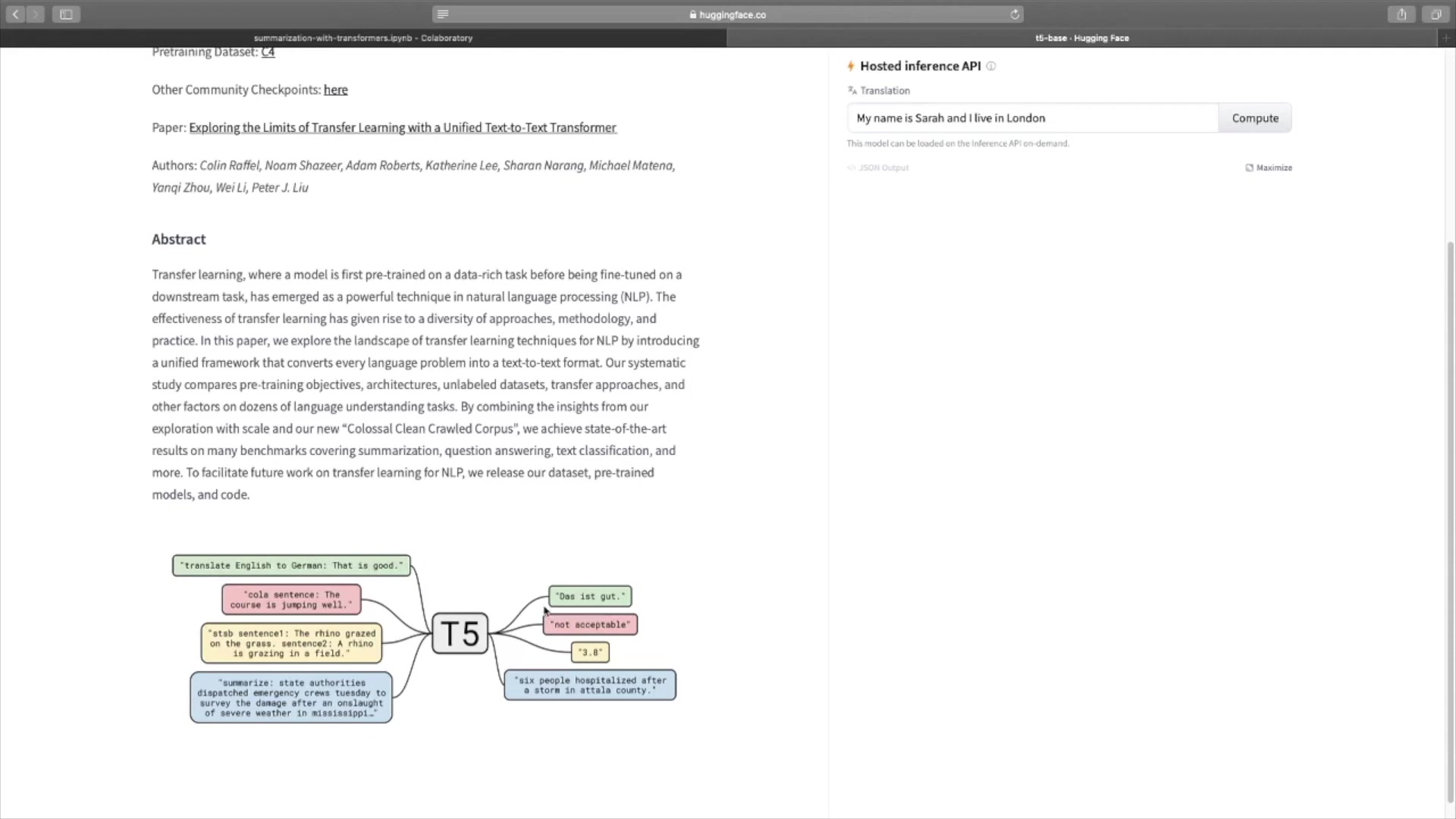
The library supports various transformer models, but the focus is on one of the most downloaded text summarization models on Hugging Face: sshleifer/distilbart-cnn-12-6.
Here’s how to instantiate the model:
from happytransformer import HappyTextToText

happy_tt = HappyTextToText("DISTILBART", "sshleifer/distilbart-cnn-12-6")
In this code snippet:
- We import the
HappyTextToTextclass from thehappytransformerlibrary. - We create an instance of
HappyTextToText, specifying the model type asDISTILBARTand providing the model name from Hugging Face Model Hub.
This instantiation process downloads the pre-trained model and its associated tokenizer, making it ready for summarization tasks. Using Happy Transformer significantly simplifies using pre-trained transformer models.
Practical Application: Summarizing Text
Summarizing with Happy Transformer
With the model instantiated, you can now use it to summarize text. Happy Transformer provides a straightforward method for this purpose. Let's begin by providing some text to summarize. Here's an example using text from the Wikipedia page on transformer models:
text = "A transformer is a deep learning model that adopts the mechanism of attention, differentially weighing the significance of each part of the input data. It is used primarily in the field of natural language processing."To generate a summary, use the generate_text method:
result = happy_tt.generate_text(text)

print(result.text)
This code snippet performs the following actions:
- It calls the
generate_textmethod on thehappy_ttobject, passing the text to be summarized. - It prints the resulting summary, which is stored in the
textattribute of theresultobject. The output is a dataclass object with a single variable called text. You can isolate the text by calling the variable. The result is the following:
A transformer is a deep learning model that adopts the mechanism of attention. It is used primarily in the field of natural language processing (NLP) and computer vision (CV).The ease of use offered by Happy Transformer makes it accessible for both beginners and experts in NLP. Now that you know how to generate a summary, it is important to consider fine-tuning text generation algorithms for better results.
Adjusting Text Generation Settings
By default, the generate_text method uses a greedy text generation algorithm, which selects the most likely token at each step. While this method is fast, it may not always produce the most coherent or creative summaries. Happy Transformer allows you to adjust the text generation settings to explore alternative algorithms.
One such alternative is top-k sampling, which considers the k most likely tokens at each step, introducing more randomness into the generation process. The Happy Transformer documentation provides guidance on how to modify text generation algorithms.
To use top-k sampling, you can adjust the settings as follows:
from happytransformer import TTSettings

top_k_sampling_settings = TTSettings(do_sample=True, top_k=50, temperature=0.7, max_length=50)

result = happy_tt.generate_text(text, args=top_k_sampling_settings)

print(result.text)
In this code snippet:
- We import the
TTSettingsclass from thehappytransformerlibrary. - We create an instance of
TTSettings, specifying parameters for top-k sampling, such asdo_sample,top_k,temperature, andmax_length. - We pass the settings to the
generate_textmethod using theargsparameter.
By adjusting these settings, you can control the balance between coherence and creativity in the generated summaries, tailoring the output to your specific needs.





Most people like



































Report
Please select a reason for reporting
- 13 Reasons to Switch from Snapchat to Text Messaging
- 7 Powerful Speech to Text Apps to Boost Productivity
- 10 Best Speech to Text Tools for Effortless Transcription
- 13 Free Tools to Easily Transcribe Audio to Text
- 15 Surprising Ways Google's Speech-to-Text Boosts Productivity
- 7 Best Free Online Audio to Text Transcription Tools
- 9 Tips to Transcribe Speech to Text Faster and Better
- 13 Best Speech to Text Software for Windows 10 in 2023
- 7 Tips for Choosing the Best Transcriber for Audio to Text
- 11 Reasons Why Dragon Speech-to-Text Apps are Game-Changers
- 6 Secrets to Enhance Your Speech to Text Transcription
- 6 Brilliant Ways to Boost Productivity with Talk-to-Text on Your MacBook
- 6 Ways Transcription Software Converts Audio to Text
- 8 Tips to Transcribe Speech to Text Like a Pro
- 6 Reasons IBM Watson Speech to Text is a Game-Changer
- 14 Powerful Ways Talk-to-Text Improves Your Workflow
- 12 Top Windows Speech-to-Text Software for Efficient Transcription
- 12 Game-Changing Benefits of Apple's Speech to Text Technology
- 9 Powerful Use Cases for AWS Speech to Text Technology
- 10 Easy Steps to Transcribe YouTube Videos to Text
- transcription audio en texte
- online audio transcription
- free audio file transcription
- free ai audio transcription
- audio transcription service
- audio transcription online free
- audio transcription free online
- audio to transcription software
- audio and transcript
- ai audio transcription free
- voice recording to text converter
- translate voice recording to text
- record voice to text
- audio recording to text converter
- voice recording and transcription
- chatgpt voice to text
- gmail voice to text
- speech to text reader
- speech to text ai free
- speech to talk
- How SEO and Marketing Dashboards Empower Agencies to Drive Results
- How to Use AI Tools to Find Internal Linking Opportunities Across a Business Website
- Discover Your Perfect Haircut with AI Hairstyle Apps
- Free Reputation Calculator Tools: How They're Adapting to Score AI Visibility, Not Just Rankings
- Design Professional Flyers for Free on Your Phone
- Best Free Flyer Maker Apps for Android: Design Like a Pro
- How to Know If Your Business Is Ready for an AI Customer Service Agent
- Revolutionizing Storytelling: From Novels to Screenplays with AI
- Create Engaging Animated Explainer Videos with a Free AI Tool
- Stop Multi-Subscribing: Benchmark Top AI Visual Models in One Canvas
- AI & Elections: Defending Democracy Against Misinformation
- Navigating Political Discourse: AI, Deepfakes, and Reality Checks
- Detecting Political Bias in News Articles: A Powerful AI Algorithm
- AI Bias Unveiled: Political Leanings in ChatGPT & Beyond
- Revolutionize Learning: Discover Quizzes AI for Engaging Interactive Quizzes
- From AI-Generated to Audience-Ready: How Quillbot Humanize AI Is Changing the Content Editing Process
- Building an AI Writing Stack in 2026: LLMs, Detectors, and Humanizers
- 7 Top AI-Powered Database Assistant Platforms
- An Objective Look at Modern Web-Based Visual Modifications
- My Honest Experience with VideoAI: The Secret Weapon for Creators Who Need Character Voices

Copyright ©2026 toolify