































Table of Contents
- Key Points
- Understanding Google Cloud Document AI
- Best Alternative To Document AI
- How to Use Google Cloud Document AI: A Step-by-Step Guide
- Pros and Cons of Google Cloud Document AI
- Document AI Use Cases
- Frequently Asked Questions about Document AI
- Related Questions and Further Exploration


Understanding Google Cloud Document AI
What is Document AI?
Document AI
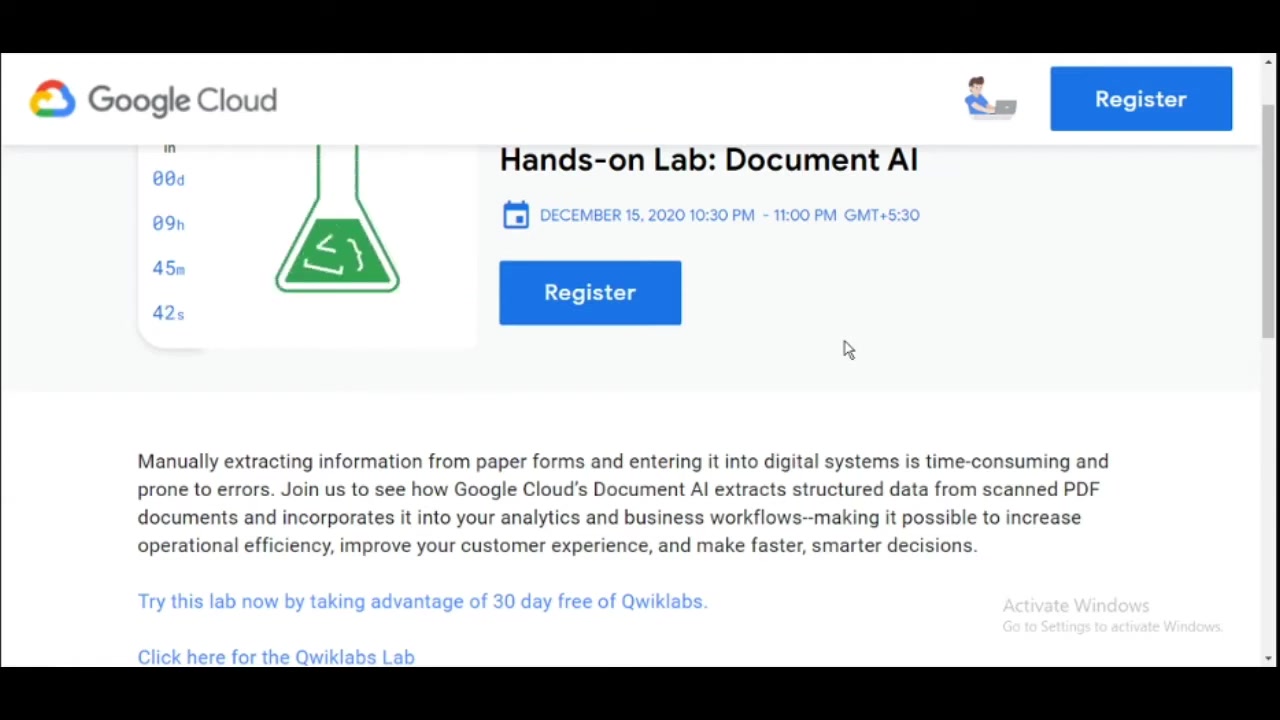
is a service offered by Google Cloud that utilizes artificial intelligence and machine learning to automatically extract structured data from unstructured documents. These documents can range from scanned PDFs and paper forms to invoices and contracts. By leveraging AI, Document AI reduces the need for manual data entry, which is both time-consuming and prone to human error. This is so important to businesses looking to streamline operational efficiency. The goal of Document AI is to transform documents into actionable data that can be used in various business processes.
The Importance of Automating Document Data Extraction
In today's digital age, businesses rely heavily on data to drive decisions and improve operations. A significant portion of this data is often locked away in physical documents or unstructured digital formats, such as PDF files. Manually extracting this data is not only slow and expensive but also introduces the risk of errors. Document AI offers a solution to this problem, providing businesses with a powerful and efficient way to unlock the value hidden within their documents. By automating the data extraction process, Document AI enables businesses to:
- Reduce operational costs: Eliminate the need for manual data entry, freeing up employees to focus on more strategic tasks.
- Improve data accuracy: Minimize errors associated with manual data entry, ensuring data integrity.
- Accelerate business processes: Enable faster data processing and decision-making.
- Enhance customer experience: Provide quicker and more accurate responses to customer inquiries.
- Gain deeper insights: Access structured data that can be used for analysis and reporting.
Key Components of Document AI
Document AI comprises several key components that work together to automate the document data extraction process:
- Optical Character Recognition (OCR): This technology converts scanned images or PDFs into machine-readable text.
- Natural Language Processing (NLP): NLP algorithms analyze the text to understand its meaning and identify key entities.
- Machine Learning (ML): ML models are trained to recognize different types of documents and extract relevant data with high accuracy.
- Pre-trained processors: Document AI offers a library of pre-trained processors tailored to specific document types, such as invoices, receipts, and identity documents. These processors provide out-of-the-box data extraction capabilities.
- Custom processors: For document types not covered by pre-trained processors, Document AI allows businesses to create custom processors tailored to their specific needs. This provides flexibility and ensures accurate data extraction for any document type.
How to Use Google Cloud Document AI: A Step-by-Step Guide
Step 1: Registering for the Hands-On Lab
Before diving into the technical aspects, register for the hands-on lab on Document AI
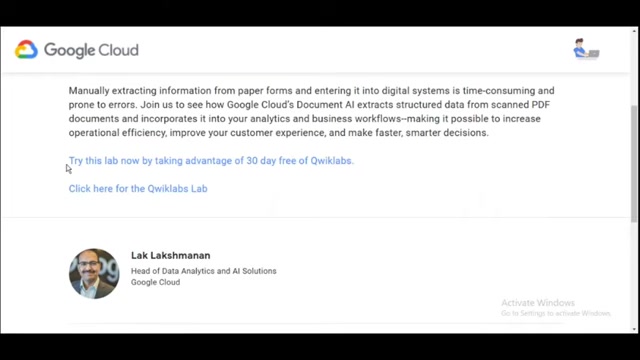
. The registration process requires basic information such as your first name, last name, company name (or 'College' if you are a student), email address, and phone number. After filling in all required fields, confirm your agreement to the Google Cloud Privacy Policy and click the Register button.
Step 2: Exploring Qwiklabs and Claiming Your Free Lab
After registration, take advantage of the 30-day free trial offered by Qwiklabs
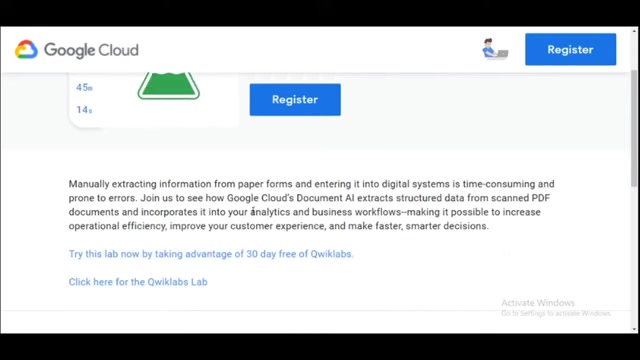
. Qwiklabs provides a platform to learn cloud skills virtually, anywhere, allowing you to complete your first lab by copying a provided code. This step grants access to a wide array of Google Cloud Labs for 30 days.
Step 3: Navigating the Google Cloud Console
Click ‘open google console' , then Open link in new incognito window’ if you are using the pixel book
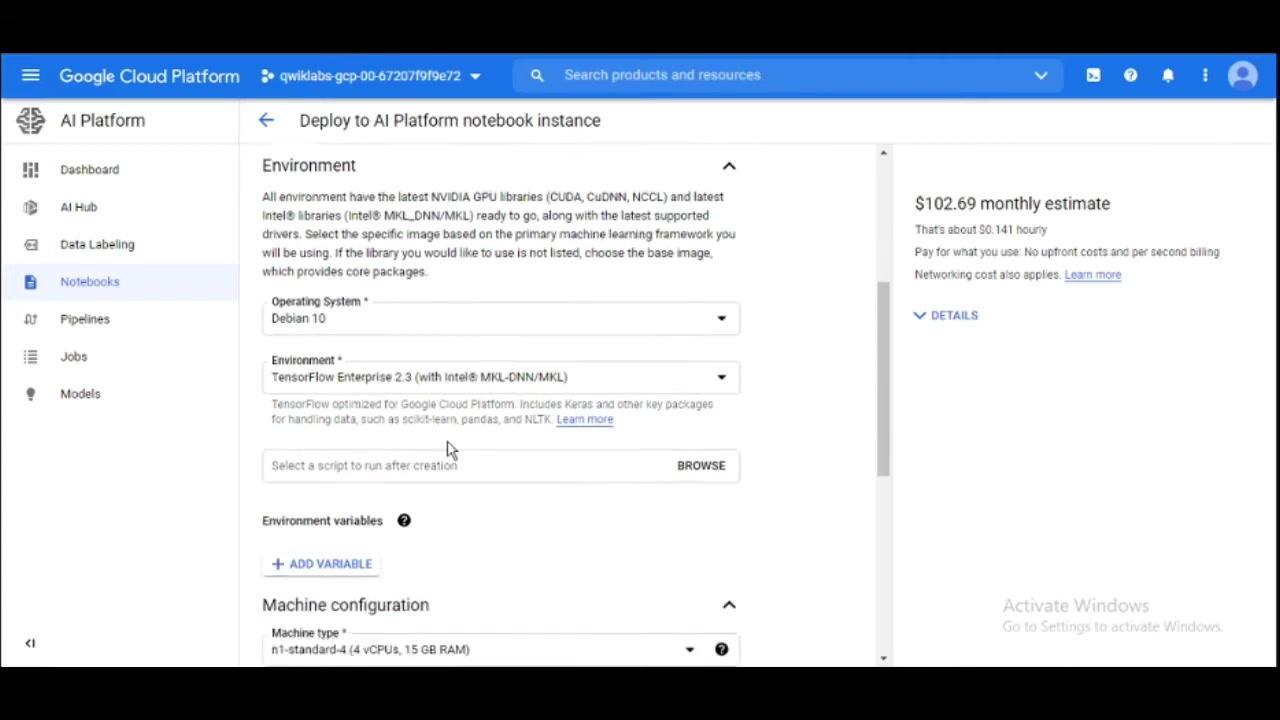
After successfully login, click the ‘I Agree’ option, you will be directed to the Google Cloud Platform Dashboard.
Step 4: Setting Up Cloud Storage
Navigate to Cloud Storage in the Cloud Console by clicking on the Navigation menu, and go to Storage > Browser. Click on the CREATE BUCKET button to create a new bucket. Change the BUCKET name to be the name of the lab Project ID (e.g., qwiklabs-gcp-00-a52b77620f) and Click Create.
After that just run the code and the document will automatically download
Step 5: Setting API
Enable the Cloud Document AI in API & Services
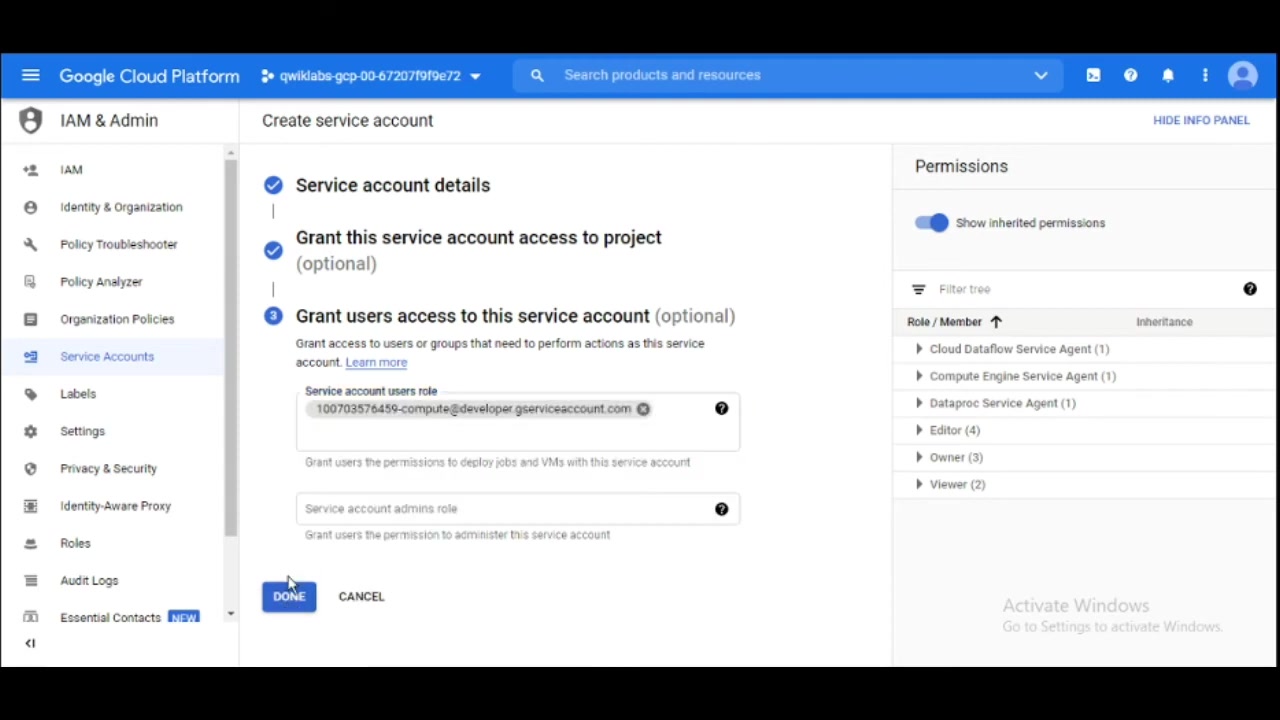
. Go to your google APIs and enable cloud document API.
Step 6: Testing With Scott Walker PDF
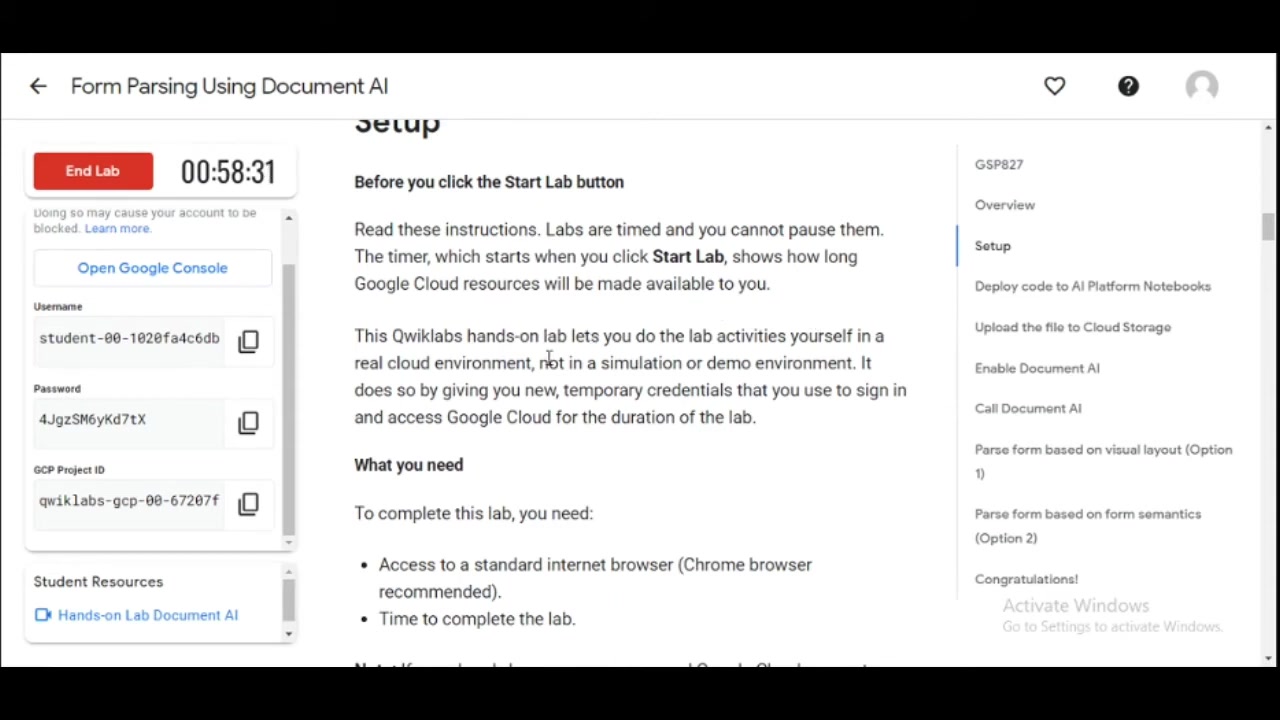
Change the PDF to what we need: copy location output from cell #7. And Add in it to cell 14.. After that what are the first words of text extracted from the form
.








Most people like































Report
Please select a reason for reporting
- 13 Reasons to Switch from Snapchat to Text Messaging
- 7 Powerful Speech to Text Apps to Boost Productivity
- 10 Best Speech to Text Tools for Effortless Transcription
- 13 Free Tools to Easily Transcribe Audio to Text
- 15 Surprising Ways Google's Speech-to-Text Boosts Productivity
- 7 Best Free Online Audio to Text Transcription Tools
- 9 Tips to Transcribe Speech to Text Faster and Better
- 13 Best Speech to Text Software for Windows 10 in 2023
- 7 Tips for Choosing the Best Transcriber for Audio to Text
- 11 Reasons Why Dragon Speech-to-Text Apps are Game-Changers
- 6 Secrets to Enhance Your Speech to Text Transcription
- 6 Brilliant Ways to Boost Productivity with Talk-to-Text on Your MacBook
- 6 Ways Transcription Software Converts Audio to Text
- 8 Tips to Transcribe Speech to Text Like a Pro
- 6 Reasons IBM Watson Speech to Text is a Game-Changer
- 14 Powerful Ways Talk-to-Text Improves Your Workflow
- 12 Top Windows Speech-to-Text Software for Efficient Transcription
- 12 Game-Changing Benefits of Apple's Speech to Text Technology
- 9 Powerful Use Cases for AWS Speech to Text Technology
- 10 Easy Steps to Transcribe YouTube Videos to Text
- transcription audio en texte
- online audio transcription
- free audio file transcription
- free ai audio transcription
- audio transcription service
- audio transcription online free
- audio transcription free online
- audio to transcription software
- audio and transcript
- ai audio transcription free
- voice recording to text converter
- translate voice recording to text
- record voice to text
- audio recording to text converter
- voice recording and transcription
- chatgpt voice to text
- gmail voice to text
- speech to text reader
- speech to text ai free
- speech to talk
- How to Use AI Tools to Find Internal Linking Opportunities Across a Business Website
- Discover Your Perfect Haircut with AI Hairstyle Apps
- Free Reputation Calculator Tools: How They're Adapting to Score AI Visibility, Not Just Rankings
- Design Professional Flyers for Free on Your Phone
- Best Free Flyer Maker Apps for Android: Design Like a Pro
- How to Know If Your Business Is Ready for an AI Customer Service Agent
- Revolutionizing Storytelling: From Novels to Screenplays with AI
- Create Engaging Animated Explainer Videos with a Free AI Tool
- Stop Multi-Subscribing: Benchmark Top AI Visual Models in One Canvas
- Best Seedance 2.5 API Provider: Every Price on the Market, Checked at Source
- Top AI Social Media Management Tools: Automate Your Content Strategy
- Free AI Text to Video Generator: Create Stunning Videos from Text
- Discover 17 ChatGPT Alternatives: A Comprehensive Comparison
- Character.AI vs. Janitor AI: Which AI Chat Platform Reigns Supreme?
- Top Virtual Assistant Companies in 2026: Reviews, Pricing, and Plans Compared
- Unveiling FaceCheck.ID: Revolutionizing Reverse Image Searches with AI
- 11 Best AI Dialers in 2026: Features, Pricing, Pros and Cons
- How I Direct Consistent AI Clips: A Hands-On Guide to Multi-Model Generation
- A Realistic Review of the Photo Generator Image Tool
- Playwright MCP Server: Automated Web Testing with Agent Mode

Copyright ©2026 toolify