


Chatsonic: Ai Chat Assistant
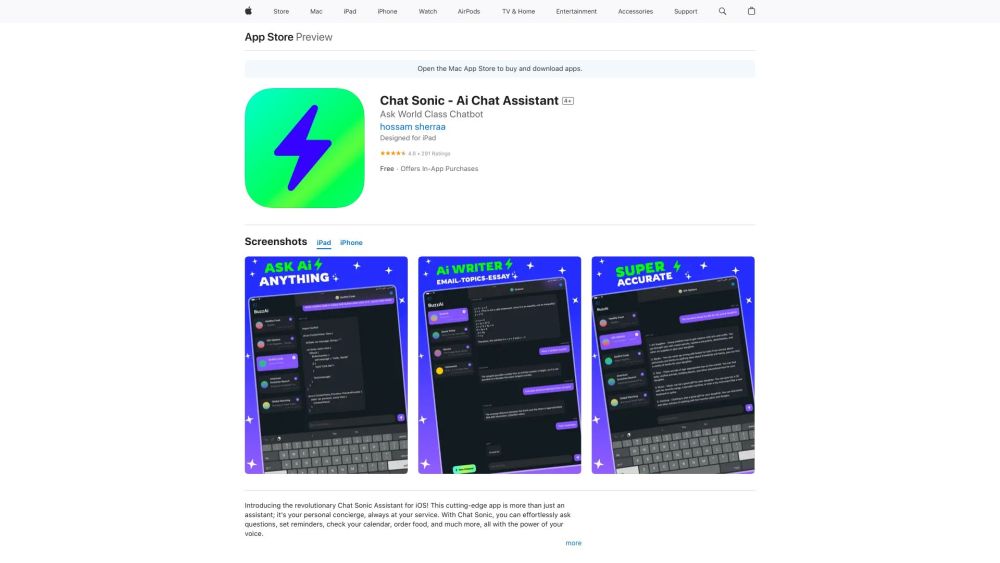


What is Chatsonic: Ai Chat Assistant?
Chatsonic is an AI Chat Assistant available on the App Store for iPhone, iPad, and iPod touch. It is powered by ChatGPT-4 and allows users to ask questions, set reminders, check calendars, order food, and more using voice commands. It aims to provide seamless communication with an AI assistant that understands users' needs and integrates with other apps and services.
How to use Chatsonic: Ai Chat Assistant?
Download the Chatsonic app from the App Store. Once installed, you can use voice commands or text input to ask questions, set reminders, check your calendar, order food, and perform other tasks. The app integrates with other services on your device to streamline daily routines.
Chatsonic: Ai Chat Assistant's Core Features
AI-powered chat assistant
Voice command support
Integration with other apps and services
Powered by ChatGPT-4
Chatsonic: Ai Chat Assistant's Use Cases
Asking questions and getting answers
Setting reminders
Checking calendar events
Ordering food
Streamlining daily tasks
FAQ from Chatsonic: Ai Chat Assistant
What devices are compatible with Chatsonic?
Is Chatsonic free to use?
What can I do with Chatsonic?
Does Chatsonic collect my data?
Chatsonic: Ai Chat Assistant Reviews (0)
Chatsonic: Ai Chat Assistant Pricing
Yearly Premium Subscription
$9.99
Get Unlimited Access to All Features
Chatsonic: Ai Chat Assistant Launch embeds
Use website badges to drive support from your community for your Toolify Launch. They're easy to embed on your homepage or footer.



Alternative of Chatsonic: Ai Chat Assistant
