


Glitter AI
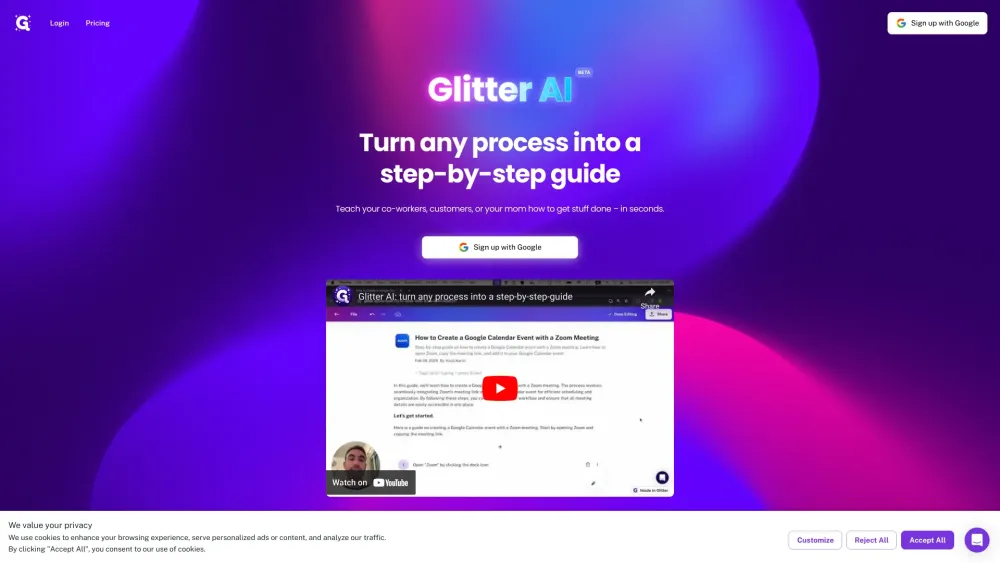


What is Glitter AI?
Glitter AI is a tool that allows users to create written documentation by speaking and clicking. It turns mouse clicks and voice into step-by-step guides complete with screenshots and text that can be easily edited and shared. It helps to skip endless Zooms to explain processes to co-workers or customers.
How to use Glitter AI?
Simply speak and click through the process you want to document. Glitter AI will automatically generate written steps and add screenshots. You can then edit and share the guide.
Glitter AI's Core Features
Voice-to-text documentation
Automatic screenshot capture
Step-by-step guide creation
Easy editing and sharing
Glitter AI's Use Cases
Onboarding employees
Creating standard operating procedures (SOPs)
Creating documentation
Guiding customers
FAQ from Glitter AI
What does Glitter AI do?
What can I use Glitter AI for?
How does Glitter AI create a guide?
Glitter AI Login
Glitter AI Login Link: https://www.glitter.io/login
Glitter AI Pricing
Glitter AI Pricing Link: https://www.glitter.io/pricing
Glitter AI Youtube
Glitter AI Youtube Link: https://www.youtube.com/@GlitterAI/videos
Glitter AI Reviews (0)
Analytic of Glitter AI
Glitter AI Website Traffic Analysis
Geography
Top 5 Regions


Glitter AI Launch embeds
Use website badges to drive support from your community for your Toolify Launch. They're easy to embed on your homepage or footer.



Alternative of Glitter AI
 75.12%
Social Listening