



Laxis - Chrome Extension


What is Laxis ai chrome extension?
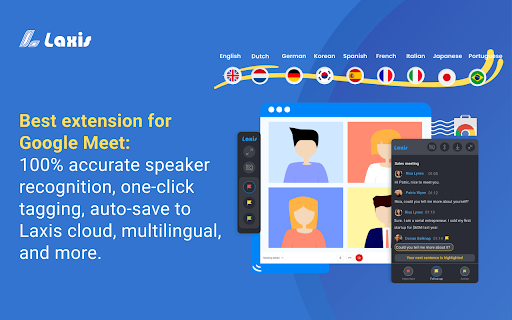
Laxis is an AI meeting assistant for Google Meet that records transcripts and provides features to improve the meeting experience. It offers real-time transcription, speaker recognition, one-click tagging, and auto-saving to the cloud or downloading into various file formats. Post-meeting features include an AI-augmented editor, smart summary, insight and quotation management, and advanced search capabilities.
How to use Laxis ai chrome extension?
Install the Laxis Chrome extension, start Google Meet in Chrome, and Laxis will automatically launch and enable captions. Keep captions on for real-time transcription. Use highlight buttons to tag important parts. Click the download icon to choose a file format. Register for a free account to auto-save to the Laxis cloud and access advanced features.
Laxis ai chrome extension's Core Features
Real-time transcription
Speaker recognition
One-click tagging
AI-augmented editor
Smart summary
Insight and quotation management
Advanced search
Laxis ai chrome extension's Use Cases
Record and transcribe Google Meet meetings
Highlight key moments during meetings
Summarize meeting content
Search across meeting conversations
Share meeting notes with team members
FAQ from Laxis
What languages does Laxis support?
How do I switch transcription languages?
How do I save my meeting transcripts?
Analytic of Laxis AI Chrome Extension
Laxis Active Users
Total Installed User
Alternative of Laxis AI Chrome Extension
 28.58%