


Perspect




What is Perspect?
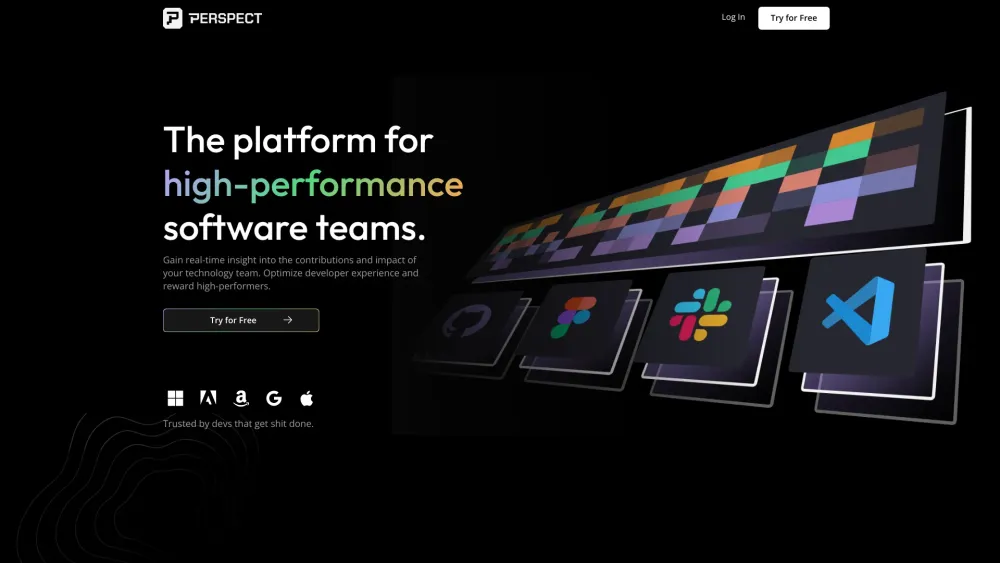
Perspect is a developer experience (devex) platform designed to recognize and reward developers for their best work. It connects to IDEs, browsers, design tools, and platforms that developers already use to measure their flow state and reward them. It provides real-time insights into the contributions and impact of technology teams, enabling optimization of resources and rewarding high-performers.
How to use Perspect?
Connect Perspect to your existing IDEs, browsers, design tools, and platforms. The platform measures your flow state and provides insights into your performance. High performers and impactful contributions are then rewarded.
Perspect's Core Features
Connects to 50+ integrations
Provides individual, team, and company views
Offers built-in blockchain-based rewards
Uses AI & ML for insights
Identifies and eliminates blockers to focus
Dynamic team views
Perspect's Use Cases
Visualize impact and reward results
Identify 10x talent and teams
Create dynamic team views
Spot burnout and boost employee retention
Align resources around crucial KPIs
FAQ from Perspect
What does Perspect do?
How does Perspect help managers?
What integrations does Perspect offer?
Perspect Support Email & Customer service contact & Refund contact etc.
Here is the Perspect support email for customer service: [email protected] . More Contact, visit the contact us page(mailto:[email protected])
Perspect Company
More about Perspect, Please visit the about us page(https://www.perspect.xyz/about).
Perspect Login
Perspect Login Link: https://app.perspect.xyz/login
Perspect Sign up
Perspect Sign up Link: https://app.perspect.xyz/signup
Perspect Pricing
Perspect Pricing Link: https://www.perspect.xyz/pricing
Perspect Reviews (0)
Analytic of Perspect
Perspect Website Traffic Analysis
Perspect Launch embeds
Use website badges to drive support from your community for your Toolify Launch. They're easy to embed on your homepage or footer.



Alternative of Perspect


 100.00%
Social Listening