


Canvid
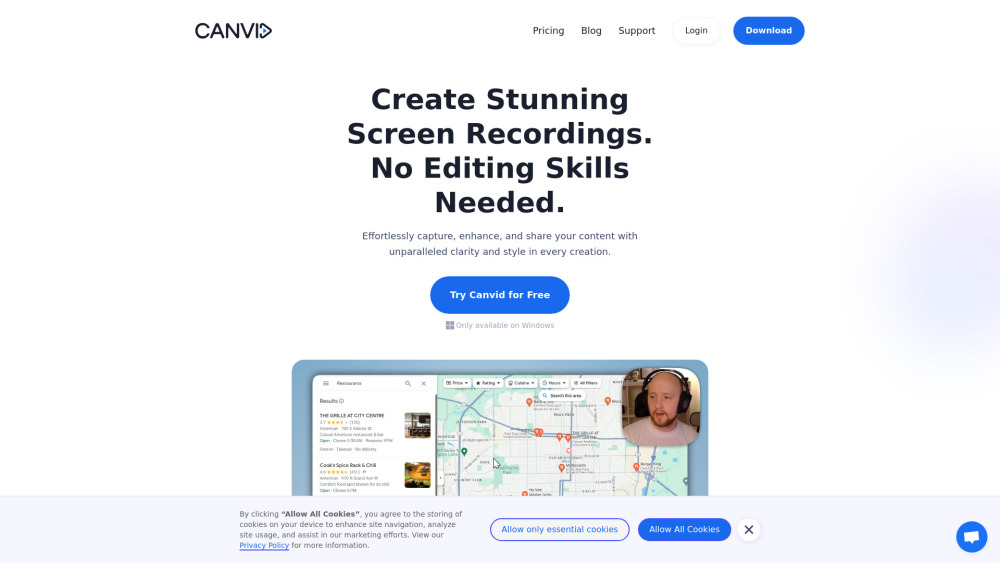




What is Canvid?
Canvid is a screen recording tool designed to effortlessly capture, enhance, and share screen recordings. It offers features like smooth mouse movements, automatic zooms, cinematic motion blur, and background effects, making it suitable for creating high-quality demos, tutorials, and promo videos without requiring advanced editing skills.
How to use Canvid?
Capture your screen with one click, enhance it with automatic zooms and AI background effects, add captions, and share the finished video instantly via cloud uploads or local saving.
Canvid's Core Features
Automatic Zooms
AI Background Effects
Auto-Captions & Transcripts
Easy Screen Recording
Instant Sharing
AI Enhanced Voice
Creative Camera Features
Canvid's Use Cases
Creating product demos and tutorials
Showcasing designs and mock-ups
Capturing bug reports
Recording meetings for remote teams
Boosting customer support with visual troubleshooting
Creating engaging content for social media
Making online lectures with screen recording
FAQ from Canvid
Can I try Canvid before purchasing?
Is it a subscription or a one-time purchase?
Do I need any video editing skills to use Canvid?
What if I need help or have issues with Canvid?
What’s the difference between the Subscription and Lifetime plans?
What happens after one year if I choose the Lifetime plan?
Can I cancel my subscription at any time?
How many devices can I use Canvid on?
Does Canvid work on both Windows and Mac?
Can I switch from a Subscription to a Lifetime plan?
Are there any limitations on video duration?
Canvid Discord
Here is the Canvid Discord: https://discord.gg/3eFvvHfFMX. For more Discord message, please click here(/discord/3efvvhffmx).
Canvid Company
Canvid Company name: VideoCom.com Inc. .
Canvid Login
Canvid Login Link: https://app.canvid.com/login
Canvid Pricing
Canvid Pricing Link: https://www.canvid.com/pricing
Canvid Facebook
Canvid Facebook Link: https://www.facebook.com/canvidapp
Canvid Youtube
Canvid Youtube Link: https://youtube.com/@canvidhq
Canvid Linkedin
Canvid Linkedin Link: https://www.linkedin.com/company/canvid
Canvid Twitter
Canvid Twitter Link: https://twitter.com/canvidhq
Canvid Instagram
Canvid Instagram Link: https://www.instagram.com/canvidhq
Canvid Reviews (0)
Canvid Pricing
Subscription
$15/month
Full access, recurring fee. Up to 3 devices, all product features, unlimited exports, recording up to 4K, FREE app updates forever, FREE cloud services forever.
Lifetime
$99
Pay once, access for life. Up to 3 devices, all product features, unlimited exports, recording up to 4K, FREE app updates for 1 year, FREE cloud services for 1 year.
Teams
Contact Us
Custom solutions for teams. Everything in subscription plan, flexible license management, customized deployment, dedicated support.
For the latest pricing, please visit this link: https://www.canvid.com/pricing
Analytic of Canvid
Canvid Website Traffic Analysis
Geography
Top 5 Regions


Canvid Discord Users Analysis
Latest user counts
Canvid Launch embeds
Use website badges to drive support from your community for your Toolify Launch. They're easy to embed on your homepage or footer.



Alternative of Canvid

Social Listening