



ChatExt - ChatGPT File Uploader - Chrome Extension
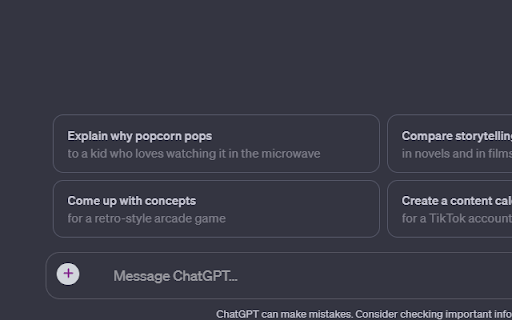


What is ChatExt - ChatGPT File Uploader ai chrome extension?
ChatExt is a Chrome extension designed to enhance the ChatGPT experience by allowing users to upload files directly into the chat interface. It supports various file types, enabling seamless file management and intelligent file chunking for smoother conversations. The extension also provides custom download buttons for saving generated code and CSV files. ChatExt prioritizes data privacy, ensuring that user data is not collected or saved.
How to use ChatExt - ChatGPT File Uploader ai chrome extension?
Install the ChatExt Chrome extension. Once installed, you can upload files to ChatGPT by clicking or dragging and dropping them into the chat interface.
ChatExt - ChatGPT File Uploader ai chrome extension's Core Features
File uploading to ChatGPT
File downloading from ChatGPT
Intelligent file chunking
Custom download buttons
ChatExt - ChatGPT File Uploader ai chrome extension's Use Cases
Uploading code files for debugging or analysis in ChatGPT
Sharing data files (e.g., CSV) for analysis and manipulation
Downloading generated code snippets from ChatGPT
FAQ from ChatExt - ChatGPT File Uploader
What file types does ChatExt support?
How many files can I upload at once?
Does ChatExt collect my data?
Analytic of ChatExt - ChatGPT File Uploader AI Chrome Extension
ChatExt - ChatGPT File Uploader Active Users
Total Installed User
Alternative of ChatExt - ChatGPT File Uploader AI Chrome Extension

More Content About ChatExt - ChatGPT File Uploader
13 Tips for Organizing Your Digital Files Like a Pro
By Pankaj Rai on May 17 2024
Master digital organization with 13 expert tips!
11 AI File Editors to Boost Your Productivity in 2023
By Lily on April 25 2024
Boost productivity with 11 AI file editors in 2023 - Try Toolify AI now for effortless editing!