


Grok Imagine
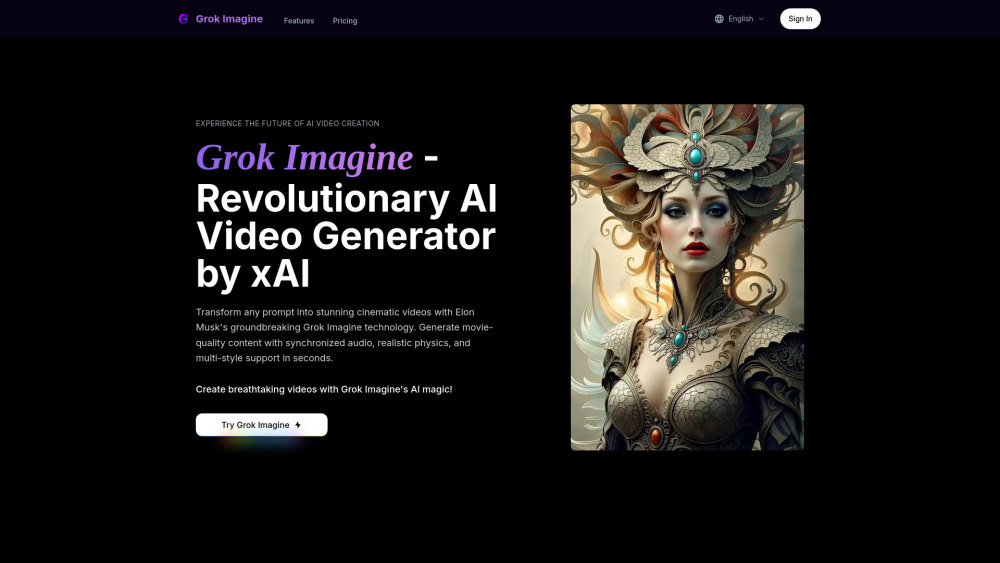


What is Grok Imagine?
Grok Imagine is xAI's revolutionary video generation platform powered by the Aurora model. It transforms any prompt into stunning cinematic videos with synchronized audio, realistic physics, and multi-style support in seconds. It can create 4 unique video variations simultaneously with synchronized audio, supports multiple creative styles (Fantasy, Realistic, Sci-Fi), and delivers near real-time generation speeds. The movie-quality output rivals productions like Avatar, making it the most advanced AI video creation tool available.
How to use Grok Imagine?
To use Grok Imagine, first input your creative vision through detailed text prompts, describing scenes, characters, actions, and desired visual styles. Optionally, you can upload images as the first frame. Next, choose your preferred generation mode (Normal, Fun, or Spicy). Then, generate the video with Grok Imagine. Finally, you can download and share your created videos.
Grok Imagine's Core Features
Synchronized Audio Generation
Movie-Quality Physics Engine
Multi-Style Generation (Fantasy, Realistic, Sci-Fi)
Intelligent Prompt Understanding
Image-to-Video Transformation
Real-Time Generation Speed (generates 4 unique variations simultaneously)
Powered by Aurora Generation Model and Mixture-of-Experts Architecture
Grok Imagine's Use Cases
Film Directors for pre-visualization and creating Avatar-level imagery.
Content Creators for multi-style generation and realistic physics.
Advertising Executives for rapid video variations and cinema-grade quality.
Marketing Directors for rapid concept development and brand consistency.
Game Developers for creating game trailers with sci-fi style and realistic physics.
Storyboard Artists for transforming static storyboards into dynamic previsualization videos.
FAQ from Grok Imagine
What is Grok Imagine and how does it differ from other AI video generators?
How does Grok Imagine generate synchronized audio for videos?
What are the differences between Spicy, Fun, and Normal generation modes?
How fast is Grok Imagine's video generation process?
How do I create prompts and choose styles for Grok Imagine?
What makes Grok Imagine's physics simulation special?
Grok Imagine Support Email & Customer service contact & Refund contact etc.
Here is the Grok Imagine support email for customer service: . More Contact, visit the contact us page(https://grok-imagine.art/contact)
Grok Imagine Company
Grok Imagine Company name: xAI .
Grok Imagine Company address: .
More about Grok Imagine, Please visit the about us page(https://grok-imagine.art/about).
Grok Imagine Login
Grok Imagine Login Link: https://grok-imagine.art/login
Grok Imagine Sign up
Grok Imagine Sign up Link: https://grok-imagine.art/register
Grok Imagine Pricing
Grok Imagine Pricing Link: https://grok-imagine.art/#pricing
Grok Imagine Reviews (0)
Grok Imagine Pricing
Hobby
$39.9/month
Perfect for trying out. Includes 400 credits / month. Credits never expire. Reference Image Support, Audio Generation, Private Generation, Multi-Mode Support, Commercial License. (Yearly plan: $21/month, billed yearly, saves 30%)
Popular
$59.9/month
Most popular for individual creators! Includes 700 credits / month. Credits never expire. Reference Image Support, Audio Generation, Private Generation, Multi-Mode Support, Commercial License. (Yearly plan: $35/month, billed yearly, saves 30%)
Pro Max
$119.9/month
Best for professional creators! Includes 1500 credits / month. Credits never expire. Reference Image Support, Audio Generation, Private Generation, Multi-Mode Support, Commercial License, Priority Support. (Yearly plan: $70/month, billed yearly, saves 30%)
For the latest pricing, please visit this link: https://grok-imagine.art/#pricing
Analytic of Grok Imagine
Grok Imagine Website Traffic Analysis
Grok Imagine Launch embeds
Use website badges to drive support from your community for your Toolify Launch. They're easy to embed on your homepage or footer.



Alternative of Grok Imagine

 100.00%
 100.00%
Social Listening