


SubtitleBee
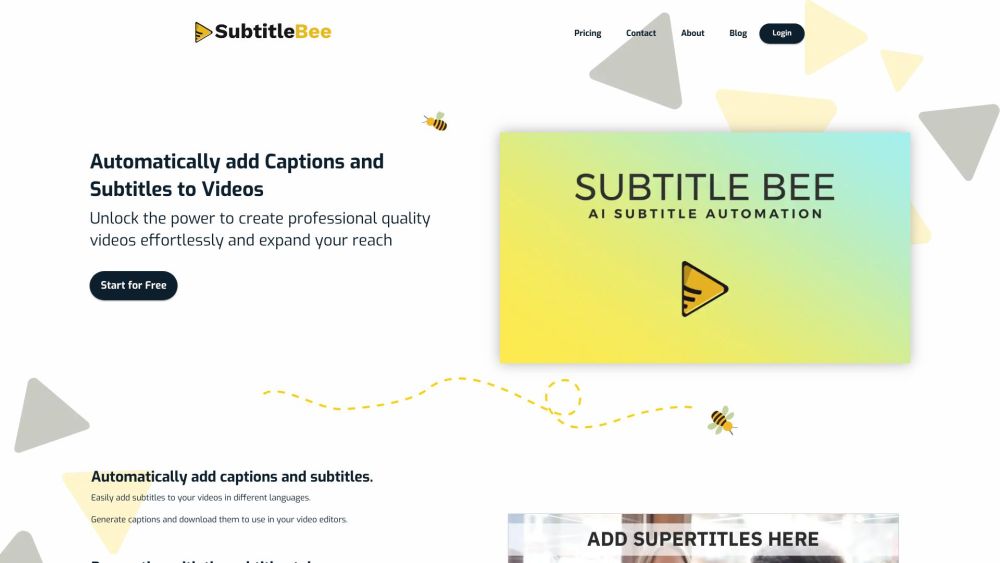


What is SubtitleBee?
SubtitleBee is an AI-powered platform designed to automatically add subtitles to videos with 95% accuracy. It allows users to generate burned-in subtitles or subtitle files, translate subtitles into over 120 languages, transcribe audio files, and add text overlays to videos. SubtitleBee supports various video formats and offers customization options for fonts, colors, and styles.
How to use SubtitleBee?
To use SubtitleBee, upload a video or paste a link, edit the autogenerated subtitles, and download the subtitled video with embedded subtitles or as separate subtitle files in .srt, .ass, .vtt, or .txt formats.
SubtitleBee's Core Features
AI Subtitle Generator
Subtitle Translator
Audio Transcription
Add Text to Video
Video Cropping
Video Compressor
Progress Bar Generator
SubtitleBee's Use Cases
Adding subtitles to videos for social media
Translating videos for a global audience
Transcribing audio files for podcasts
Creating accessible content for the deaf and hard of hearing
Enhancing video engagement with supertitles and progress bars
FAQ from SubtitleBee
How to add captions to a video?
Can we generate English Subtitles for free?
How do I embed subtitles into my video permanently (burned-in)?
How do I sync subtitles with my video?
SubtitleBee Support Email & Customer service contact & Refund contact etc.
More Contact, visit the contact us page(https://subtitlebee.com/contact)
SubtitleBee Company
More about SubtitleBee, Please visit the about us page(https://subtitlebee.com/about-us).
SubtitleBee Login
SubtitleBee Login Link: https://subtitlebee.com/login
SubtitleBee Pricing
SubtitleBee Pricing Link: https://subtitlebee.com/#pricing
SubtitleBee Facebook
SubtitleBee Facebook Link: https://www.facebook.com/subtitlebee/
SubtitleBee Youtube
SubtitleBee Youtube Link: https://youtube.com/channel/UCWpQd9X0WnLi_A7BIBDhZ9Q
SubtitleBee Twitter
SubtitleBee Twitter Link: https://twitter.com/subtitlebee
SubtitleBee Instagram
SubtitleBee Instagram Link: https://www.instagram.com/subtitlebee/
SubtitleBee Reviews (0)
SubtitleBee Pricing
Free
Free
1 video export per Month, 10 minutes / video
Starter
$19 / month or $199 / year
12 video exports per Month, 20 minutes / video
Premium
$49 / month or $519 / year
35 video exports per Month, 30 minutes / video
Business
$129 / month or $1359 / year
60 video exports per Month, 60 minutes / video
For the latest pricing, please visit this link: https://subtitlebee.com/#pricing
Analytic of SubtitleBee
SubtitleBee Website Traffic Analysis
Geography
Top 5 Regions


SubtitleBee Launch embeds
Use website badges to drive support from your community for your Toolify Launch. They're easy to embed on your homepage or footer.




Social Listening