


Image-to-Video Maker
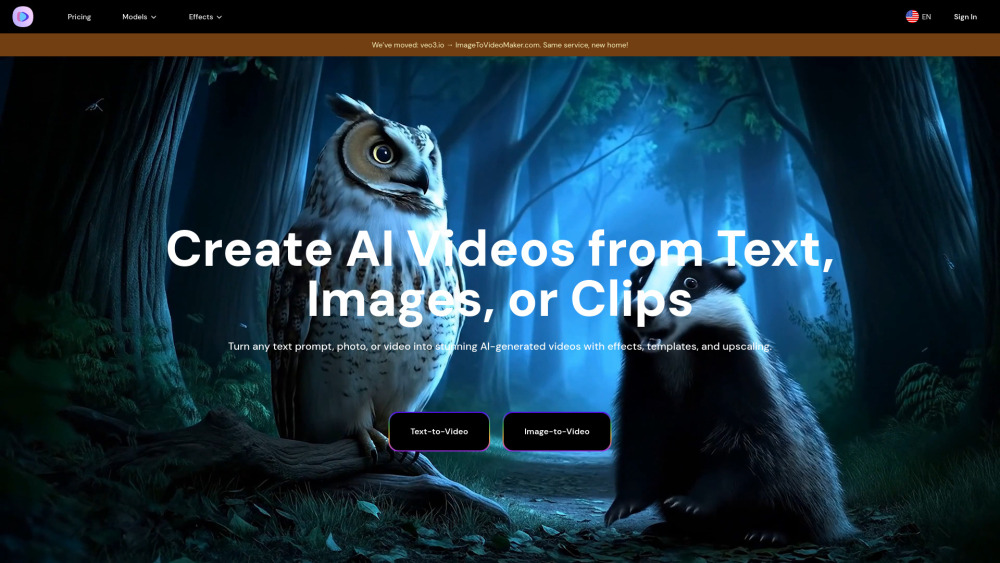


What is Image-to-Video Maker?
Image-to-Video Maker is an all-in-one AI video platform designed to simplify creative workflows. It allows users to generate AI videos from text, images, or video clips, add effects, templates, and upscale to 4K. The platform provides unlimited access to top-tier AI models like Veo 3, Kling 2.1, Hailuo 02, and Seedance, eliminating the need for multiple AI tools. It aims to provide professional-grade video generation with smooth transitions, finished in minutes, not hours, and requires no technical skills.
How to use Image-to-Video Maker?
To use Image-to-Video Maker, users need to subscribe to the service. After subscribing, they can select the desired AI model within the text-to-video or image-to-video feature to start generating content. Users can describe their idea in plain language for text-to-video, or animate photos for image-to-video, and the AI will draft a 4K video with dialogue, effects, and ambient sound.
Image-to-Video Maker's Core Features
Generate AI videos from text, images, or video clips
Access to premium AI models (Veo 3, Kling 2.1, Hailuo 02, Seedance)
4K AI video upscaling
AI video effects and templates
Prompt generator for optimized video results
No learning curve, simple upload and generate process
Fast video generation (finished in minutes)
AI Kiss, Hug, Heart Gesture, and Old Photo Animation Makers
Image-to-Video Maker's Use Cases
Film and advertising: Quickly generate high-resolution special effects shots or commercials at low cost.
Game development: Create in-game animations or promotional materials, supporting complex scenes and character motion consistency.
Social media: Produce sound-enhanced short videos for platforms like YouTube Shorts to boost content appeal.
Creating marketing content
Generating engaging social media content quickly
Personal use for animating photos (e.g., kissing, hugging, heart gestures, old photos)
FAQ from Image-to-Video Maker
What is Image-to-Video Maker?
What are the core technical advantages of Image-to-Video Maker?
How to access and use Image-to-Video Maker Video Generators?
What scenarios is Image-to-Video Maker suitable for?
How does Image-to-Video Maker ensure content safety?
What are the current technical limitations of Image-to-Video Maker?
What are Image-to-Video Maker's future development directions?
How to cancel a subscription?
How do I get my receipt?
Why Upgrade to Premium?
What is the Refund Policy?
Image-to-Video Maker Support Email & Customer service contact & Refund contact etc.
Here is the Image-to-Video Maker support email for customer service: [email protected] . More Contact, visit the contact us page(https://imagetovideomaker.com/contact)
Image-to-Video Maker Company
Image-to-Video Maker Company name: Image-to-Video Maker .
Image-to-Video Maker Company address: .
More about Image-to-Video Maker, Please visit the about us page().
Image-to-Video Maker Login
Image-to-Video Maker Login Link: https://imagetovideomaker.com/sign-in
Image-to-Video Maker Sign up
Image-to-Video Maker Pricing
Image-to-Video Maker Pricing Link: https://imagetovideomaker.com/pricing
Image-to-Video Maker Reviews (0)
Image-to-Video Maker Pricing
BASIC PLAN
$6.5 1st month / $12.99 per month after
All Free Plan features plus 10 credits per month, Download your generations for free
PREMIUM PLAN
$23.99/mo
All Basic Plan features plus 25 credits per month
ULTIMATE PLAN
$59.99/mo
All Premium features plus 70 credits per month
ULTIMATE PRO PLAN
$199/mo
All Ultimate features plus 230 credits per month
For the latest pricing, please visit this link: https://imagetovideomaker.com/pricing
Analytic of Image-to-Video Maker
Image-to-Video Maker Website Traffic Analysis
Geography
Top 5 Regions


Image-to-Video Maker Launch embeds
Use website badges to drive support from your community for your Toolify Launch. They're easy to embed on your homepage or footer.



Alternative of Image-to-Video Maker
 35.53%
Social Listening