


Supercut
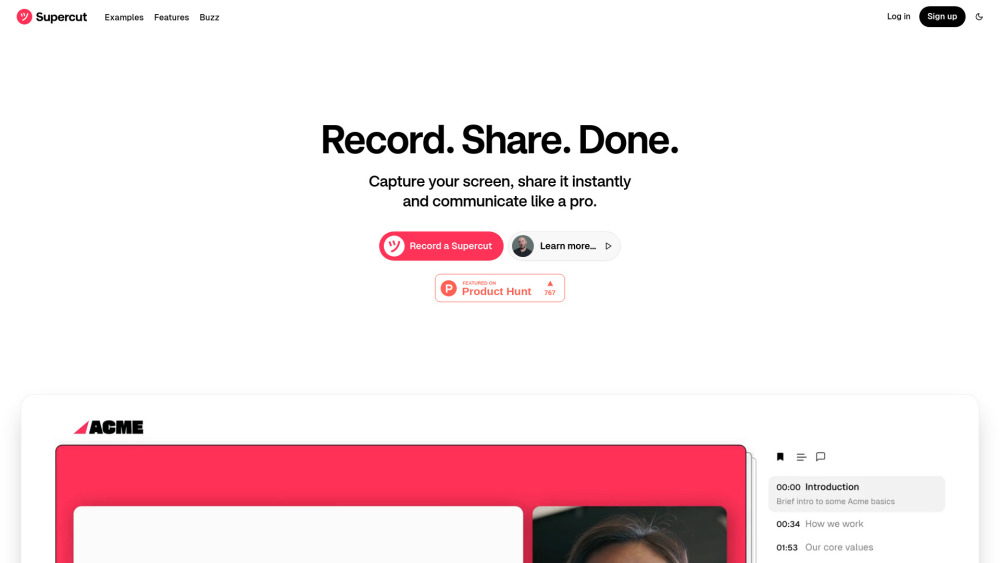





What is Supercut?
Supercut is a screen recording tool designed for busy teams that want to create professional-looking, branded screen recordings quickly and easily. It offers features like instant sharing, smart navigation with auto-chapters, and the ability to add call-to-actions (CTAs). Supercut aims to simplify the screen recording process and enhance the presentation of recorded content.
How to use Supercut?
Record your screen using the Supercut application or browser extension. The tool offers features like branded layouts, instant sharing via a link, and smart navigation with auto-generated chapters. You can also add CTAs and engage with viewers through comments and reactions.
Supercut's Core Features
Screen recording
Instant sharing
Branded layouts
Smart navigation with auto-chapters
Call-to-actions (CTAs)
Comment and reaction timeline
Team collaboration features
Supercut's Use Cases
Creating tutorials or demos
Sharing feedback on designs or projects
Onboarding new team members
Providing customer support
Internal team communication
FAQ from Supercut
Is Supercut available on Windows?
Is Supercut available on macOS?
What features does Supercut offer?
Does Supercut have AI features?
Supercut Support Email & Customer service contact & Refund contact etc.
Here is the Supercut support email for customer service: [email protected] . More Contact, visit the contact us page(mailto:[email protected])
Supercut Company
Supercut Company name: Float Labs Ltd .
More about Supercut, Please visit the about us page(https://supercut.video/team).
Supercut Login
Supercut Login Link: https://supercut.video/login
Supercut Sign up
Supercut Sign up Link: https://supercut.video/signup
Supercut Pricing
Supercut Pricing Link: https://supercut.video/pricing
Supercut Youtube
Supercut Youtube Link: https://www.youtube.com/@supercut_video
Supercut Twitter
Supercut Twitter Link: https://x.com/supercut_video
Supercut Reviews (0)
Analytic of Supercut
Supercut Website Traffic Analysis
Supercut Launch embeds
Use website badges to drive support from your community for your Toolify Launch. They're easy to embed on your homepage or footer.



Alternative of Supercut

 26.33%
Social Listening