


Rivit
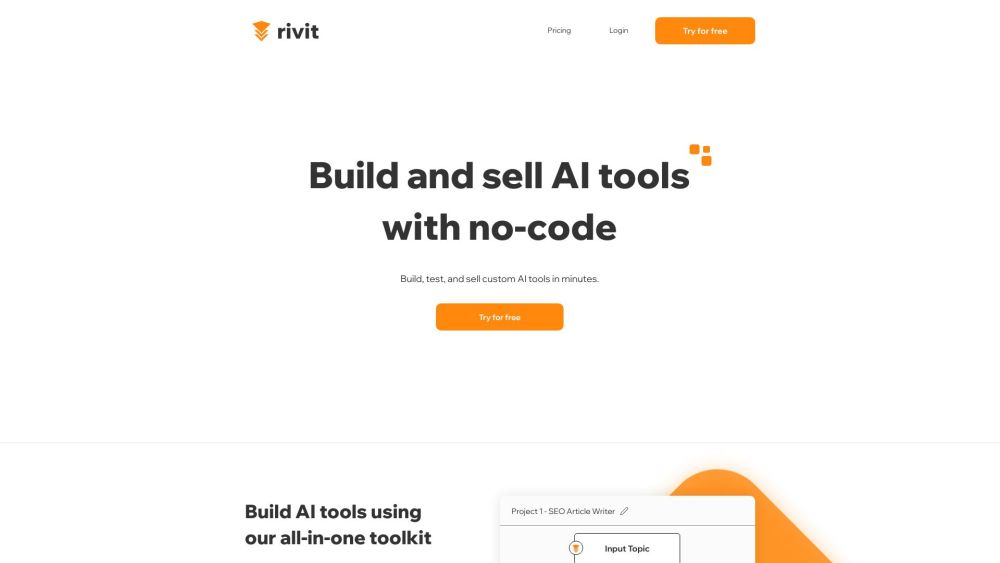




What is Rivit?
Rivit is an all-in-one AI tool-building platform that requires no code. It allows users to build, test, and launch AI tools using their favorite LLMs and integrations. Users can automate tasks, build internal AI apps, and charge subscriptions for their AI tools.
How to use Rivit?
Use the workflow builder to create custom AI tools in minutes. Test your prompts in the Rivit Playground. Share your AI application with your team or the public and sell subscriptions.
Rivit's Core Features
No-code AI tool building
Workflow builder
A/B testing with Rivit Playground
Subscription management for AI tools
Integration with various LLMs (GPT4, Hugging Face, Leonardo.ai, Eleven Labs)
Rivit's Use Cases
Auto-SDR: Send automatic, personalized outbound messages to get leads.
AI to Human Writer: Change AI-written content into human-sounding content.
Content Legal Review: Automatically review marketing content for legal issues.
Customer Service: AI agent responds to customer support tickets.
API Doc Generator: Generate API documentation from code.
Profile Picture Creator: Generate unique profile pictures with AI.
FAQ from Rivit
What can I build with Rivit?
Do I need to know how to code to use Rivit?
Can I sell my AI tools built with Rivit?
Rivit Support Email & Customer service contact & Refund contact etc.
Here is the Rivit support email for customer service: [email protected] .
Rivit Company
Rivit Company name: Rivit LLC .
More about Rivit, Please visit the about us page(https://www.rivit.ai/about-us).
Rivit Login
Rivit Login Link: https://app.rivit.ai/signin
Rivit Linkedin
Rivit Linkedin Link: https://www.linkedin.com/company/rivit-ai/
Rivit Reviews (0)
Analytic of Rivit
Rivit Website Traffic Analysis
Rivit Launch embeds
Use website badges to drive support from your community for your Toolify Launch. They're easy to embed on your homepage or footer.



Alternative of Rivit

 54.06%
 11.56% 47.86%
Social Listening